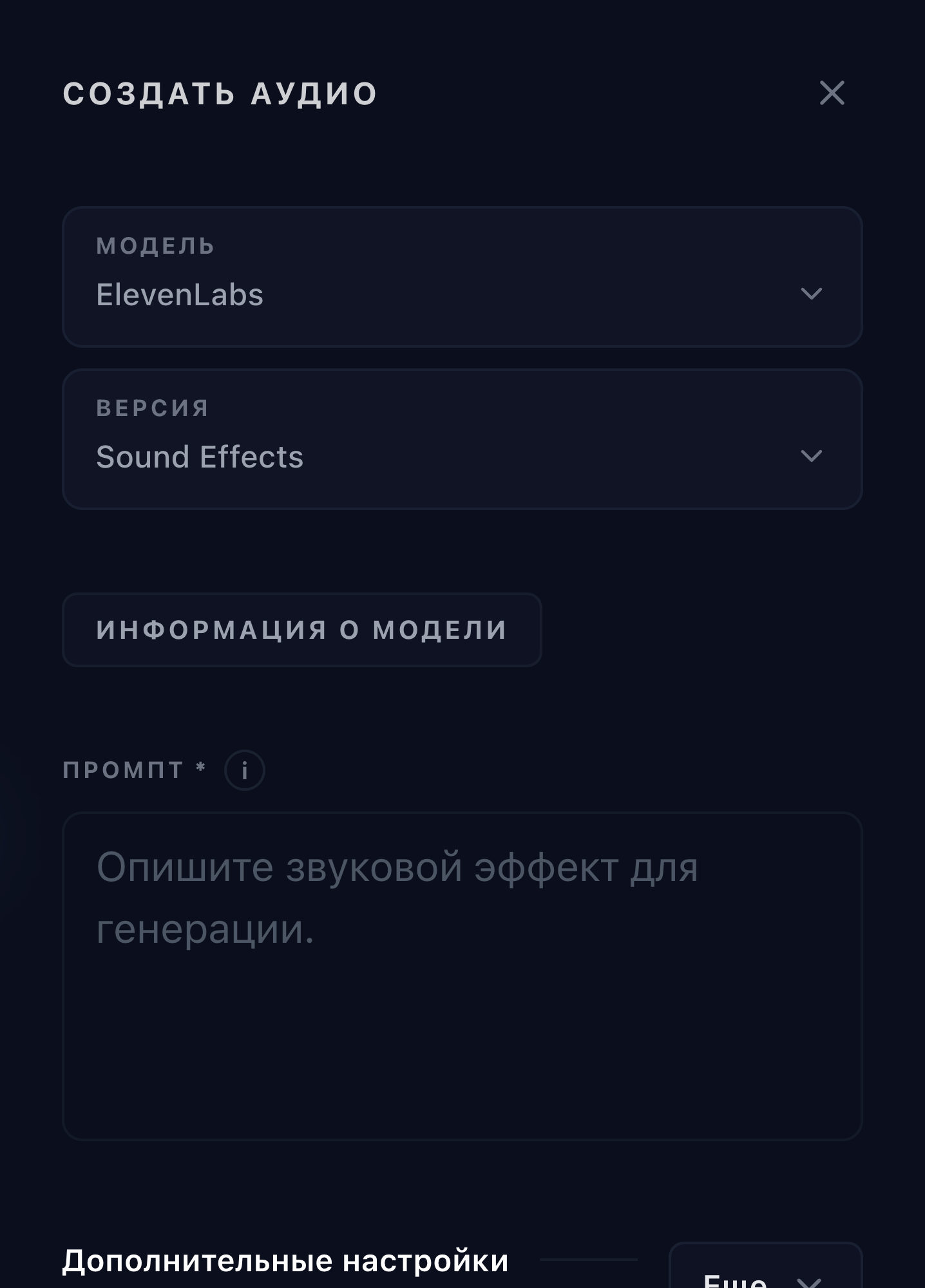
ElevenLabs Sound Effects
This version creates an MP3 sound effect from a text description. Automatic duration lets the model choose a suitable length; manual duration in Omnipix supports 0.5 to 30 seconds. Looping targets repeatable ambience, while prompt influence balances literal adherence against variation.
Properties
- Text-to-sound-effects generation with MP3 output.
- Automatic duration or an explicit 0.5–30 second duration.
- Optional seamless-loop mode and adjustable prompt influence.
Best for
- Sound design for video
- Game and interface effects
- Ambient and cinematic effects
Avoid for
- Speech generation
- Music generation
Tips
- Keep Auto duration enabled to choose timing automatically at a fixed generation cost.
- Disable Auto duration and set 0.5 to 30 seconds when exact timing matters.
How to use this model
- 1
Write a concrete acoustic description, including source, environment, texture, and event order.
- 2
Choose automatic duration or set a specific duration between 0.5 and 30 seconds.
- 3
Enable Loop only when the result should repeat as ambience or a texture.
- 4
Adjust prompt influence to trade literal adherence for creative variation.
- 5
Generate and audition the complete MP3, especially its start, end, and loop transition.
Examples
Parameters
Prompt
textDescribe the sound effect to generate.
Auto duration
auto_durationLet ElevenLabs choose the duration from the prompt.
Duration
duration_secondsDuration in seconds when Auto duration is off.
Loop
loopGenerate a sound effect that loops smoothly.
Prompt Influence
prompt_influenceControls how closely the sound follows the prompt.
Audio Format
output_formatmp3_44100_128