Omnipix
Create, edit, and enhance with AI
Create images from text, animate photos, generate video, upscale and restore media, make speech and sound, or build an avatar. Start with what you want to do and explore the tools and examples in Omnipix.
45 results
Image
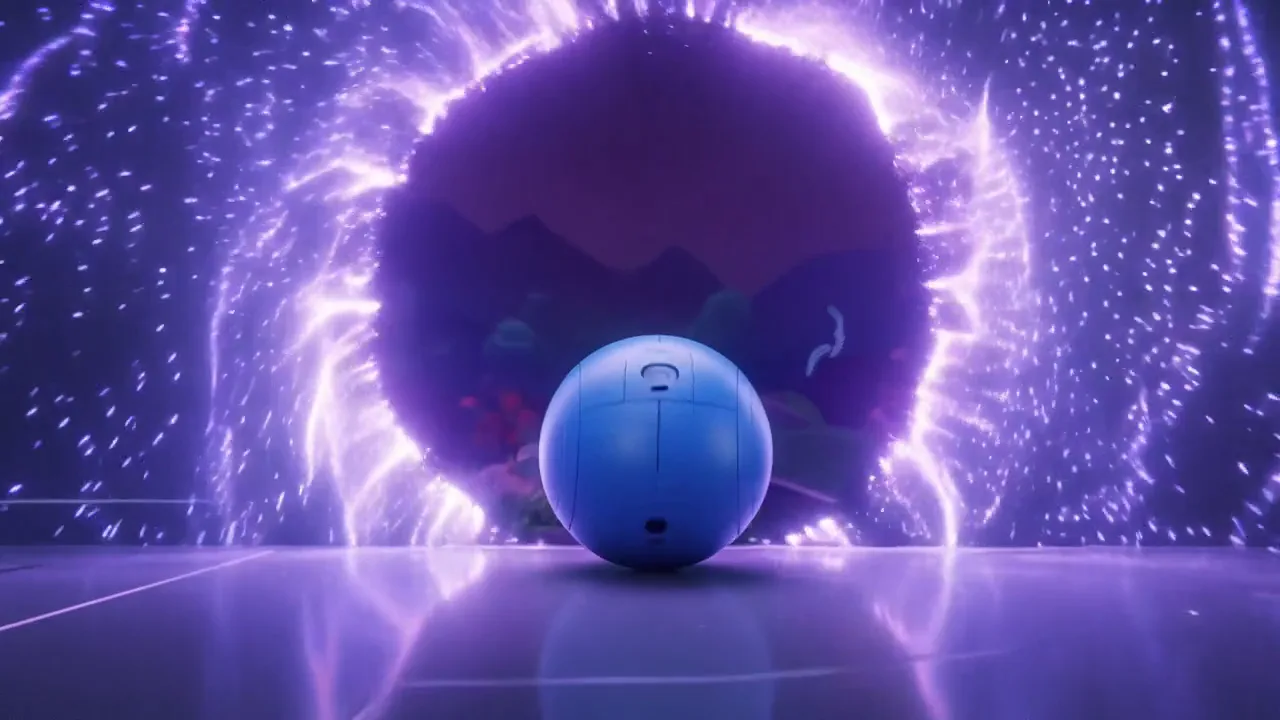
FLUX 3 Image
Create from text, edit with references, and arrange elements with bounding boxes.
Enhance
FLUX Tools
Specialized FLUX tools for image cleanup, outpainting, virtual try-on, deblurring, and video upscaling.
Image
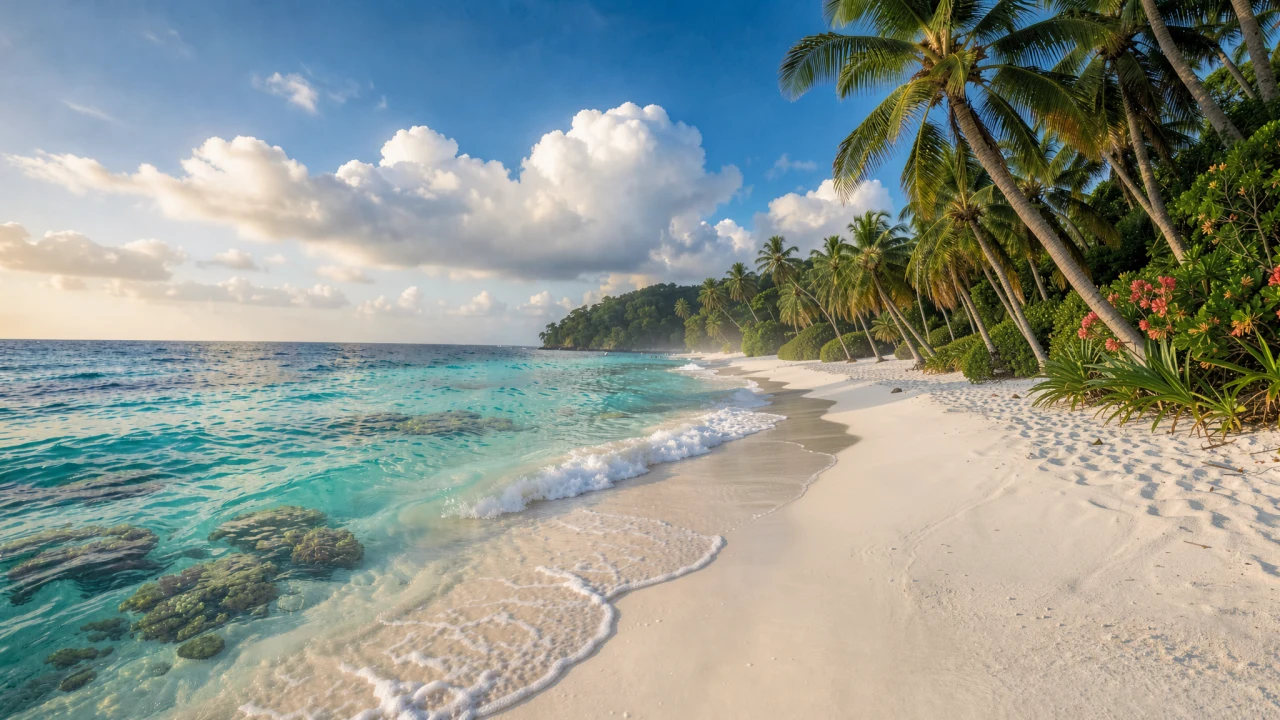
FLUX.2
FLUX.2 image generation and reference-guided editing, with variants tuned for speed, control, or final-asset quality.
Video
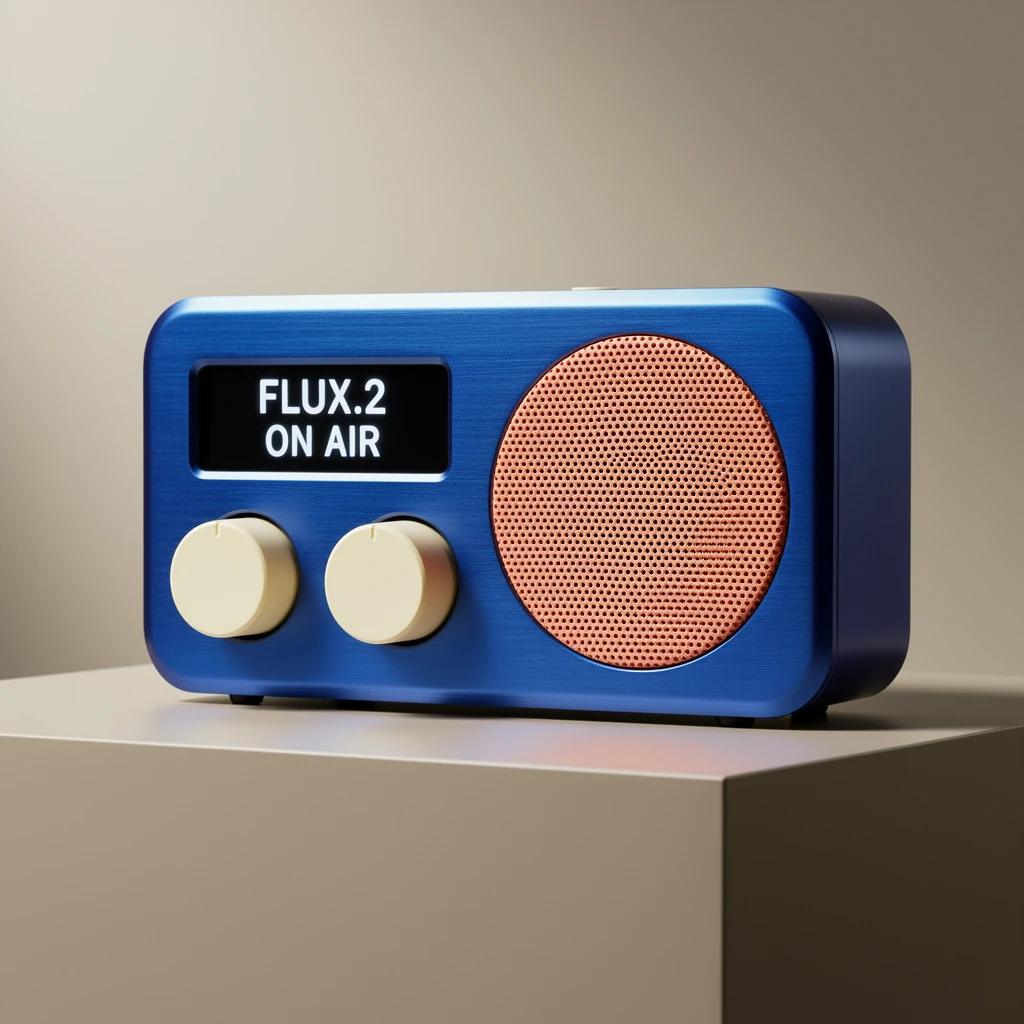
FLUX.3 Video
Create videos from text or keyframes, continue clips, enhance saved drafts, or edit existing footage with a prompt.
Video
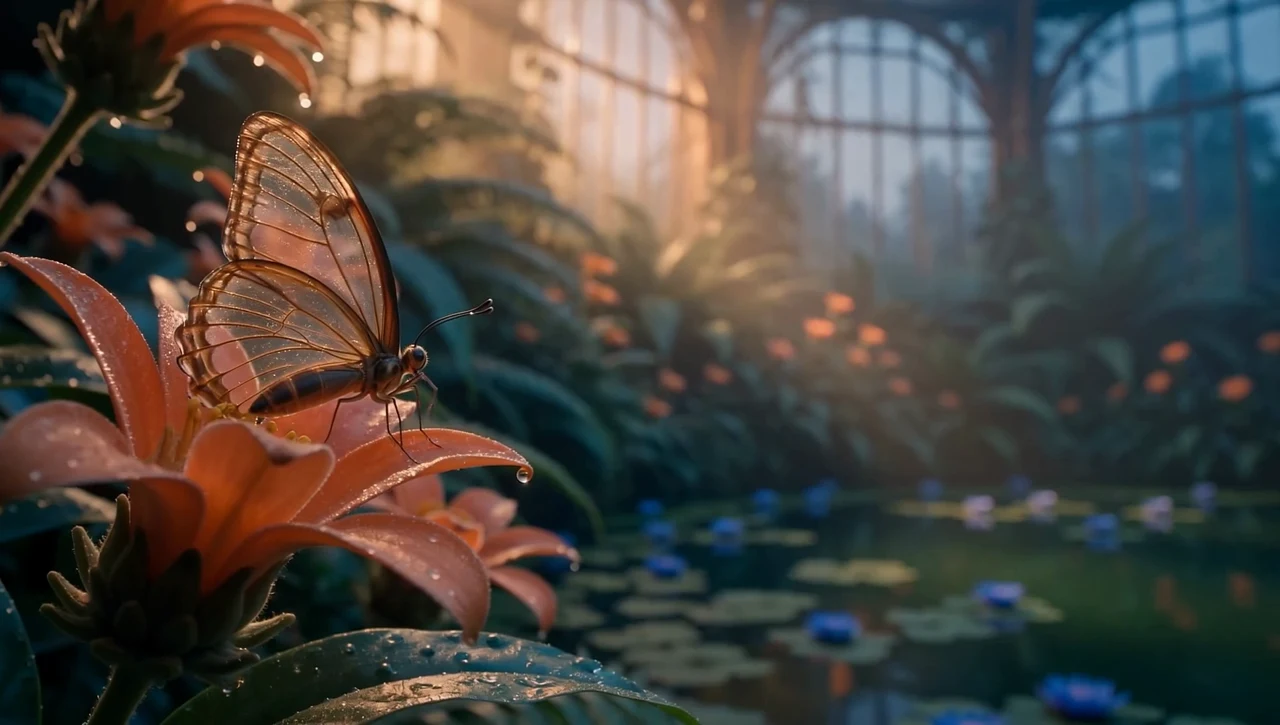
Seedance 1.5
Seedance 1.5 Pro jointly generates picture and sound from text or an opening image, with optional last-frame guidance.
Video
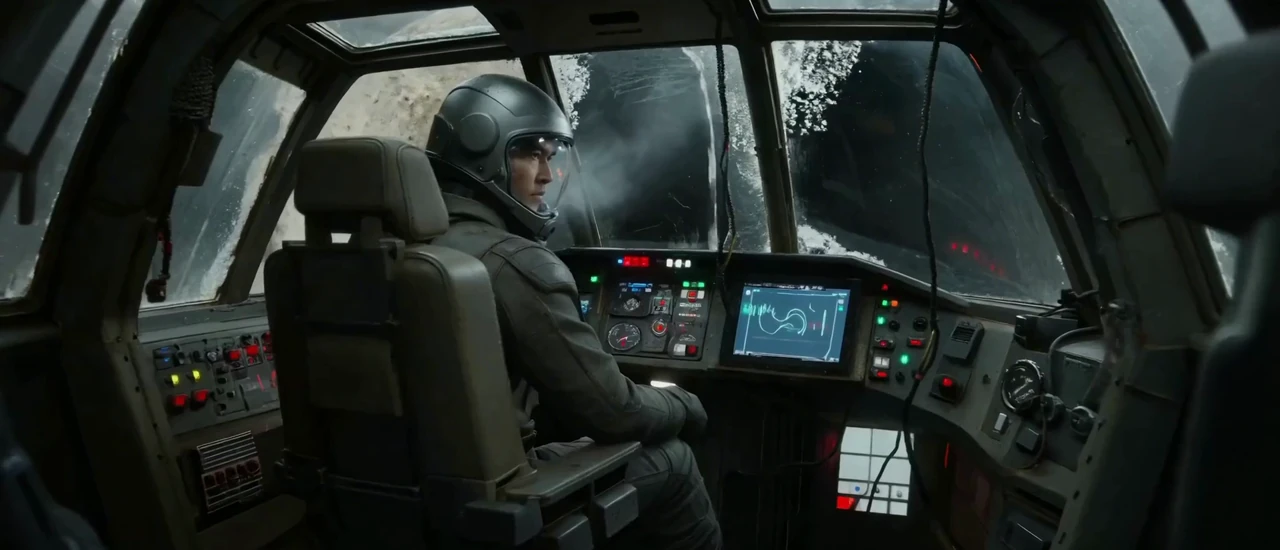
Seedance 2
Seedance 2.5 provides flagship video generation with native audio and multimodal guidance, while Seedance 2.0 offers Full, Fast, and Mini alternatives.
Image
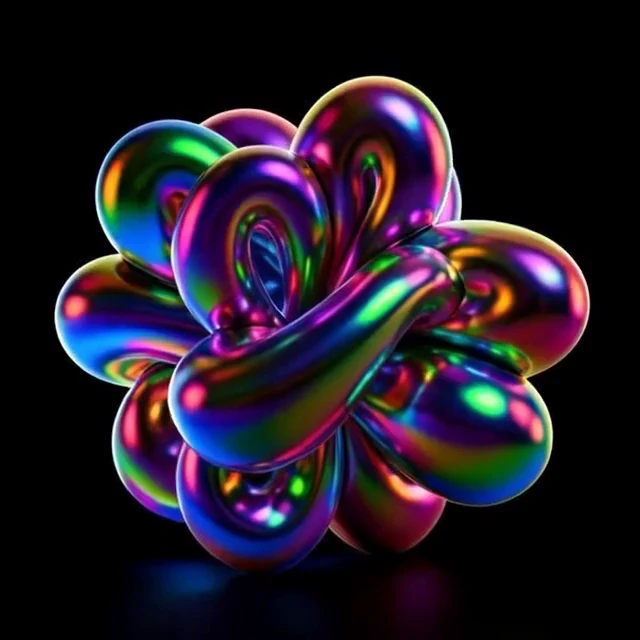
Seedream 4.5
Seedream 4.5 image generation and reference-guided editing with 2K or 4K output and strong multi-image consistency.
Image
Seedream 5
Seedream 5 image generation and reference-guided editing across Pro and Lite configurations.
Image
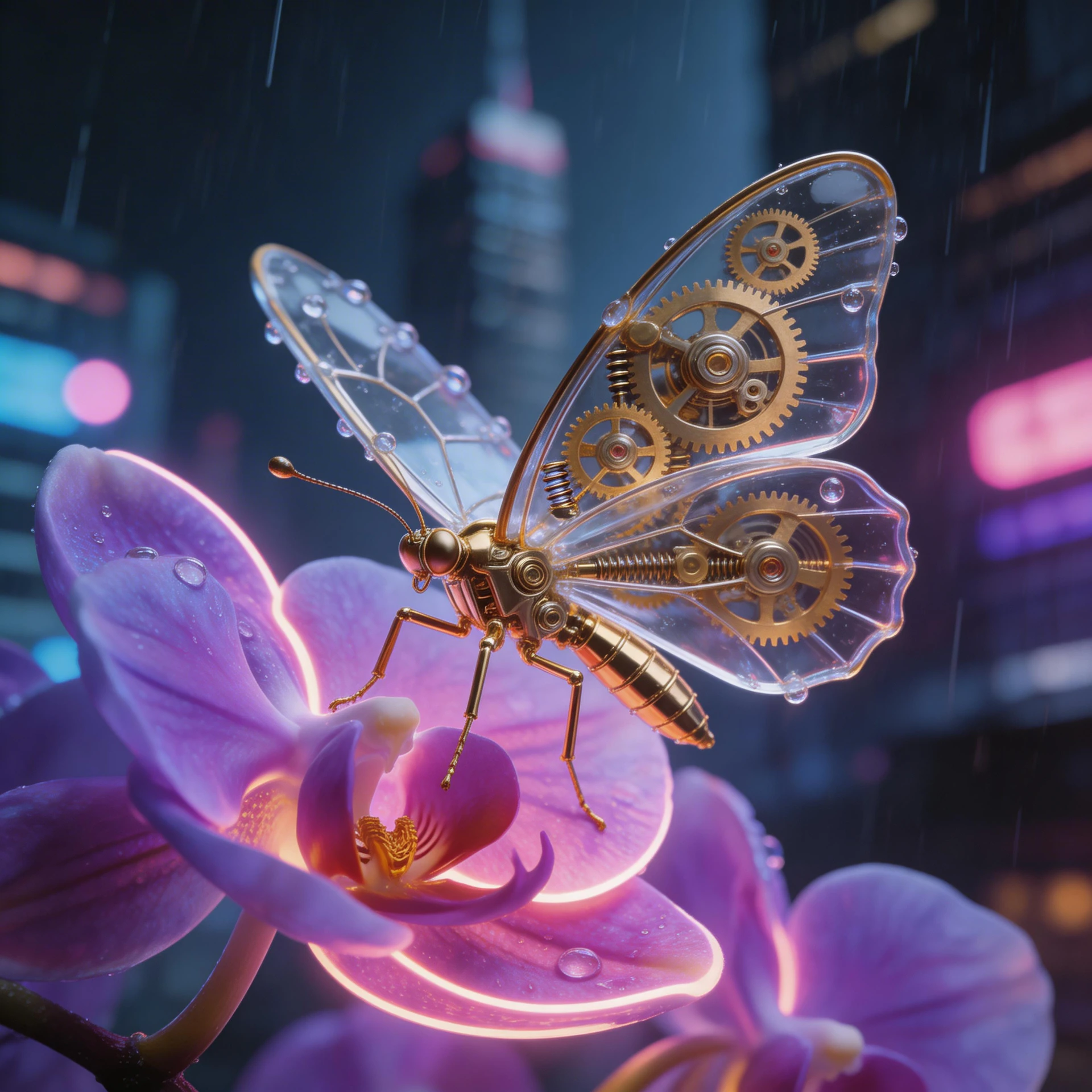
Gemini Image
Google's Nano Banana image models for prompt-driven creation, text rendering, and version-dependent reference editing.
Video
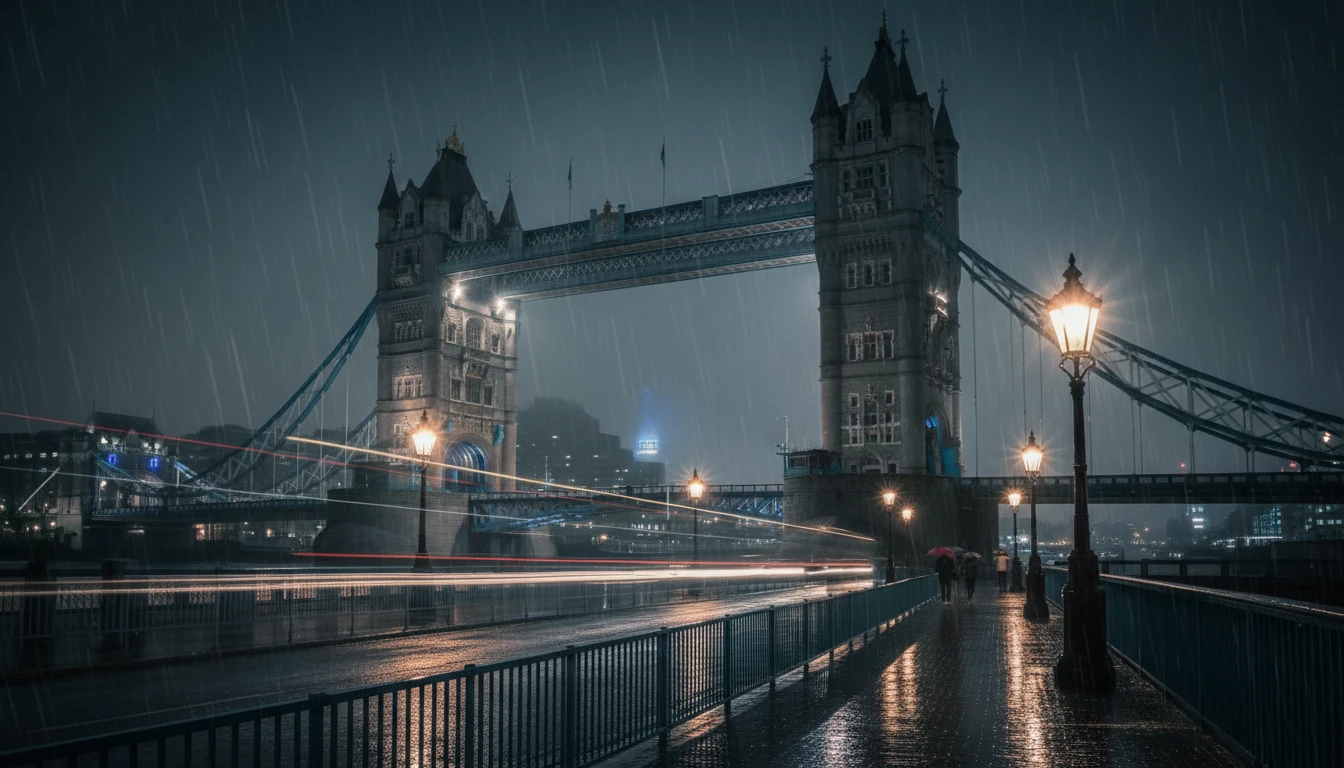
Gemini Omni Video
Gemini Omni 1.1 Flash creates and edits short 720p videos with native audio from text, images, and video context.
Video
Veo 3.1
Create video with native sound from text or an opening image. Standard and Fast also accept subject references.
Avatar
HeyGen Avatar Creation
Create a reusable HeyGen Photo Avatar from one authorized still image.
Audio
HeyGen Starfish TTS
Generate spoken audio from text with a saved Starfish-compatible HeyGen voice and adjustable delivery speed.
Video
HeyGen Video
HeyGen creates complete videos and talking avatars, translates footage, and synchronizes supplied audio with an existing speaker.
Video
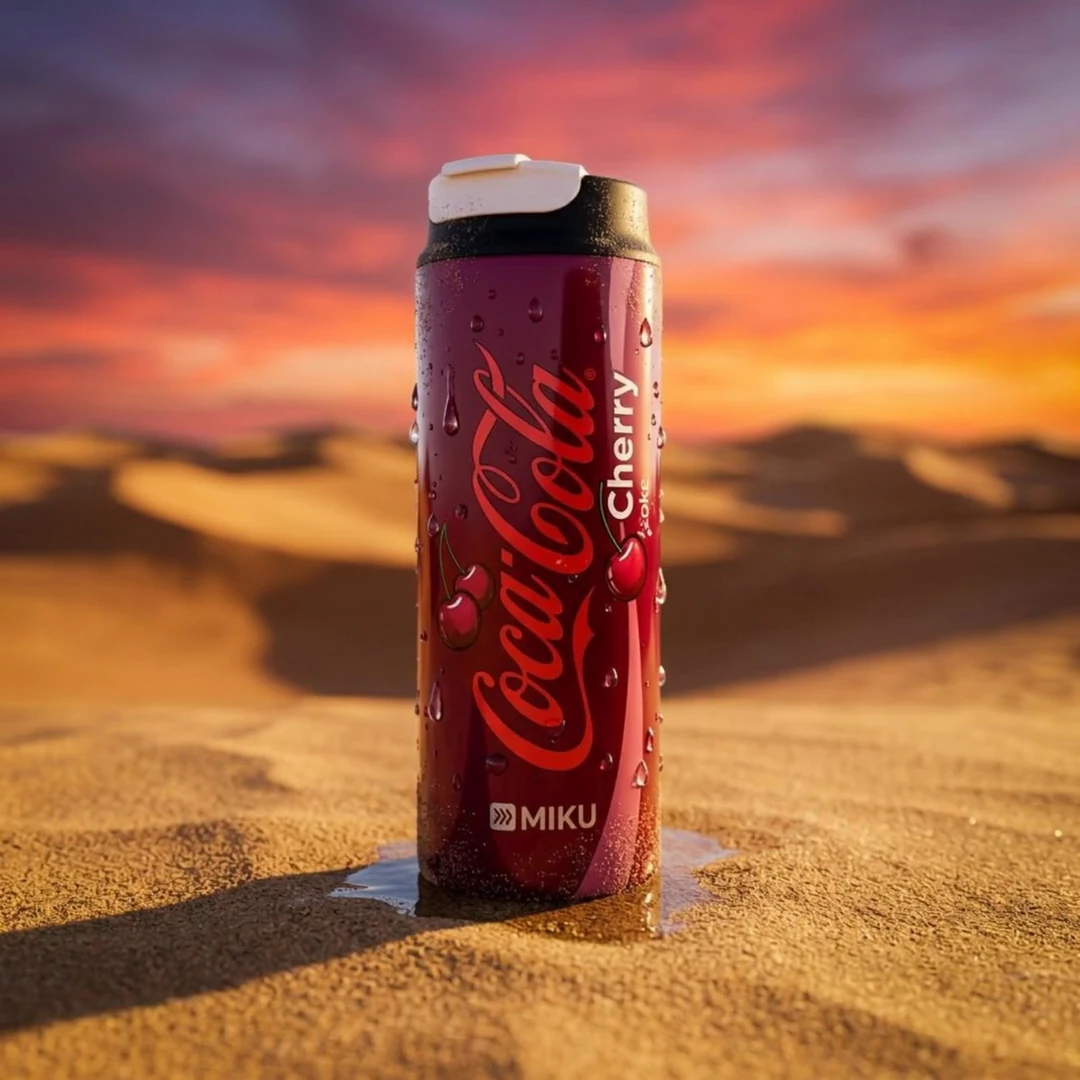
Kling 2.5 Turbo
Kling 2.5 Turbo provides text-to-video and image-to-video variants in Standard and Pro configurations.
Video
Kling Avatar v2
Kling Avatar v2 turns one portrait and a speech recording into a synchronized talking-avatar video.
Video
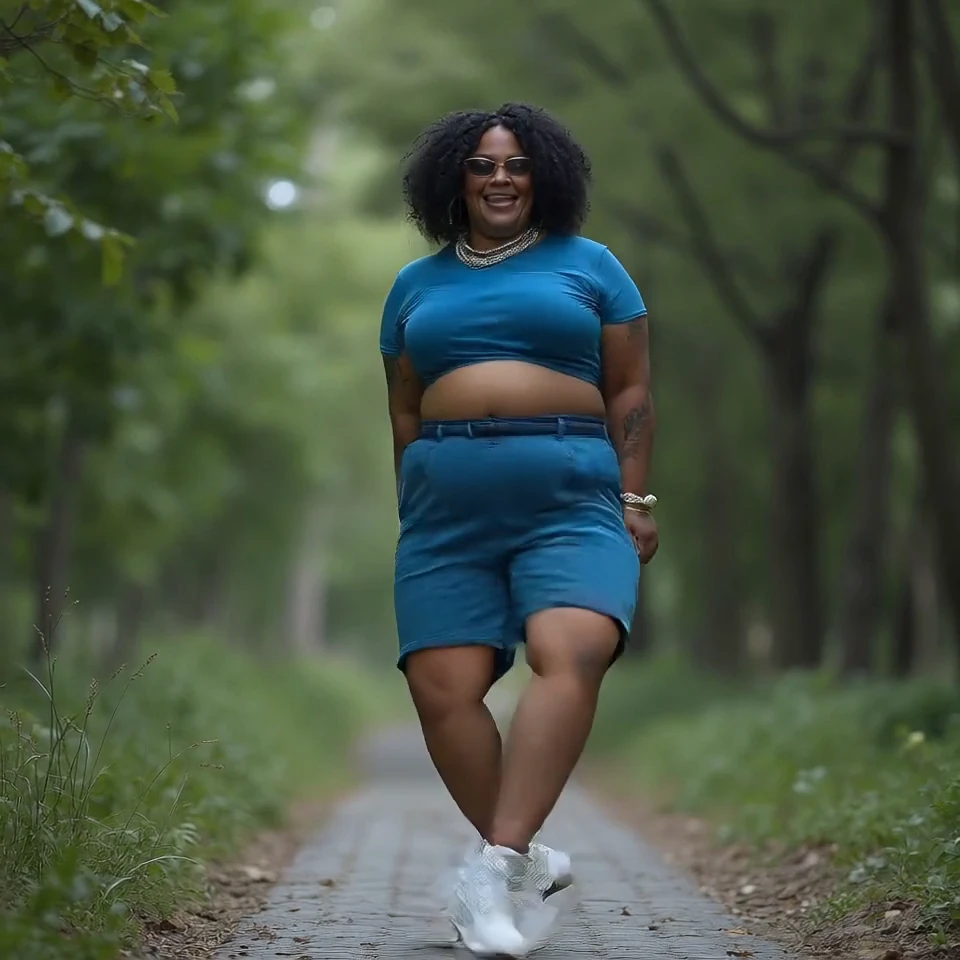
Kling Motion Control
Kling Motion Control transfers the movement from a reference video to the character or scene shown in a reference image.
Video
Kling O1
Kling O1 combines text, first and last frames, image references, video references, and natural-language video editing in one model.
Video
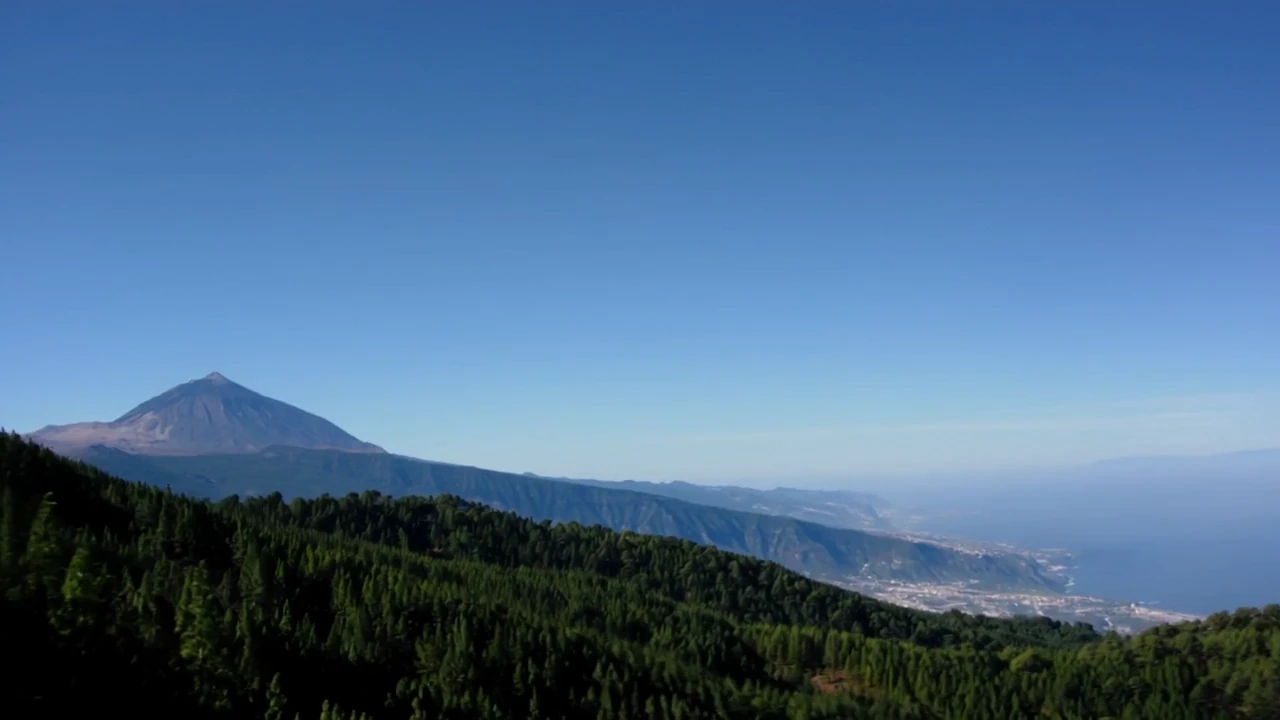
Kling Omni Video
Kling Video 3.0 Omni unifies text, image, reference, and video-editing workflows with optional native audio and multi-shot prompting.
Video
Hailuo Video
MiniMax Hailuo generates video from text, a first frame, or first and last frames, with Standard and Fast model variants.
Video
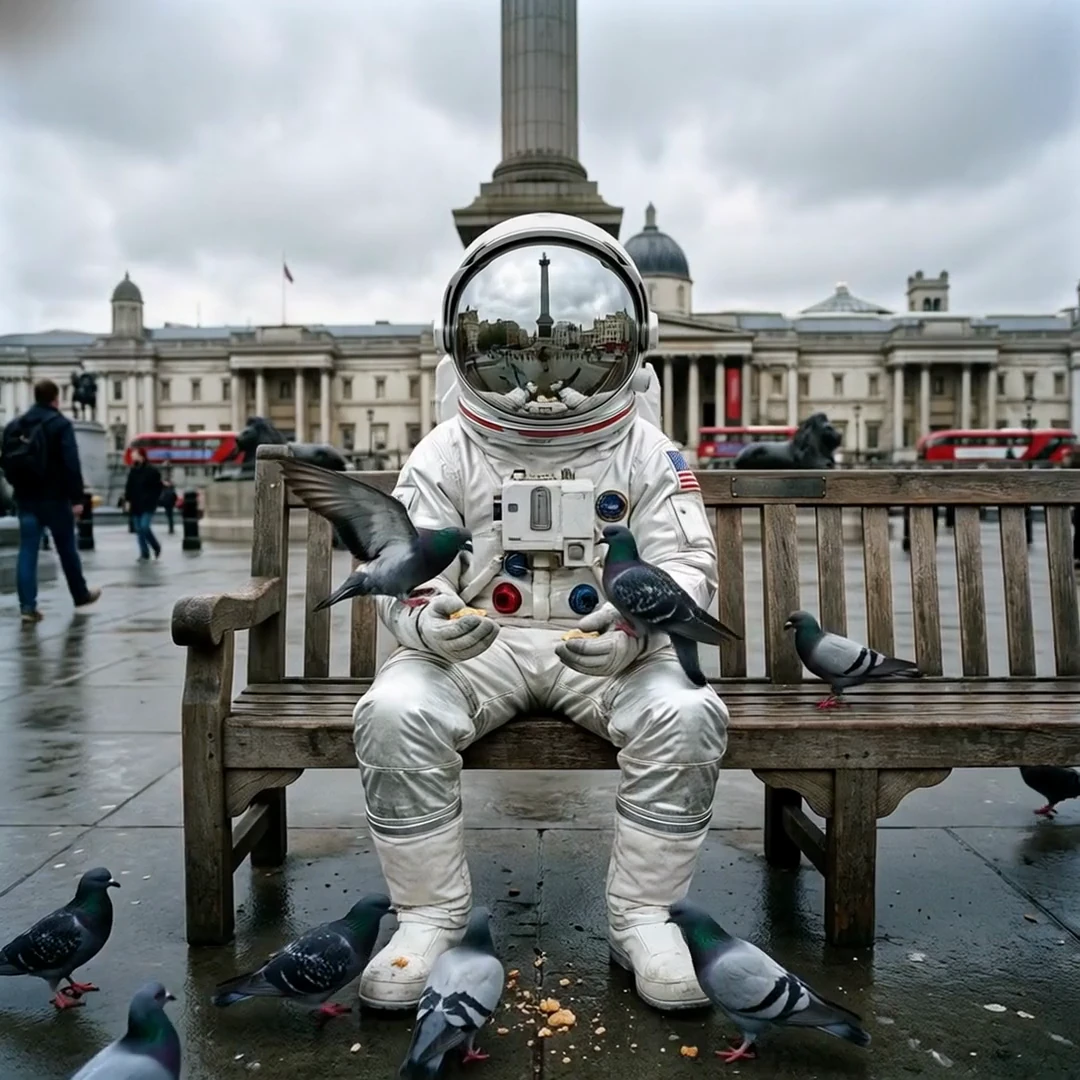
MiniMax H3
MiniMax H3 generates 4–15 second video from text, first or last frames, and image, video, or audio references at up to 2K.
Audio
MiniMax Speech
Generate multilingual speech with a preset or compatible cloned MiniMax voice and detailed delivery controls.
Audio
MiniMax Voice Cloning
Create a reusable MiniMax voice ID from an authorized reference recording for compatible speech generation.

Enhance
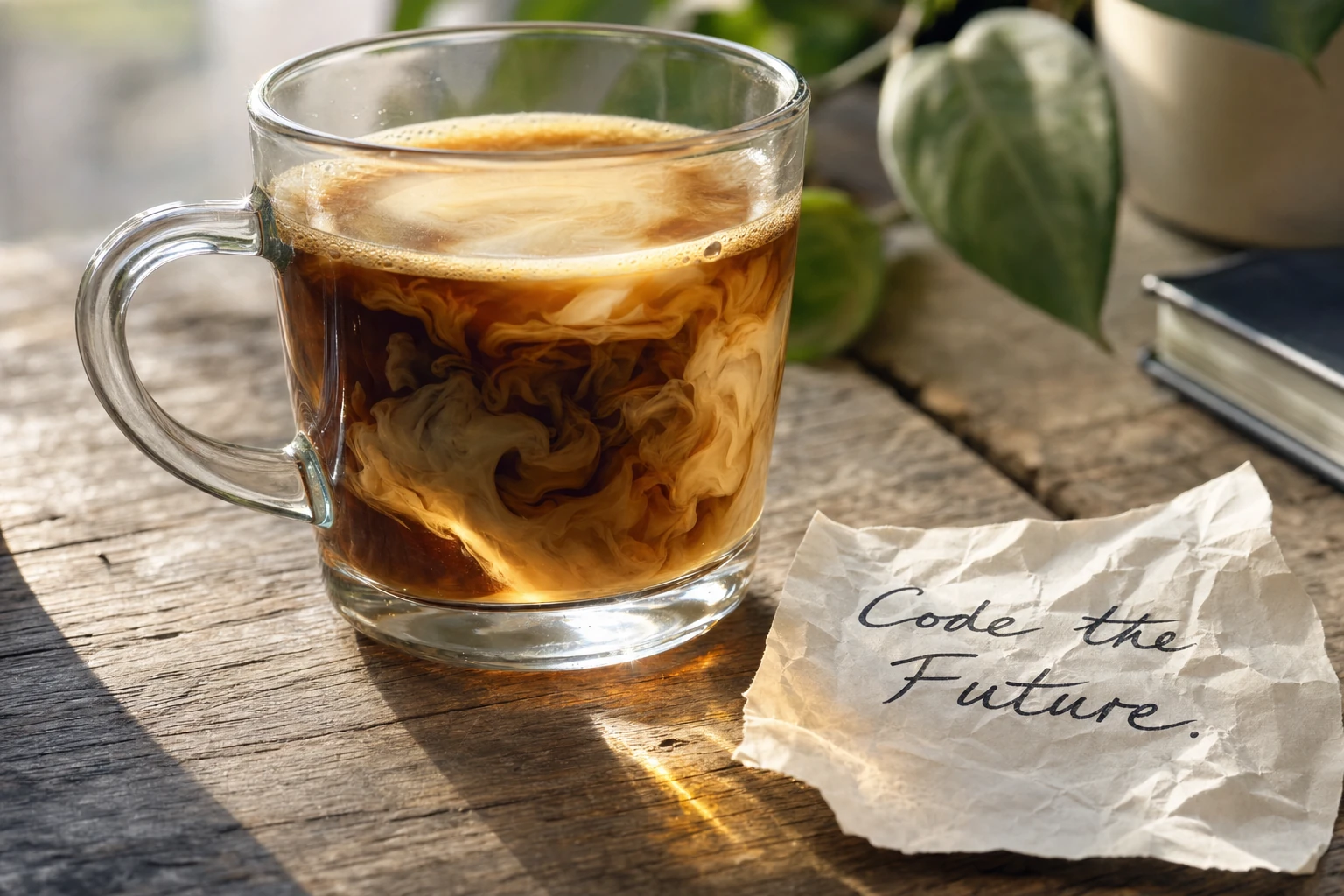
Topaz Color and Lighting
Topaz models for exposure recovery, white-balance correction, and context-aware colorization of monochrome images.
Enhance
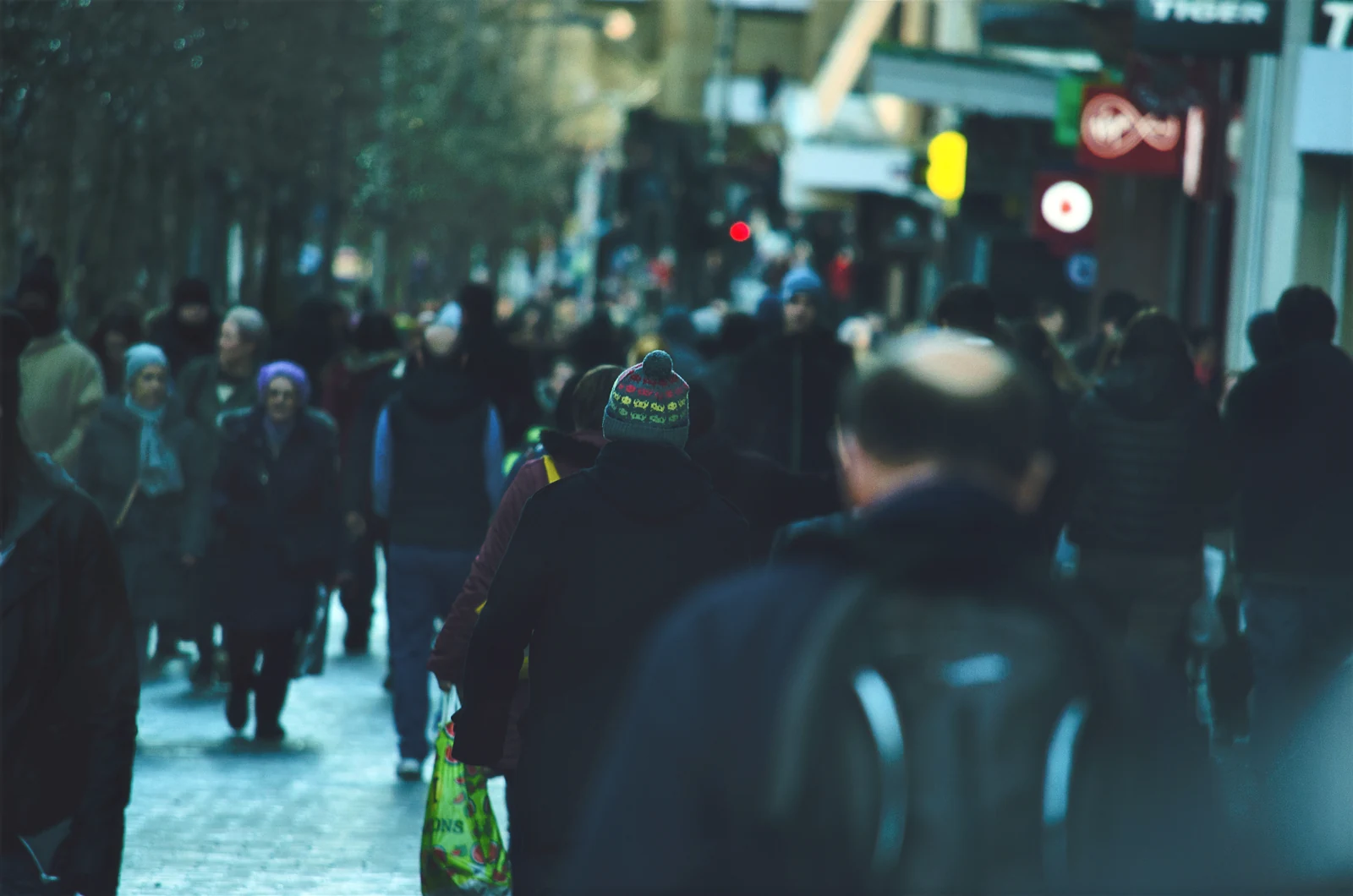
Topaz Frame Interpolation
Topaz Frame Interpolation synthesizes intermediate frames to change frame rate or create slow motion with Aion, Apollo, and Chronos.
Enhance
Topaz Image Cleanup
Topaz cleanup workflows for background isolation, archival dust and scratch repair, and object-aware reconstruction.
Enhance
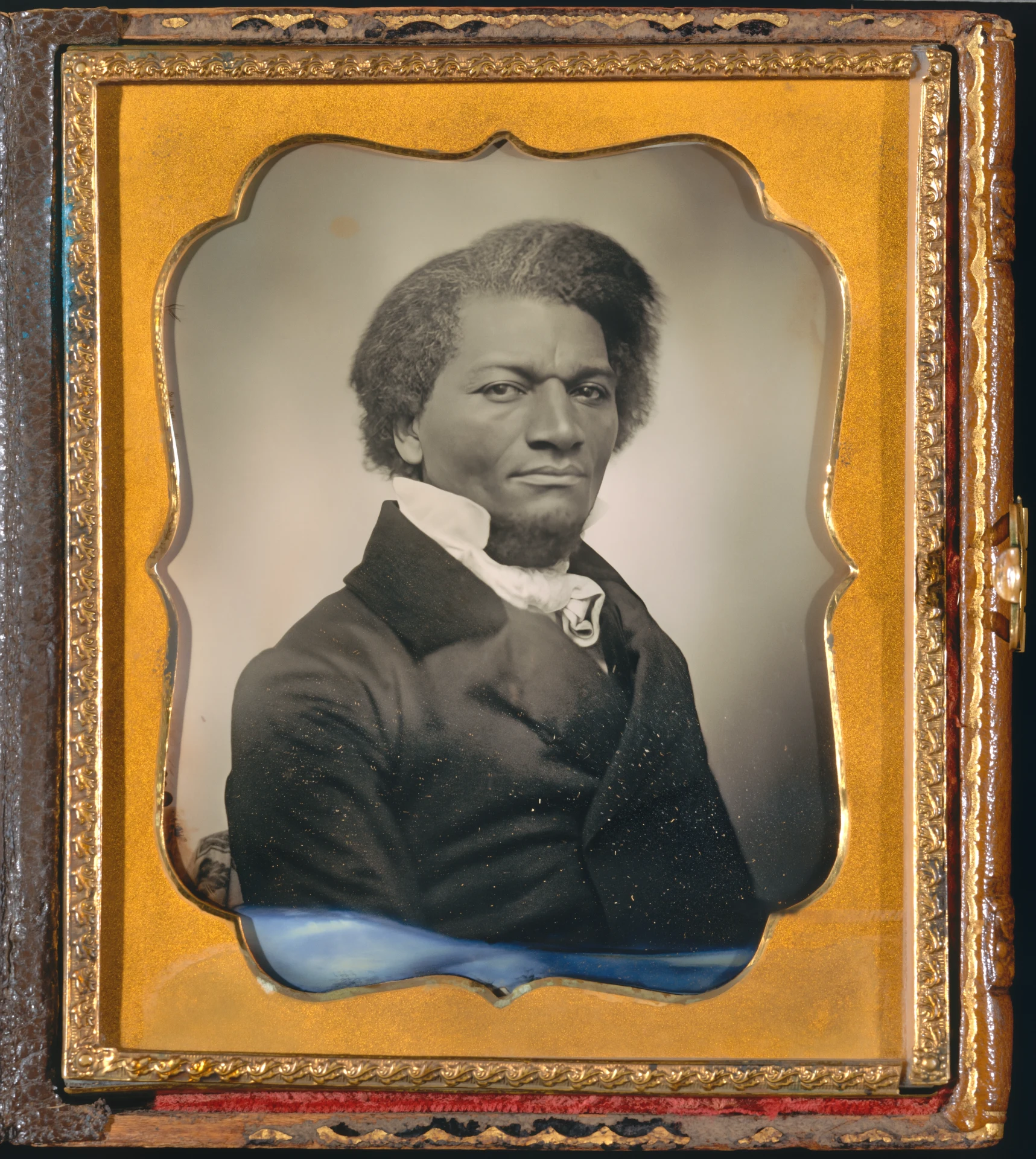
Topaz Image Denoise
Topaz denoising from everyday low-light cleanup to severe noise removal and generative detail recovery.
Enhance
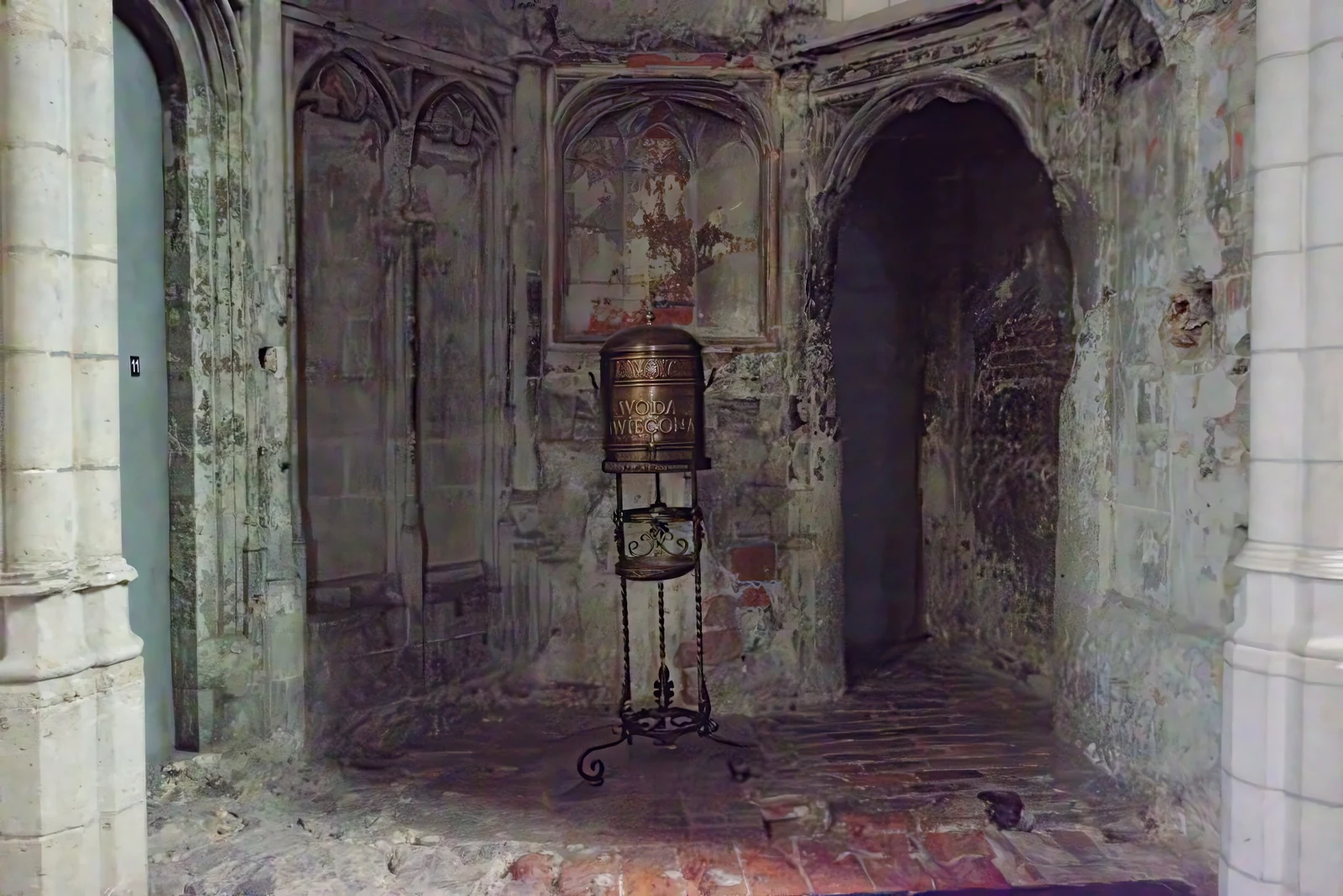
Topaz Image Sharpen
Topaz sharpening models for lens blur, motion blur, portraits, wildlife, natural texture, and severe focus recovery.
Enhance
Topaz Image Upscale
Topaz upscaling models specialized for photos, low-resolution sources, CGI, text, transparency, faces, and generative reconstruction.
Enhance
Topaz Video Denoise
Topaz Nyx models reduce sensor noise and grain, from fast previews and strong cleanup to fidelity-preserving denoise-only processing.
Enhance
Topaz Video Upscale
Topaz Video Upscale groups restoration, deinterlacing, face recovery, general enhancement, and diffusion-based models for different source defects.
Enhance
Topaz Video Utilities
Topaz Video Utilities covers three separate operations: SDR-to-HDR conversion, motion deblur, and black-and-white video colorization.
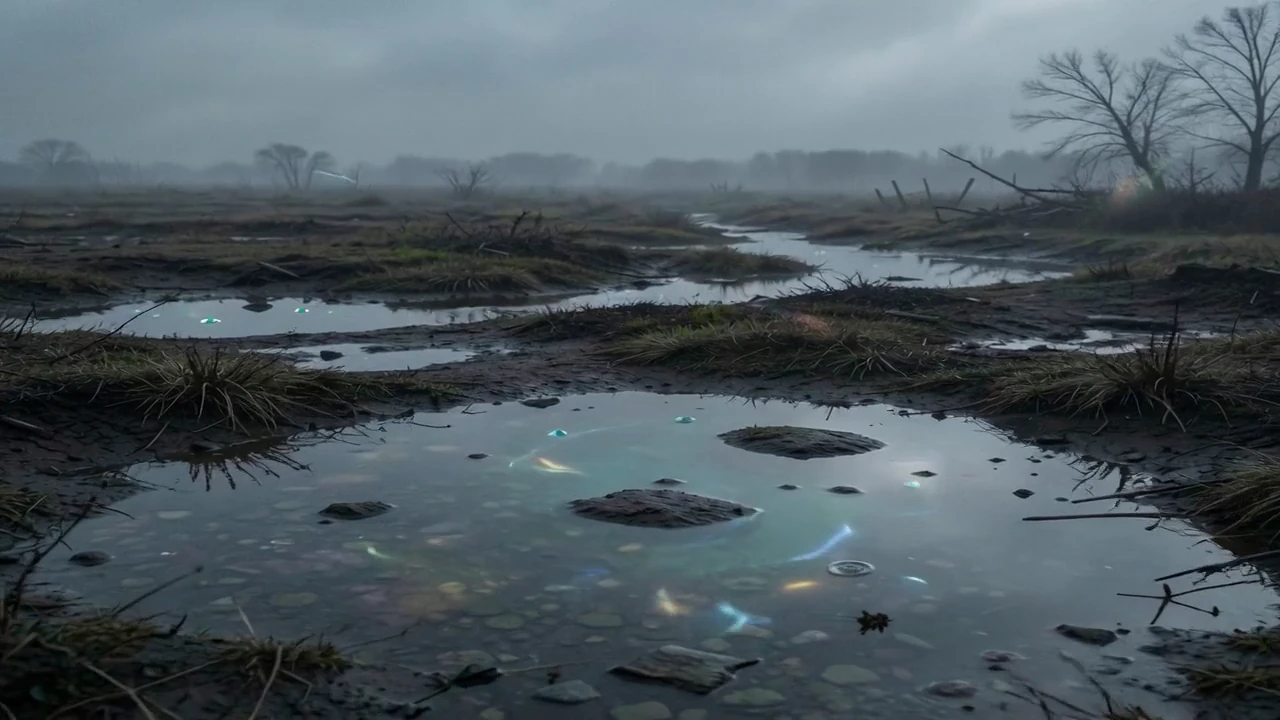
Create and edit images with AI
Turn an idea into a product visual, illustration, or social post. Describe a new image or bring your own references to guide the result.
Generate an image from text
Describe the subject, style, and composition, then explore different versions of your idea.
Edit a photo or replace part of an image
Use reference images or a mask to change a background, replace an object, or refine a detail with a model that supports those inputs.
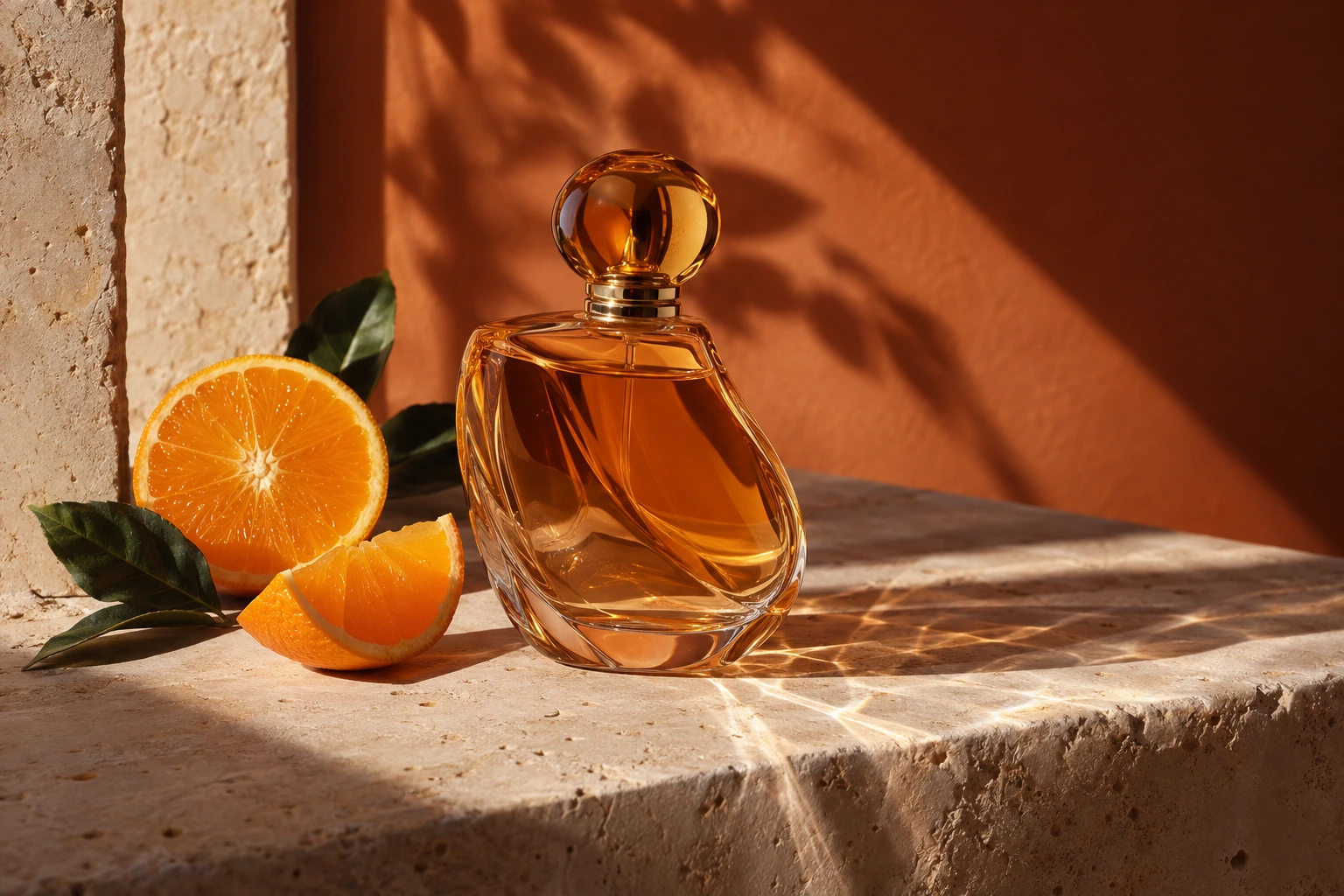
Generate video from text or images
Create a moving scene from a description, animate a still image, or use references to guide a video. Compare examples to find the look and motion you need.
Turn a prompt into a video
Describe the action, setting, and camera movement. Models with native audio can also generate sound with the scene.
Animate a photo
Start with a portrait, product shot, or illustration and describe how the subject and camera should move.
Turn text into speech and create sound
Make a voiceover for a video, narrate a story, or create sound effects. Choose a voice and delivery that fit your project.
Generate speech or clone a voice
Use a ready-made voice, or create a reusable voice from a recording you have permission to use for compatible speech models.
Generate sound effects
Describe an individual sound or background atmosphere to accompany your scene.
Upscale and enhance photos and video
Work with media you already have. Choose tools for increasing resolution, reducing noise and blur, restoring old material, or correcting color.
Upscale and restore a photo
Enlarge a small image, sharpen a soft photo, or restore a scan. The before-and-after example shows an actual upscale result.
Improve video quality
Upscale footage, reduce grain, or create smoother motion with frame interpolation. Match the tool to the problem in your source video.
Create an AI avatar
Build a reusable character or presenter for your content. Explore avatar creation and the compatible tools for making videos with that avatar.
Create an avatar from a photo
Start with a portrait you have permission to use and create an avatar for future projects.
Make a video with your avatar
Use compatible avatar-video tools to turn a script or speech recording into a presentation with a talking character.