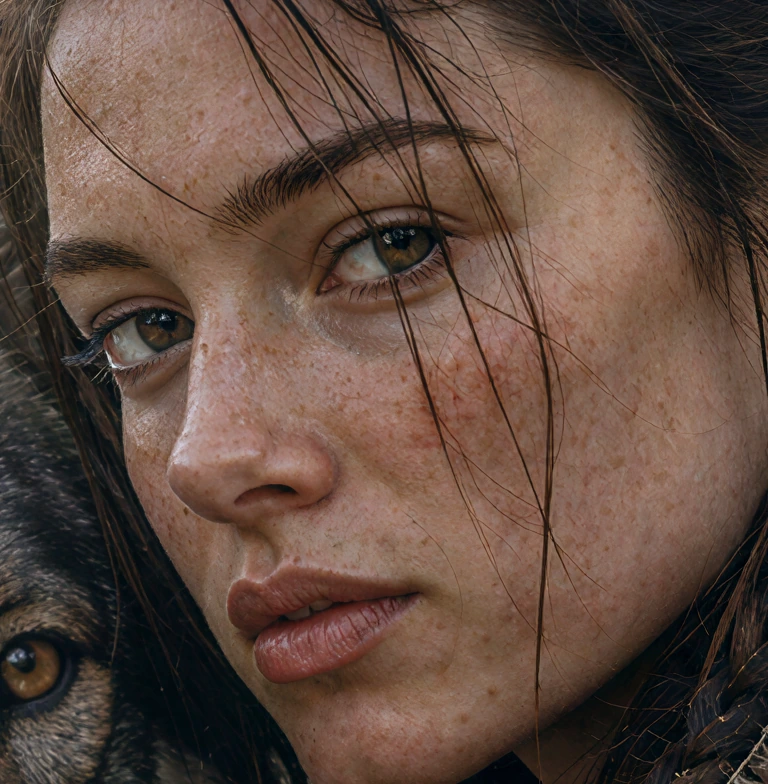
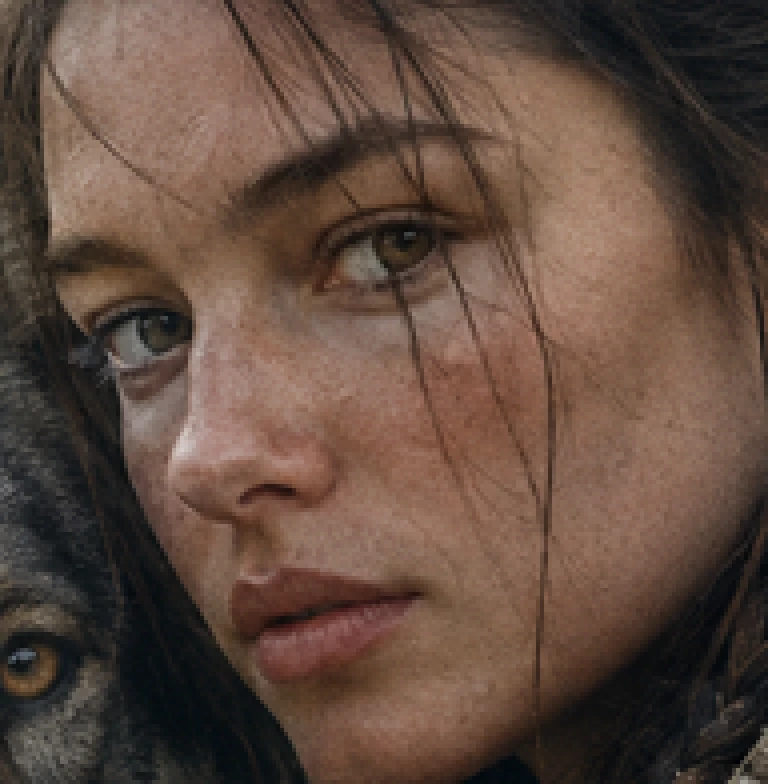
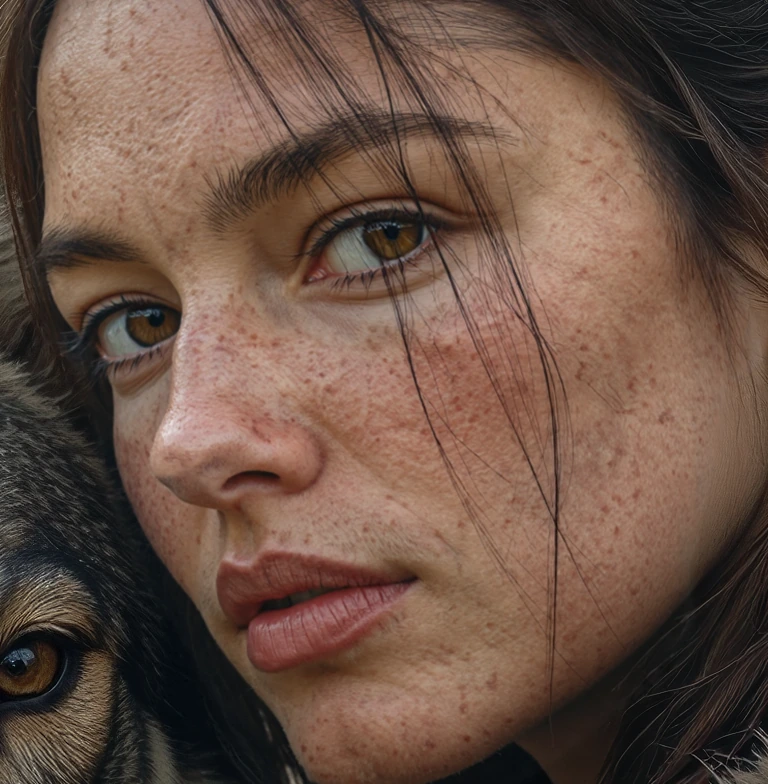
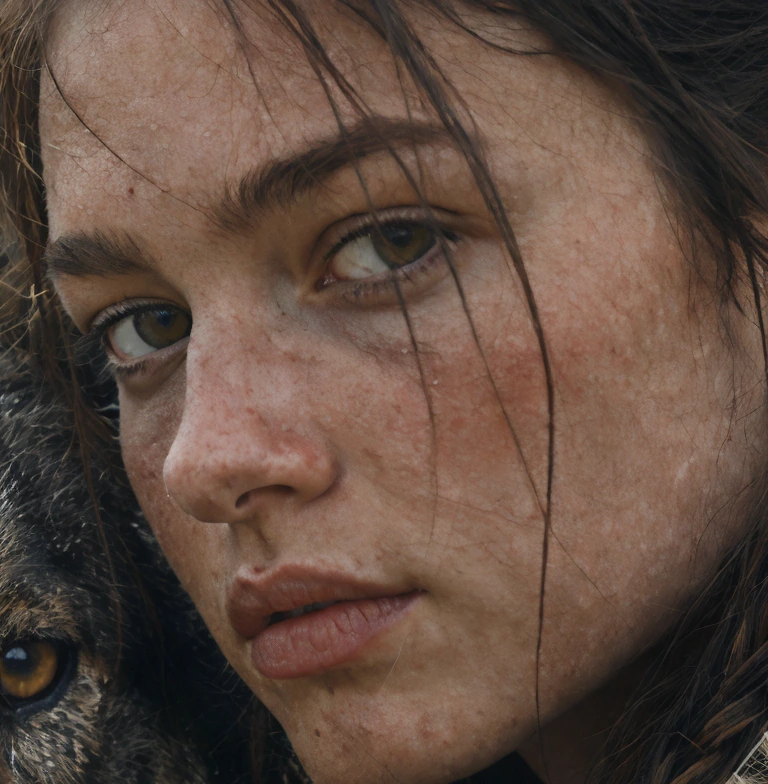
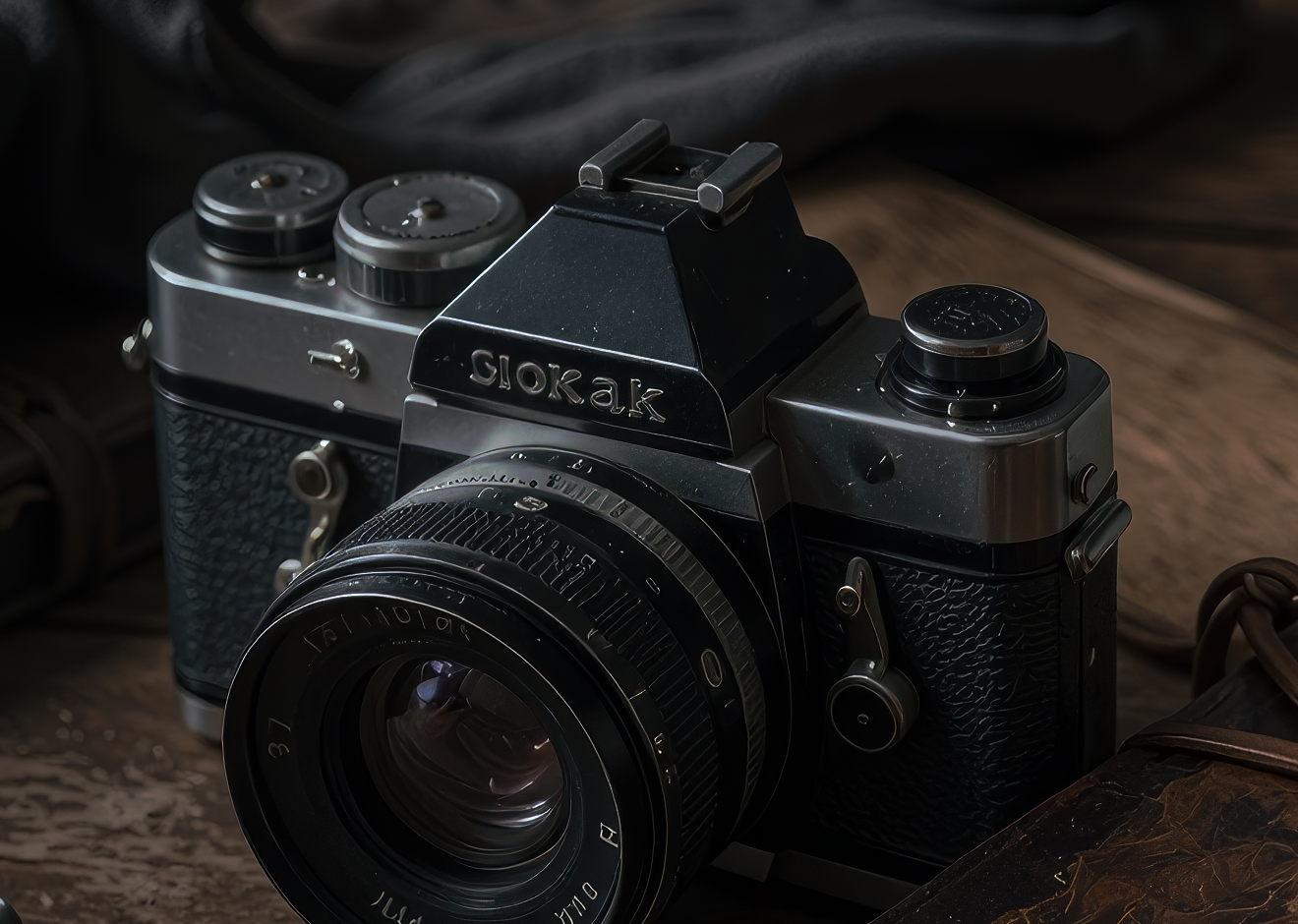
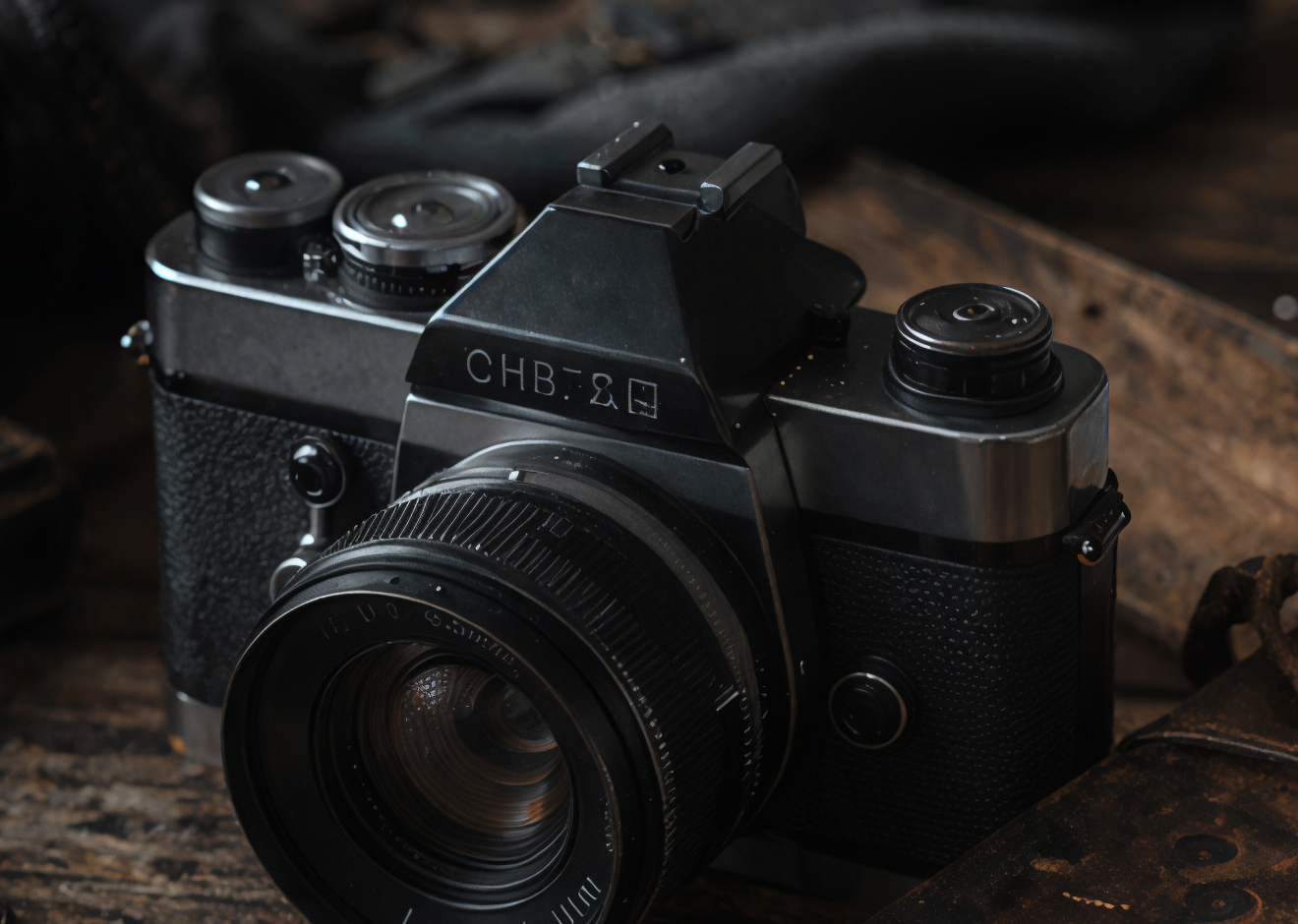
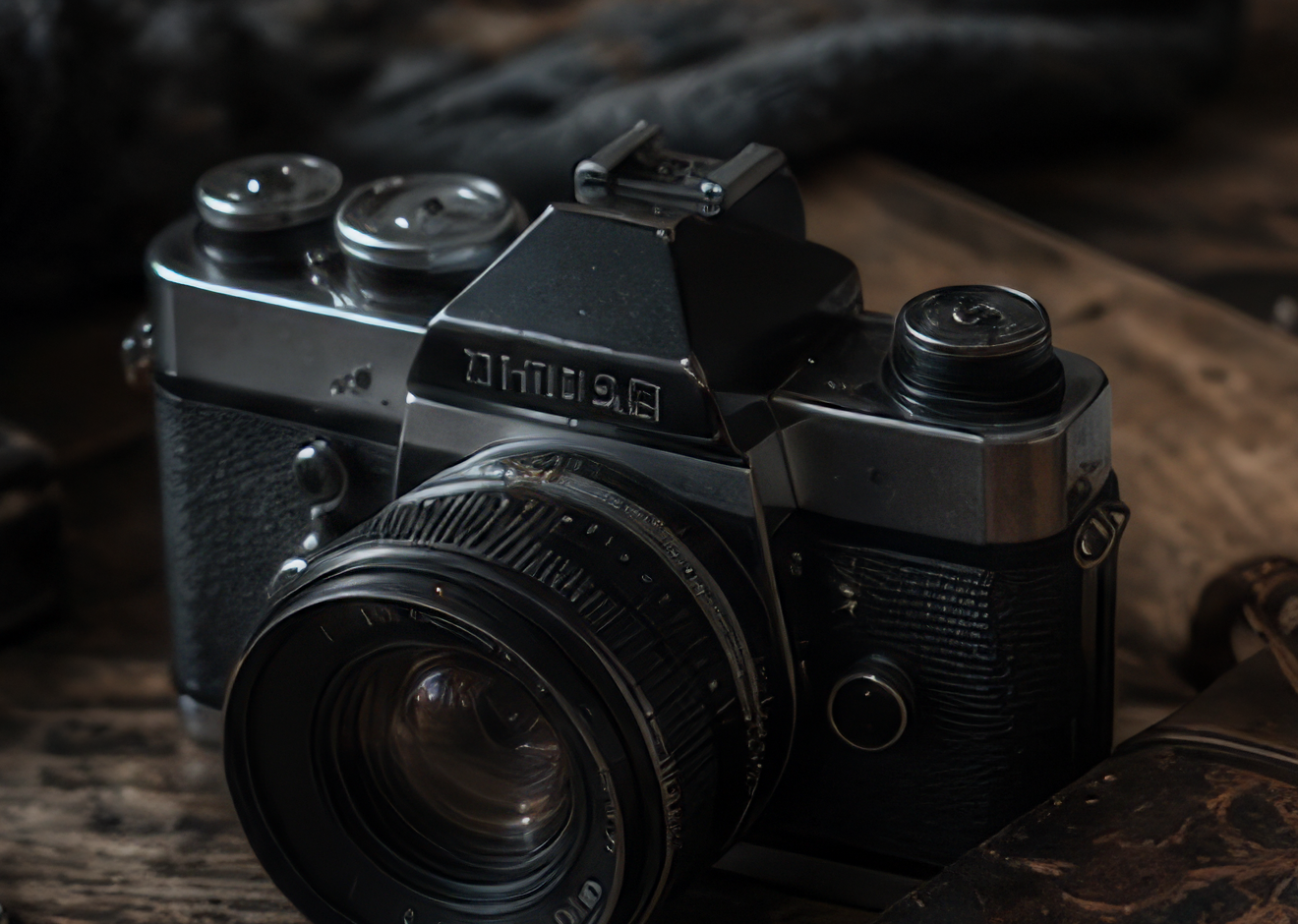
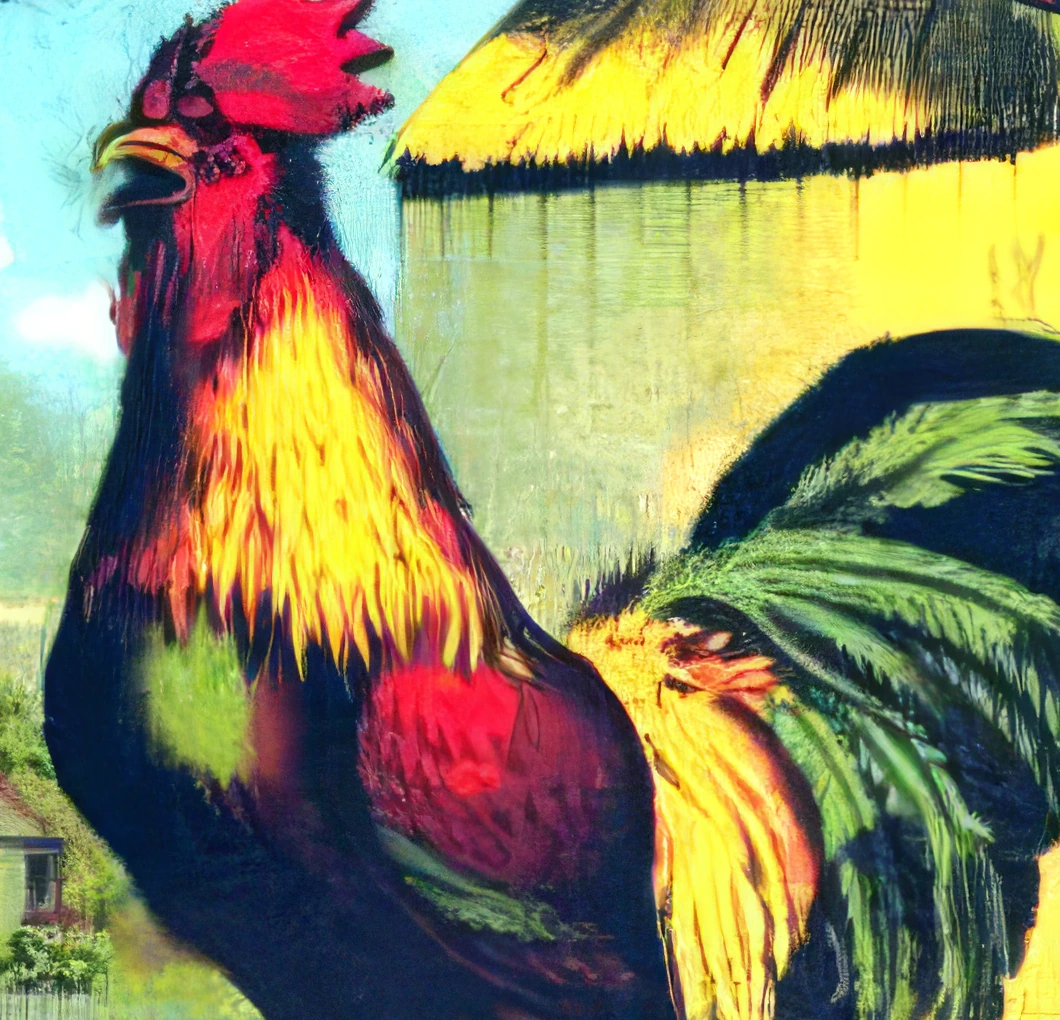
Topaz Art & CGI
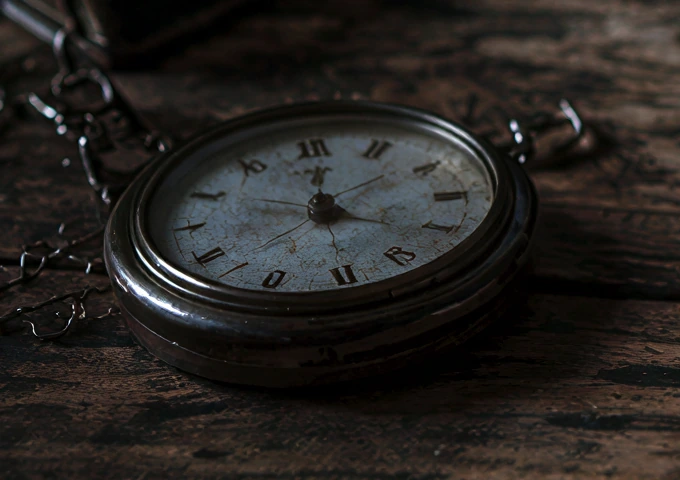
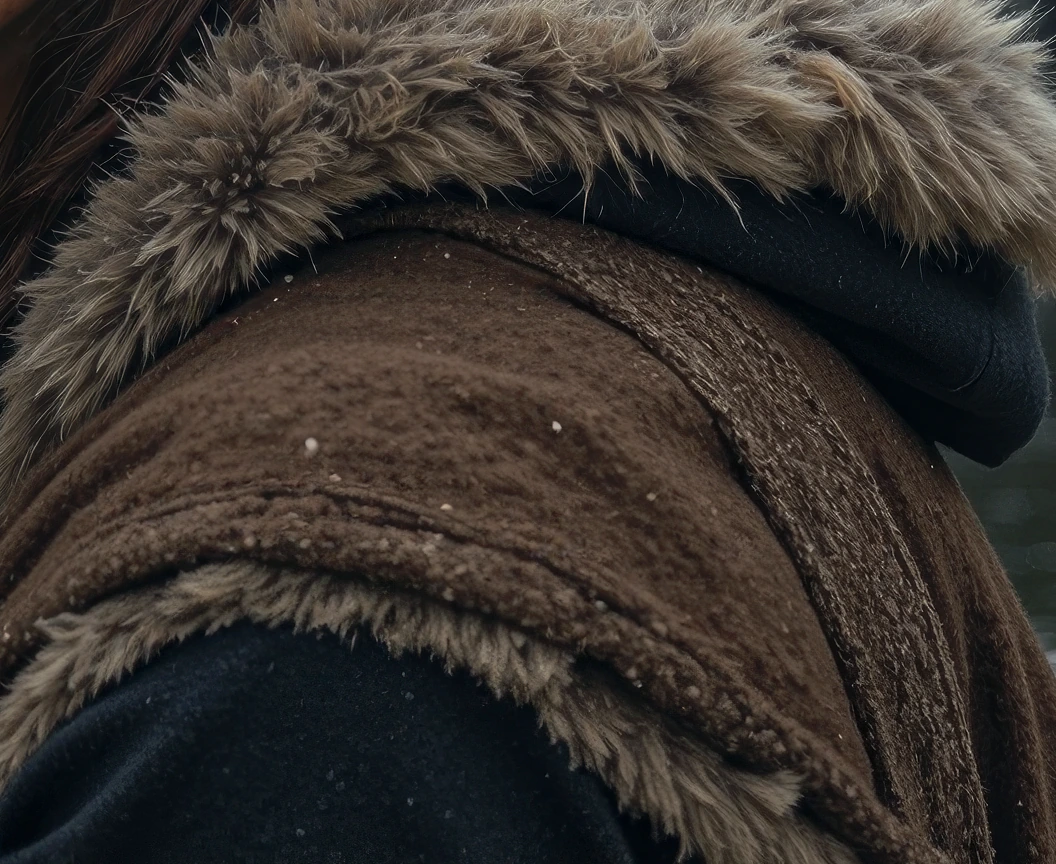
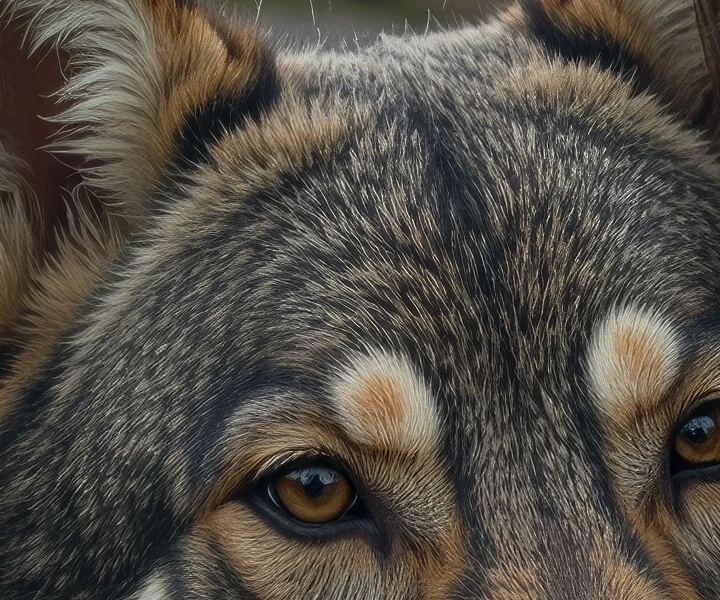
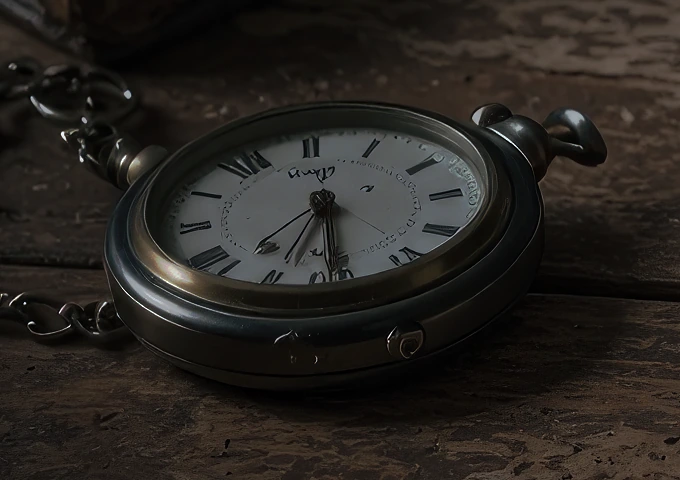
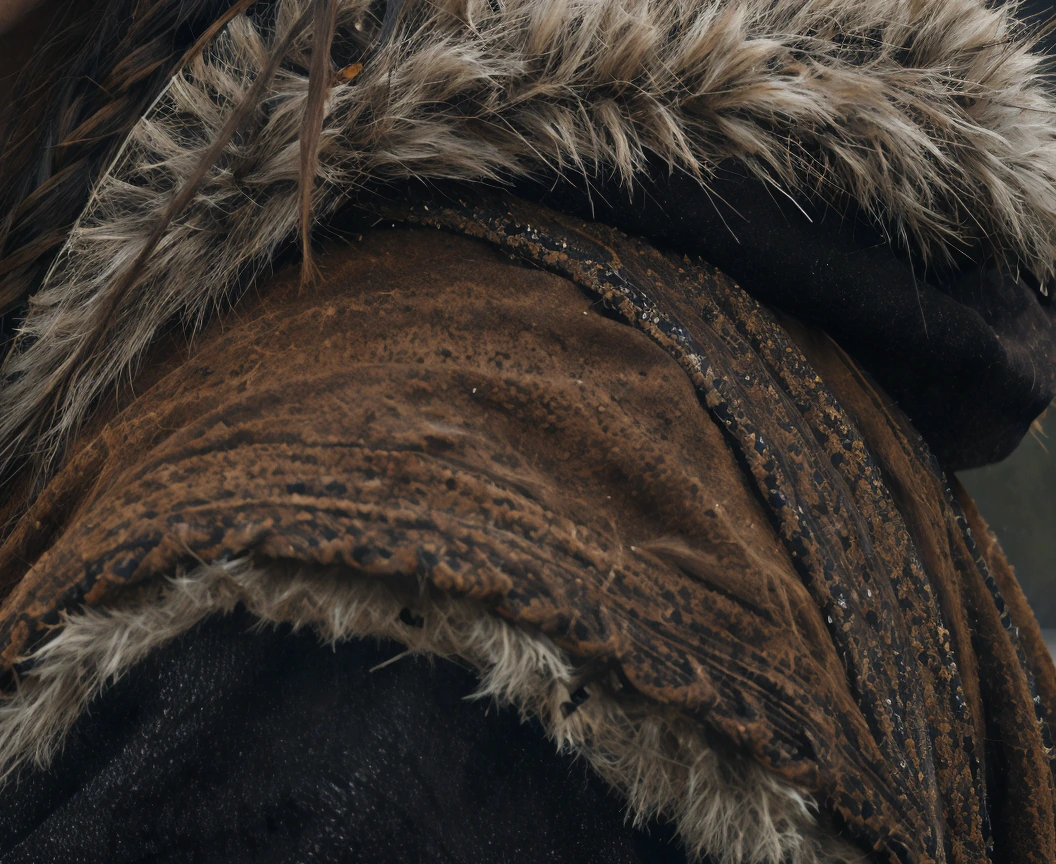
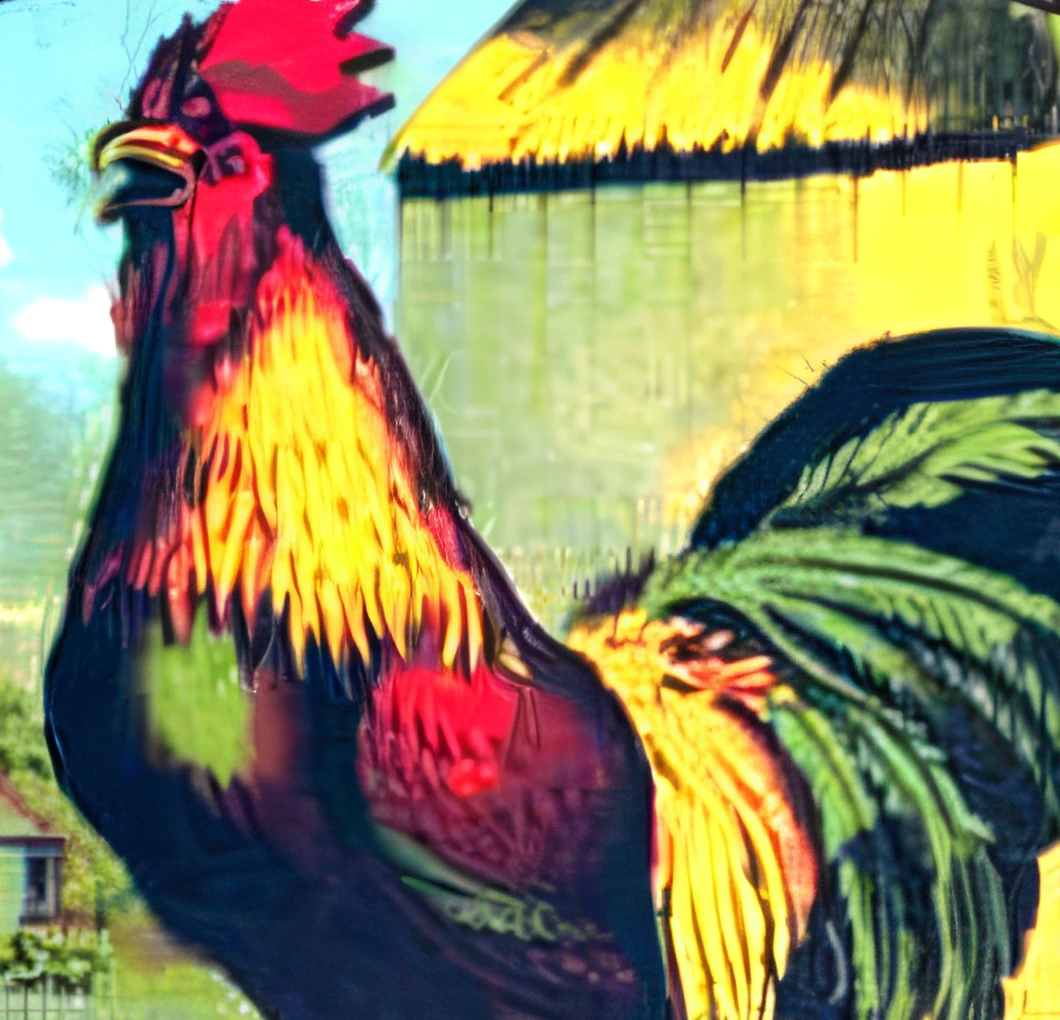
Art & CGI is tailored for non-photographic imagery such as illustrations, digital art, renders, and stylized graphics. It preserves clean edges, flat color regions, and intentional line work without introducing photographic texture.
Properties
- Supports Image Upscale workflows.
Best for
- Illustrations, digital art, and CGI
- Preserving clean edges and flat color areas
- Avoiding unwanted photographic texture or noise
Tips
- Precision upscaling for artwork, drawings, illustrations, and computer graphics
How to use this model
- 1
Upload the source media at the best quality available.
- 2
Choose the restoration or enhancement variant that matches the defect.
- 3
Compare the output at full size and reduce strength if natural detail is lost.
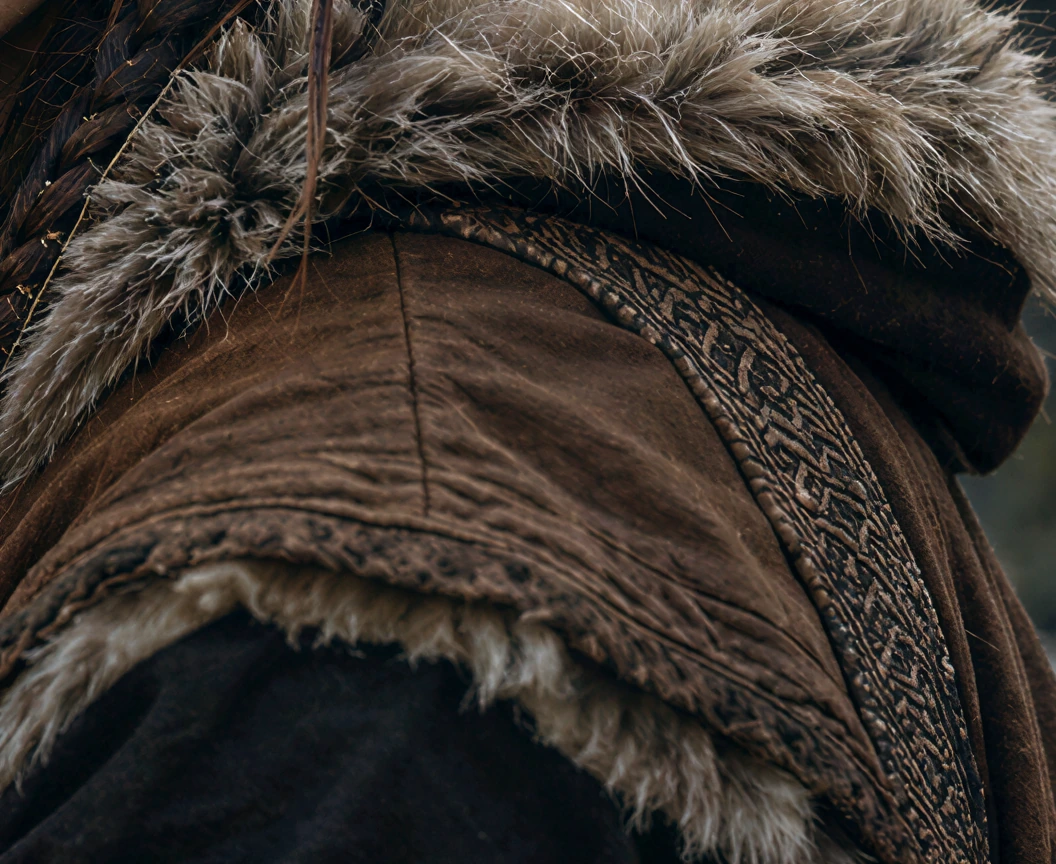
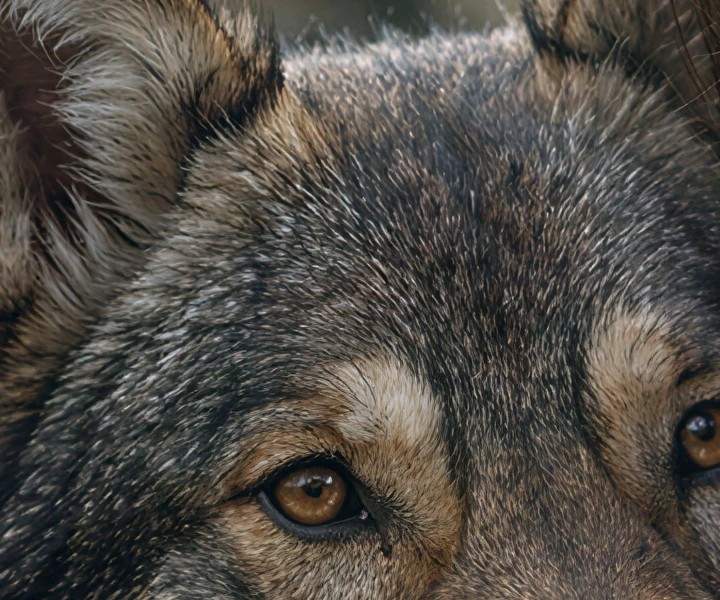
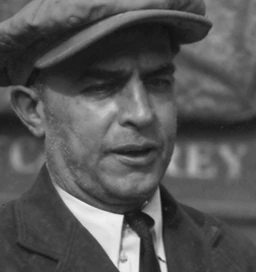
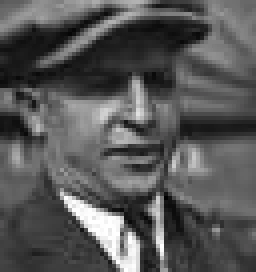
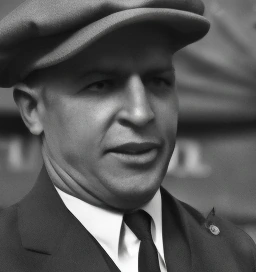
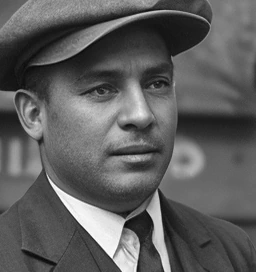
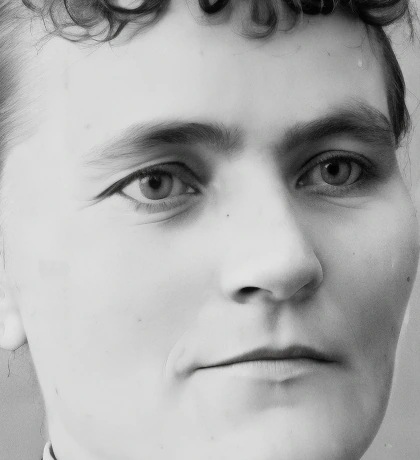
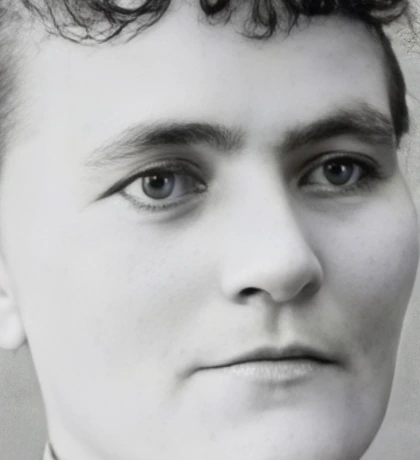
Examples
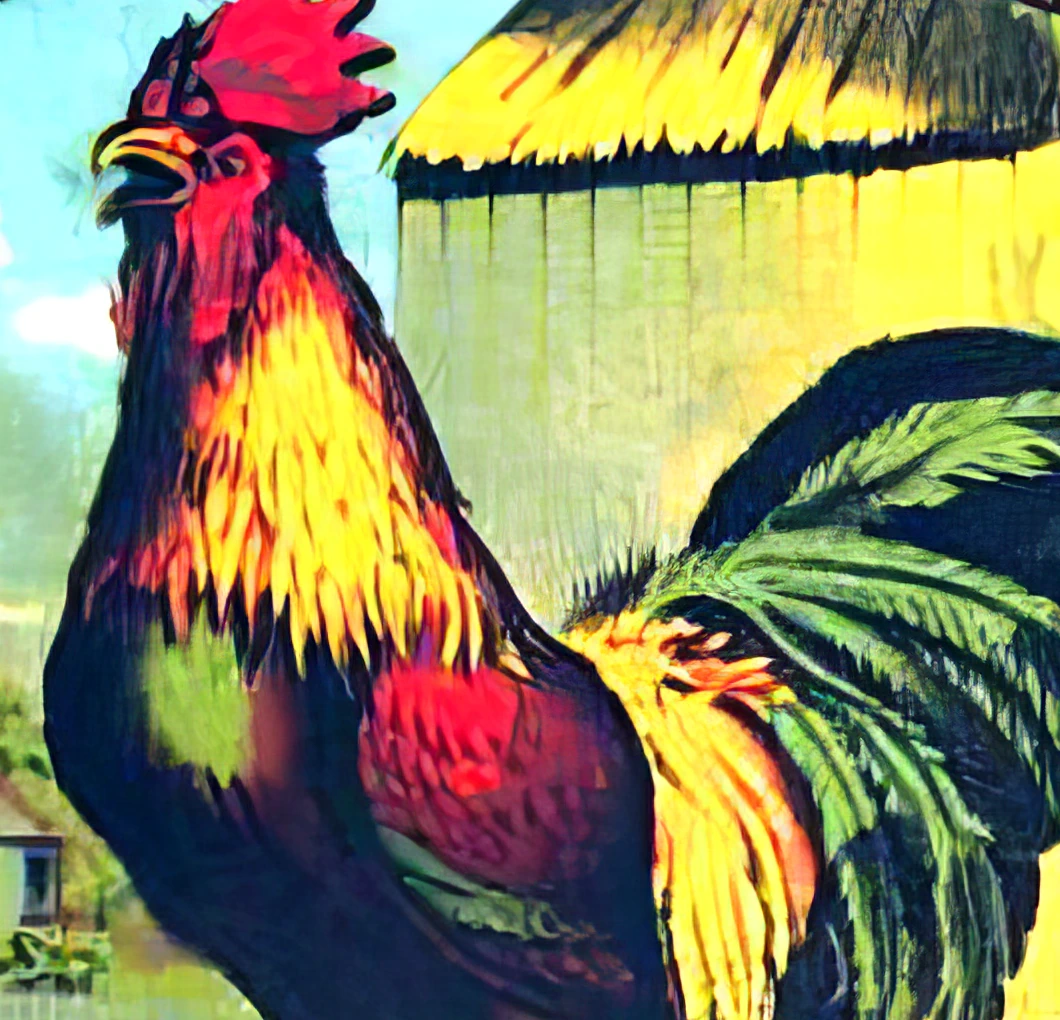
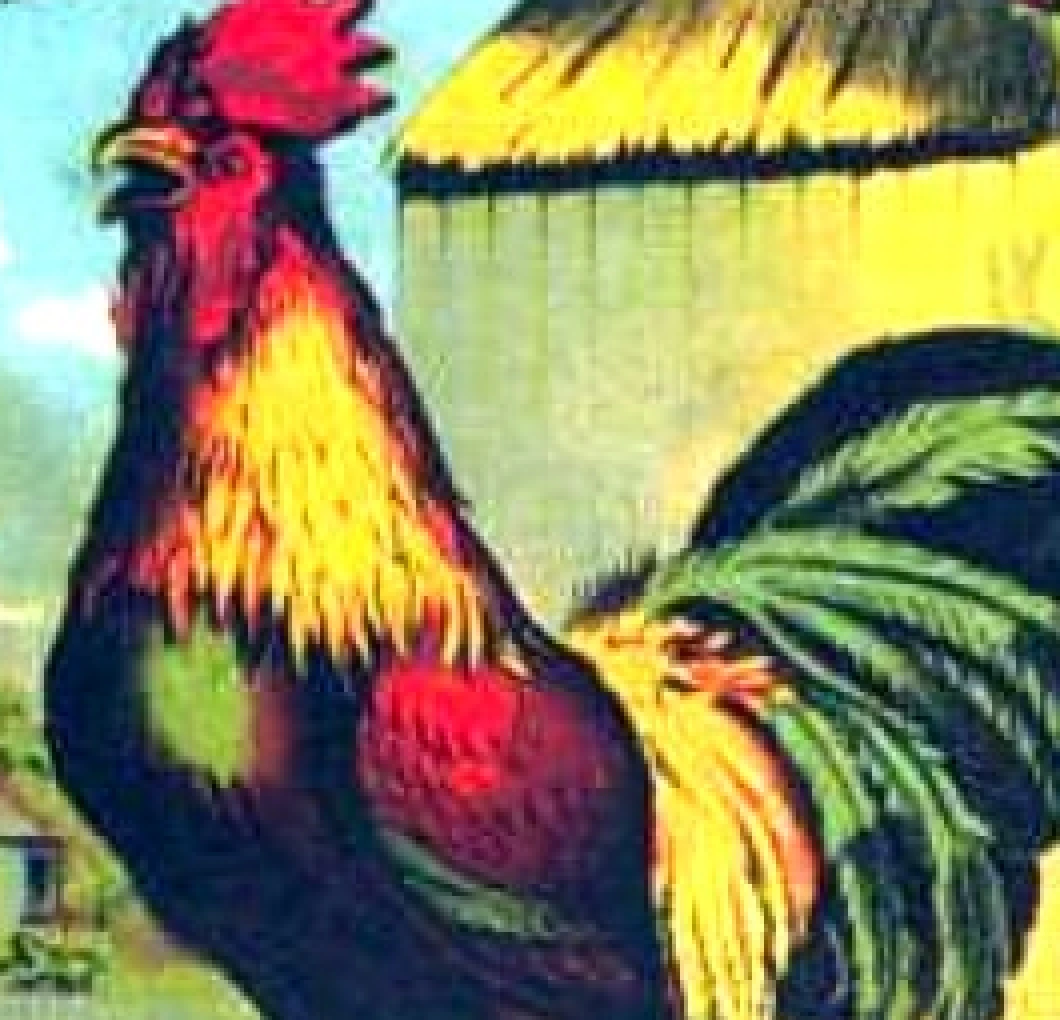
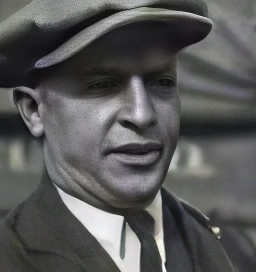
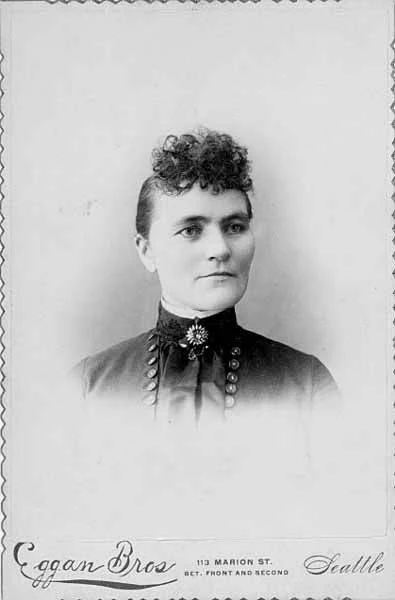
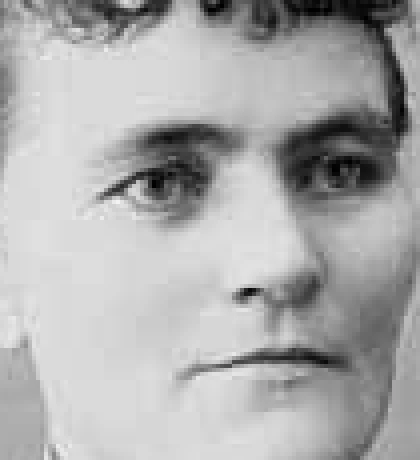
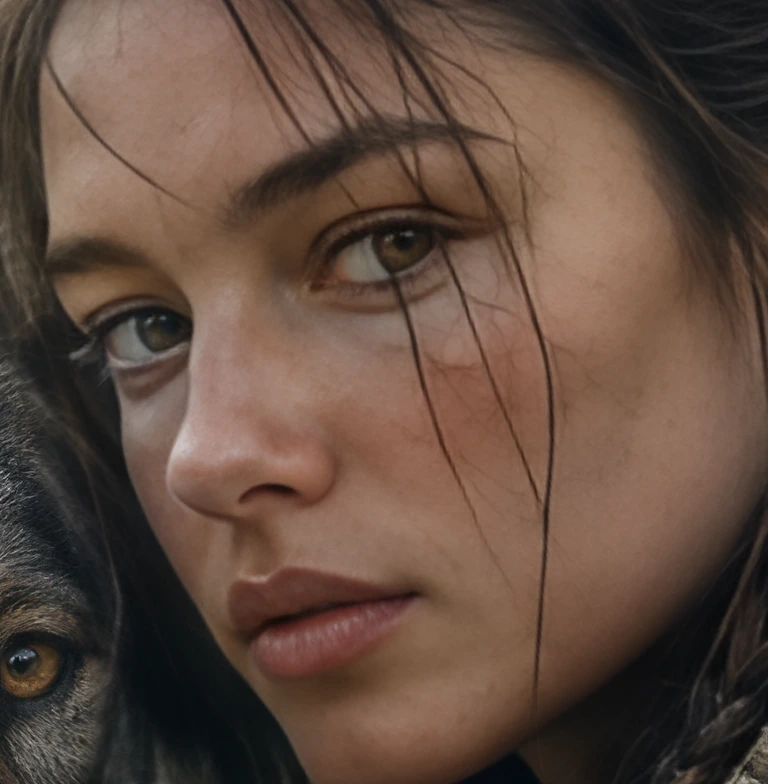
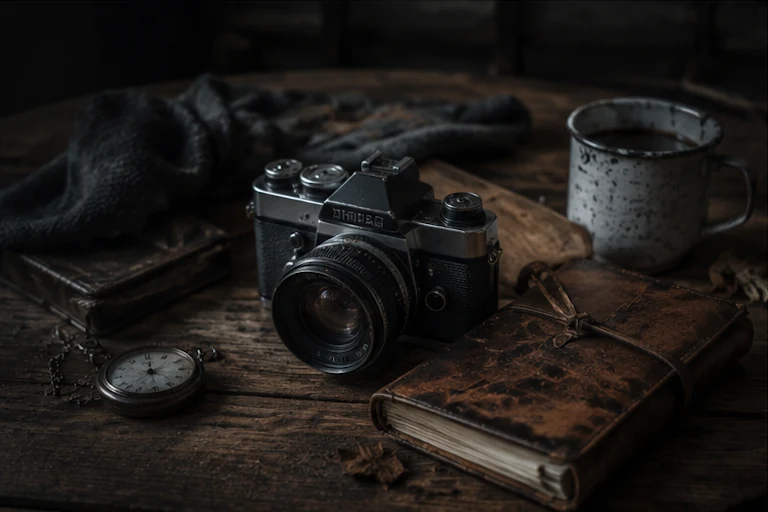
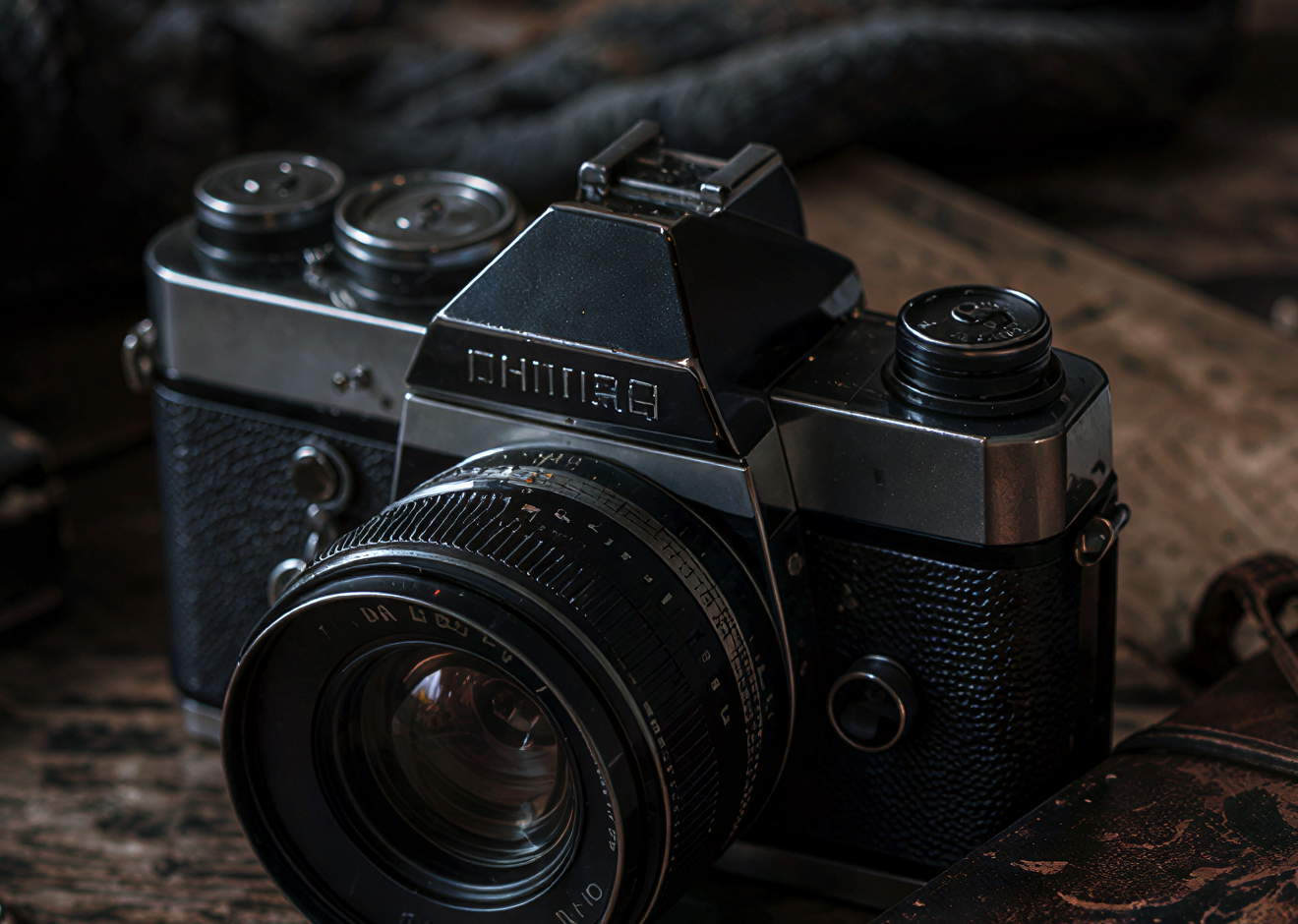
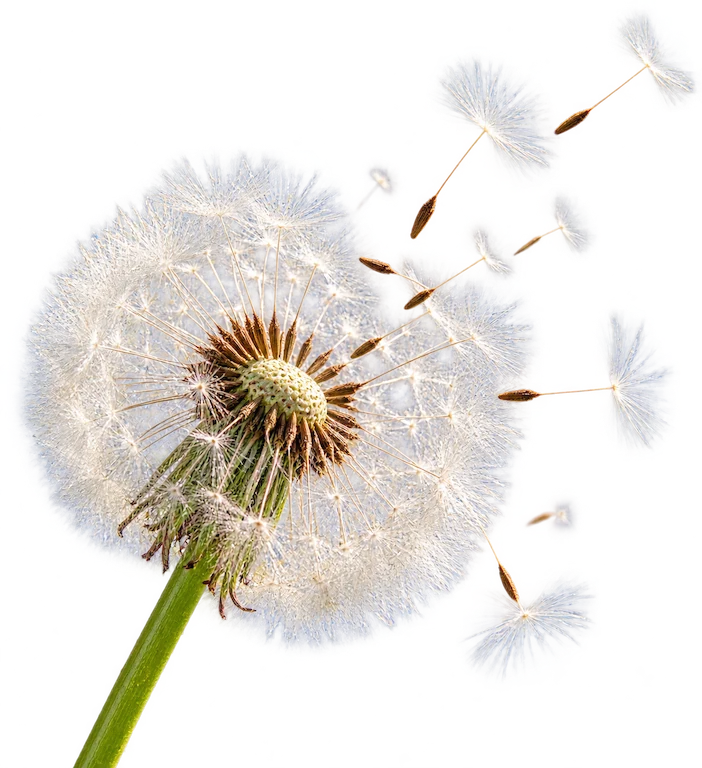
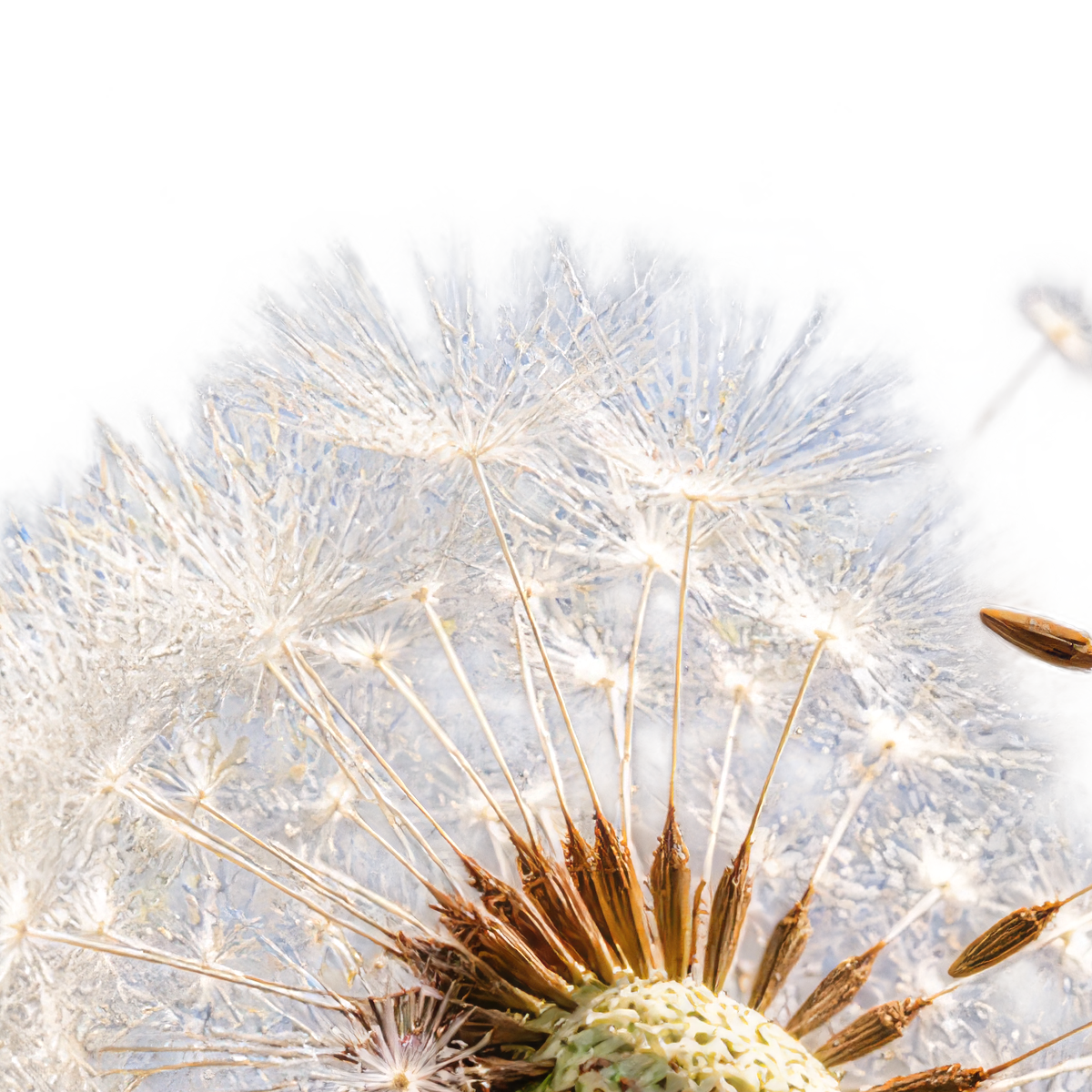
Reference
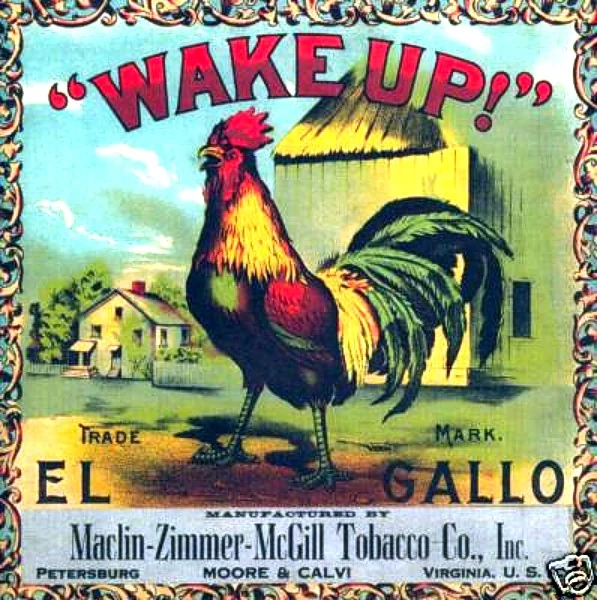


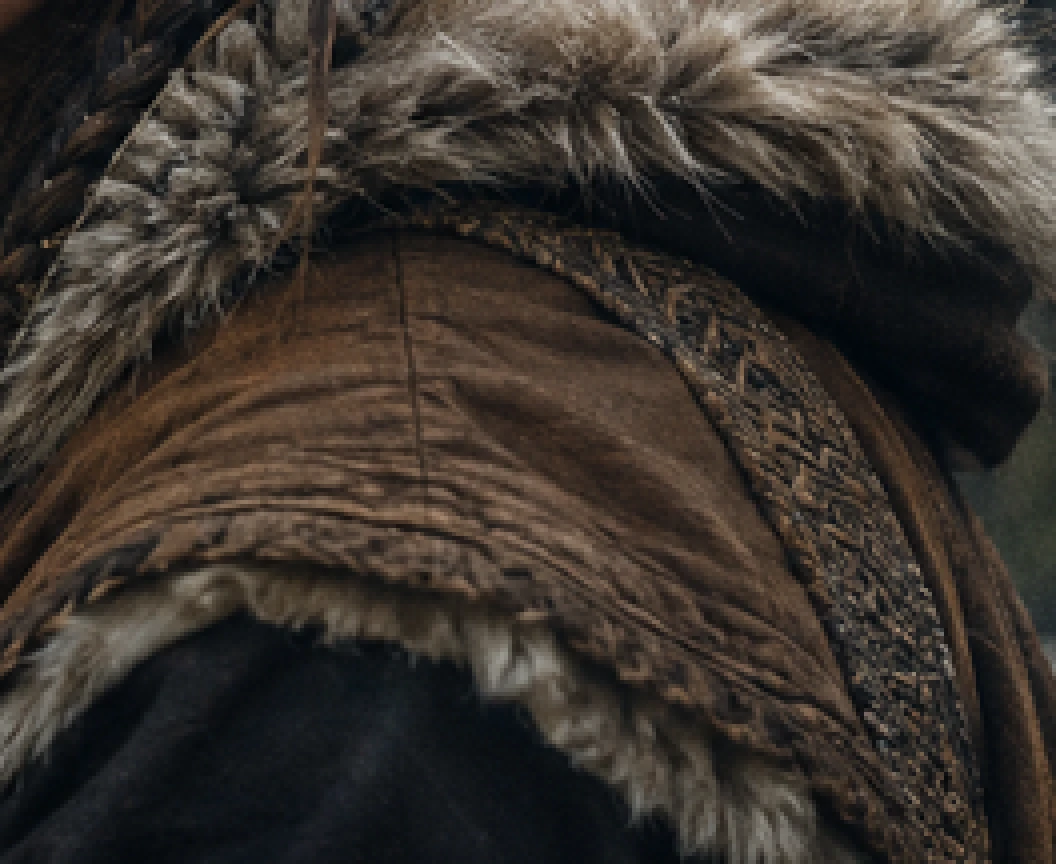
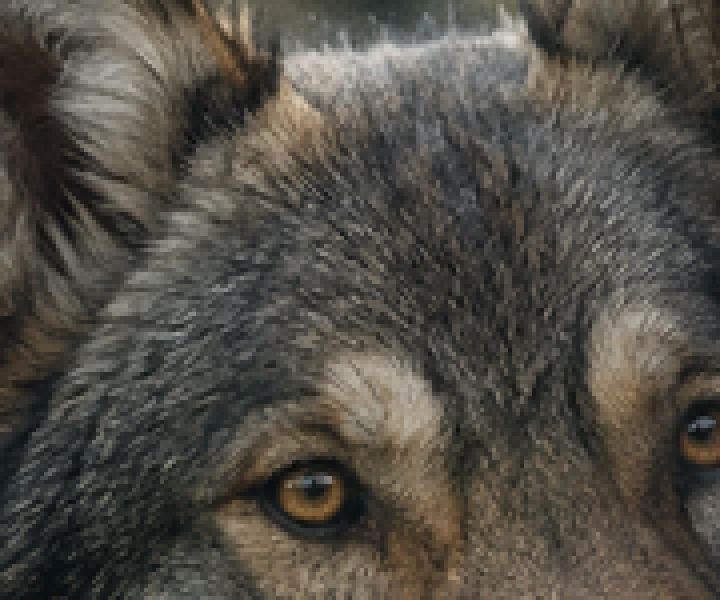
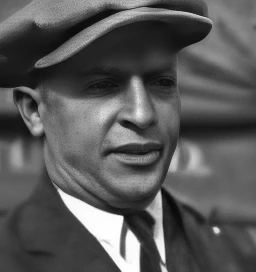
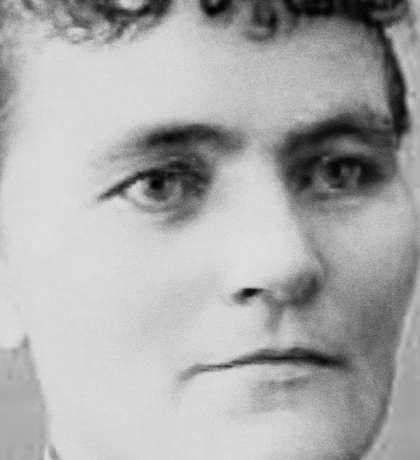
Reference
Parameters
Deblur Strength
deblur_strengthAdjusts the strength of the deblur.
Face Enhancement
face_enhancementLeverages face recovery model to enhance faces.
Face Enhancement Strength
face_enhancement_strengthSets the strength of the face recovery. Required if face_enhancement=true.
Face Enhancement Creativity
face_enhancement_creativityChoose realistic or creative face recovery. Required if face_enhancement=true.
Subject Detection
subject_detectionSets the subject detection mode.
foreground
background
all
Sharpen
sharpenSlightly sharpens the image.
Denoise
denoiseReduces noise in the image.
Fix Compression
fix_compressionReduces compression artifacts to improve details.
Strength
strengthControls model strength. Too high of a result can make results look unrealistic.
Output Format
output_formatThe desired format of the output image.
jpg
png
tif
Height
output_heightThe desired height of the output image in pixels. Your image will automatically be upscaled to this specified value. If only one of `output_height` and `output_width` is set, then the other dimension is scaled proportionally.
Width
output_widthThe desired width of the output image in pixels. Your image will automatically be upscaled to this specified value. If only one of `output_height` and `output_width` is set, then the other dimension is scaled proportionally.
Crop To Fill
crop_to_fillDefault behavior is to letterbox the image if a differing aspect ratio is chosen. Enable `crop_to_fill` by setting this to `true` if you instead want to crop the image to fill the dimensions.
Scale Factor
scale_factorScale factor to use for enhancing the image. Custom requires either width or height to be set.
2x
3x
4x
custom
Image
imageSource image