OpenAI GPT Image 2
GPT Image 2 follows detailed prompts for new image creation and can edit existing content from references. Omnipix exposes a dedicated masked inpainting workflow in addition to ordinary generation and editing. Output quality, aspect ratio, format, and compression can be selected explicitly, while transparent-background output is not available in this Omnipix configuration.
Properties
- Supports text-to-image and reference-image editing.
- Includes a masked inpainting workflow in Omnipix.
- Exposes output quality, aspect ratio, format, and compression controls.
How to use this model
- 1
Write a complete generation or edit brief with exact visible wording and preserve/change constraints.
- 2
Add reference images for identity, product, layout, or style and label their roles.
- 3
For inpainting, supply the source, matching mask, and required reference input together.
- 4
Choose aspect ratio, quality, format, and compatible compression before submitting.
- 5
Inspect typography, edited boundaries, identity, and small geometry at full resolution.
Examples
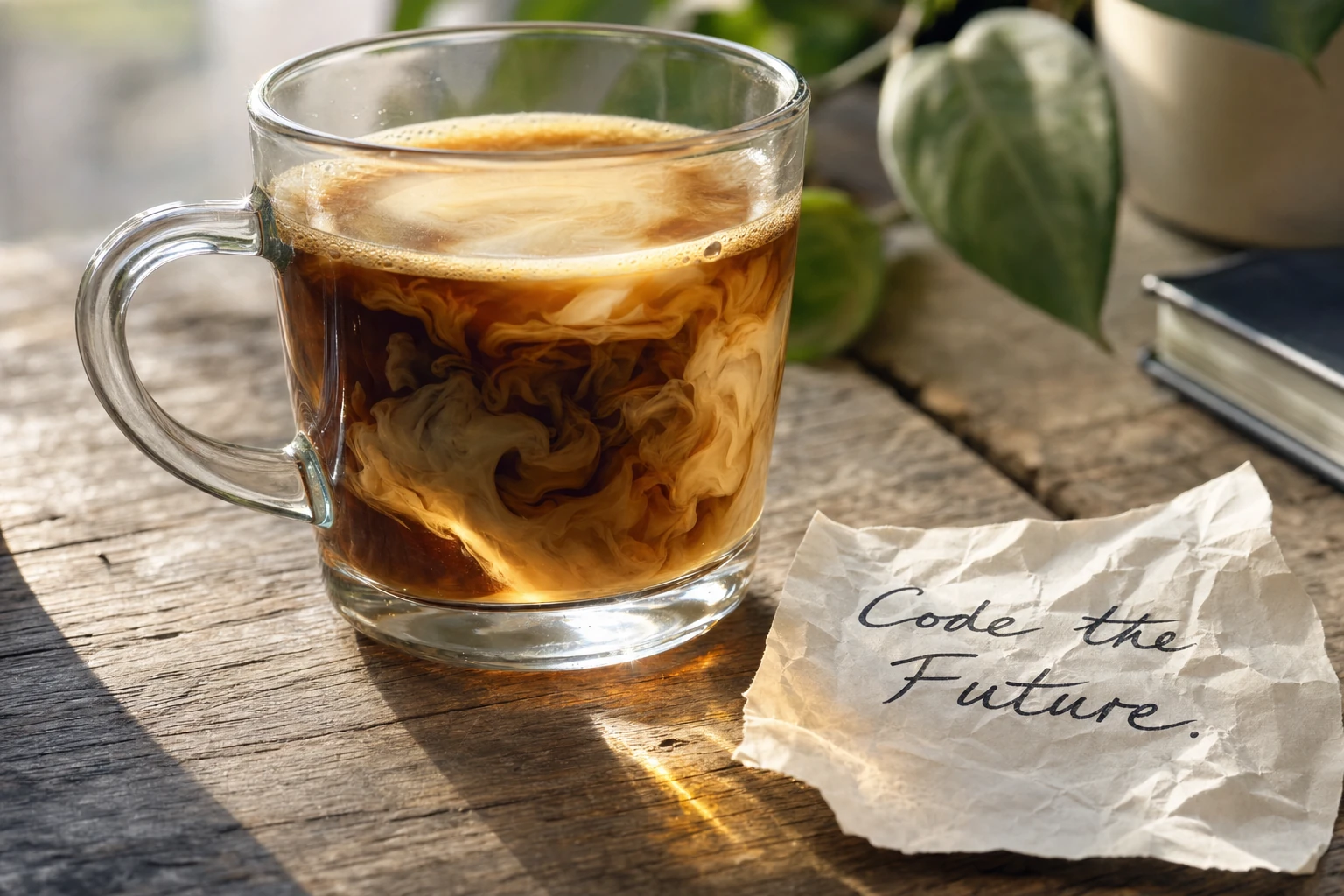
Parameters
Prompt
promptAspect Ratio
aspect_ratio21:9
16:9
4:3
3:2
1:1
2:3
3:4
9:16
Resolution
resolution1K
2K
3K
Quality
qualitylow
medium
high
Output Format
output_formatpng
jpeg
webp
Output Compression
output_compressionBackground
backgroundAuto
Opaque
Moderation
moderationauto
low
N
nReference Images
reference_imagesImage
imageMask
maskSize
size