Generate an image from text
Describe the subject, setting, composition, lighting, and style to create a new image without a source file.
Browse by modality
Generate and edit still images.
Image models can turn a description into a new visual, revise an existing image, or combine several references into one result. The right choice depends on whether you value speed, exact editing, typography, reference consistency, or final resolution.
Describe the subject, setting, composition, lighting, and style to create a new image without a source file.
Upload one or more images and explain what should be retained, replaced, restyled, or combined.
Use a mask in supported models to replace an object, repair a selected area, or change part of the composition.
Explore alternative compositions, aspect ratios, and resolutions before selecting a result for a campaign, product page, or publication.
Start with the kind of control you need. Open a family page to compare its versions, parameters, reviewed examples, and current availability.
Choose GPT Image 2 for detailed instruction following, multi-image editing, and inpainting with a mask.
View model details →
Use Gemini image models for complex prompts, typography, fast iterations, and reference-based editing across several quality tiers.
View model details →
FLUX.2 offers a range from quick drafts to production-oriented generation with fine controls and multiple references.
View model details →
Seedream is useful when you need high-resolution output, editing variants, or a workflow built around several reference images.
View model details →
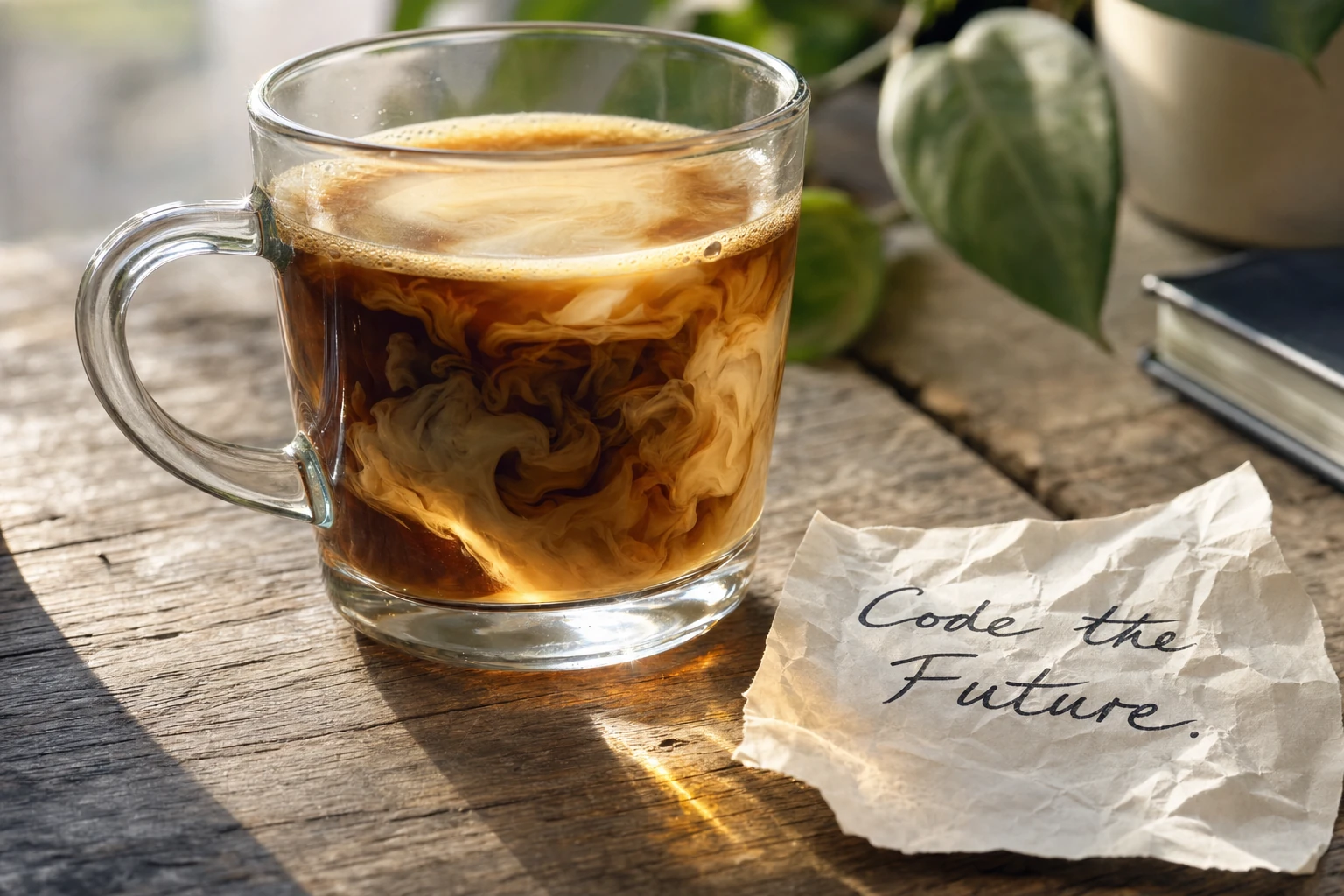
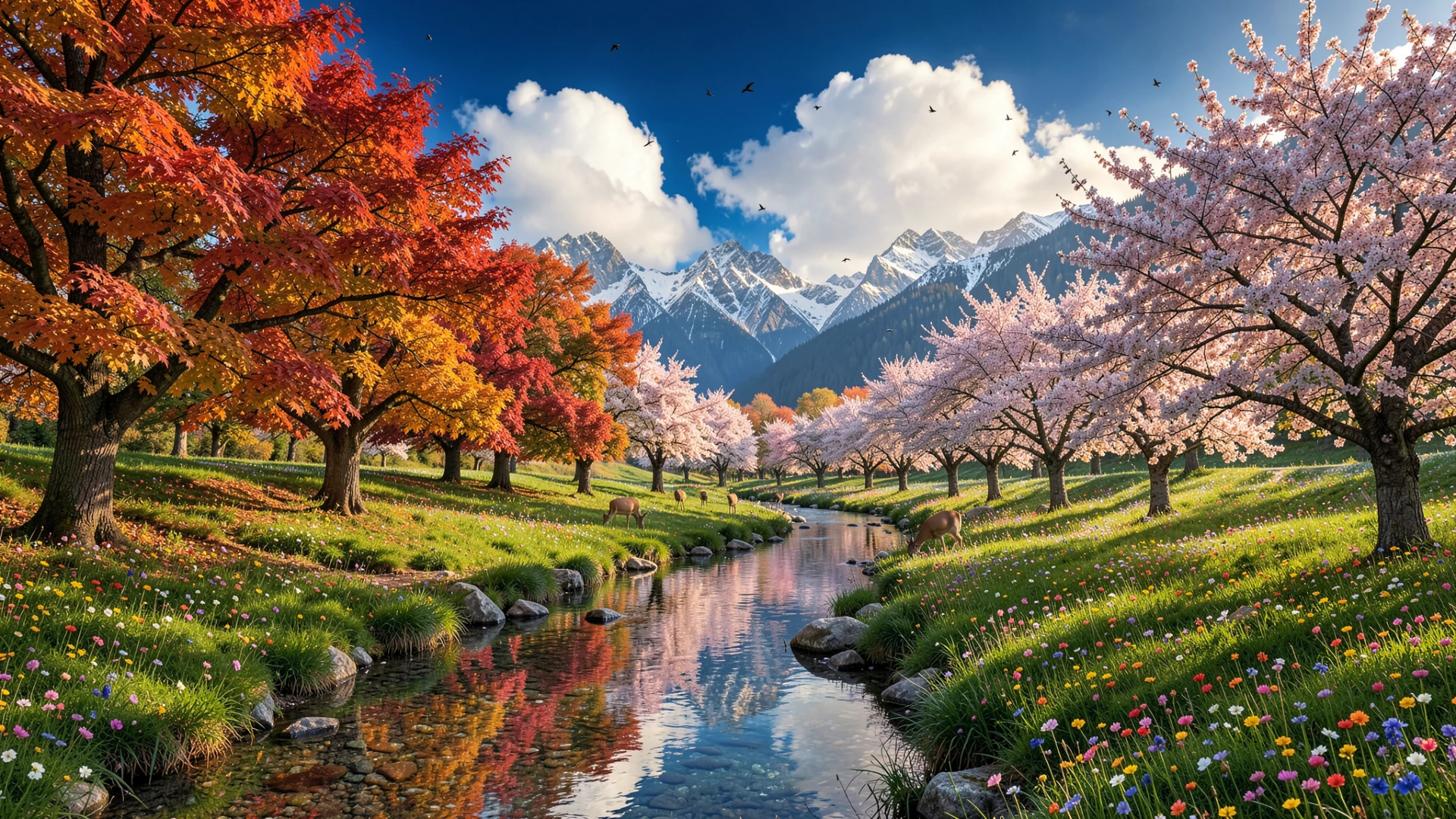
These outputs were reviewed for the public catalog. They show actual model behavior, not stock illustrations.