Google

Gemini Image

The Gemini image family ranges from the fast Gemini 2.5 Flash Image to Gemini 3.1 Flash and Flash Lite for efficient current workflows, plus Gemini 3 Pro Image for complex asset production. Capabilities vary by version: output size, aspect ratios, Search grounding, thinking, and the number of reference images are not interchangeable. Preview entries remain in the catalog for historical links; use their stable replacements for new work.

How to use this model

  1. 1

    Choose Flash for balanced iteration, Flash Lite for simple high-volume work, or Pro for complex layouts and demanding text.

  2. 2

    Describe the image as a complete scene: subject, action, environment, composition, lighting, style, and exact visible wording.

  3. 3

    When editing is available, upload clean references and explain what must be preserved and what may change.

  4. 4

    Set an aspect ratio and supported output size before generation; higher resolution does not replace a precise composition prompt.

  5. 5

    For text-heavy graphics, finalize the wording first and verify every label in the rendered image.

1Available

Nano Banana

Gemini 2.5 Flash Image, known as Nano Banana, is optimized for speed and efficient image generation. In this catalog entry it is exposed for text-to-image work at its standard 1024-pixel output. Use it for rapid ideation when newer Gemini 3 controls or higher output sizes are not required.

Properties

  • Text-to-image workflow in this Omnipix entry.
  • Optimized for fast, efficient 1024-pixel generation.

How to use this model

  1. 1

    Write a complete scene description with composition and lighting.

  2. 2

    Specify exact visible text and its placement when needed.

  3. 3

    Choose the aspect ratio before generation.

  4. 4

    Generate quick alternatives to compare composition and style.

  5. 5

    Use a Gemini 3 image model if the final asset needs larger output or newer controls.

Examples
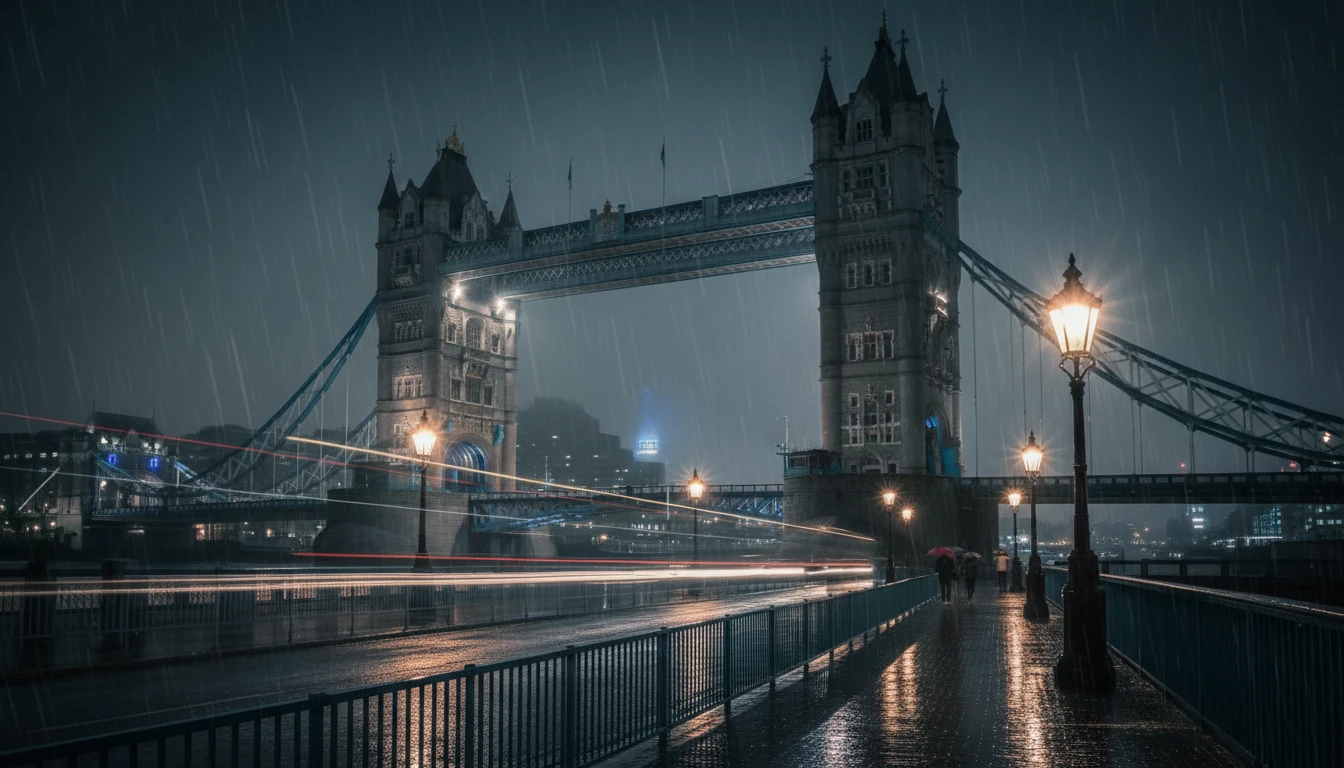
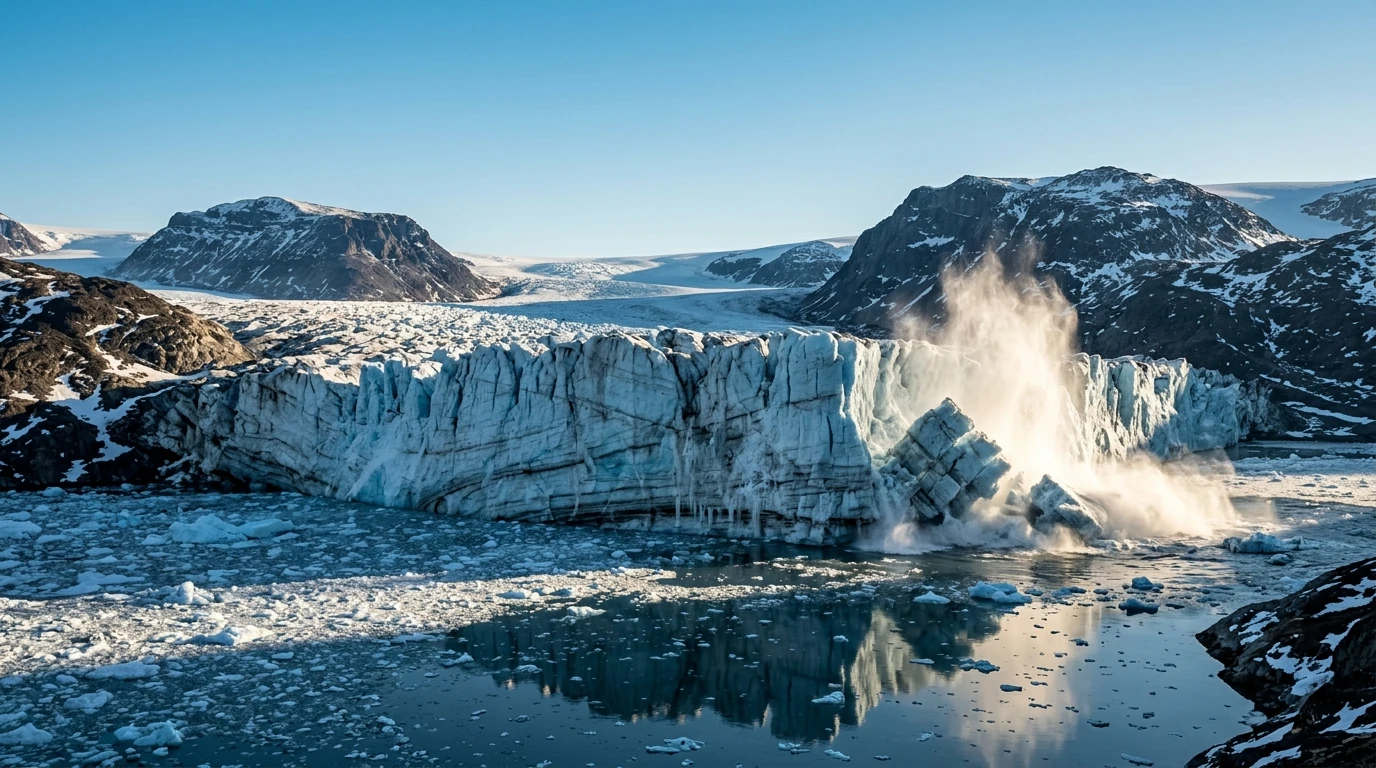
Tower Bridge at night in the rain

Parameters

Prompt

Required

Images

Optional

List of input images for image-to-image generation. Maximum 3 images.

Aspect Ratio

Required
  • 21:9

  • 16:9

  • 3:2

  • 4:3

  • 5:4

  • 1:1

  • 4:5

  • 3:4

  • 2:3

  • 9:16

Resolution

Required

Resolution of the output image

  • 1K

2Available

Nano Banana 2

Gemini 3.1 Flash Image is Google's balanced Nano Banana 2 model for high-quality image creation at low latency. It supports multiple output sizes up to 4K, expanded aspect ratios, thinking, and grounding with Google Search, including image search. This catalog entry is best for current general-purpose generation when both speed and capable composition matter.

Properties

  • Supports 0.5K, 1K, 2K, and 4K output choices.
  • Supports thinking and Google Search grounding.
  • Stable replacement for the earlier 3.1 Flash Image preview entry.

How to use this model

  1. 1

    Describe the full composition and exact text before choosing output controls.

  2. 2

    Select an aspect ratio and 0.5K, 1K, 2K, or 4K size appropriate to the target.

  3. 3

    Use Search grounding only when the image depends on current or verifiable information.

  4. 4

    For text-heavy work, settle wording first and give each label a clear location.

  5. 5

    Verify text, grounded facts, and fine detail in the final resolution.

Examples

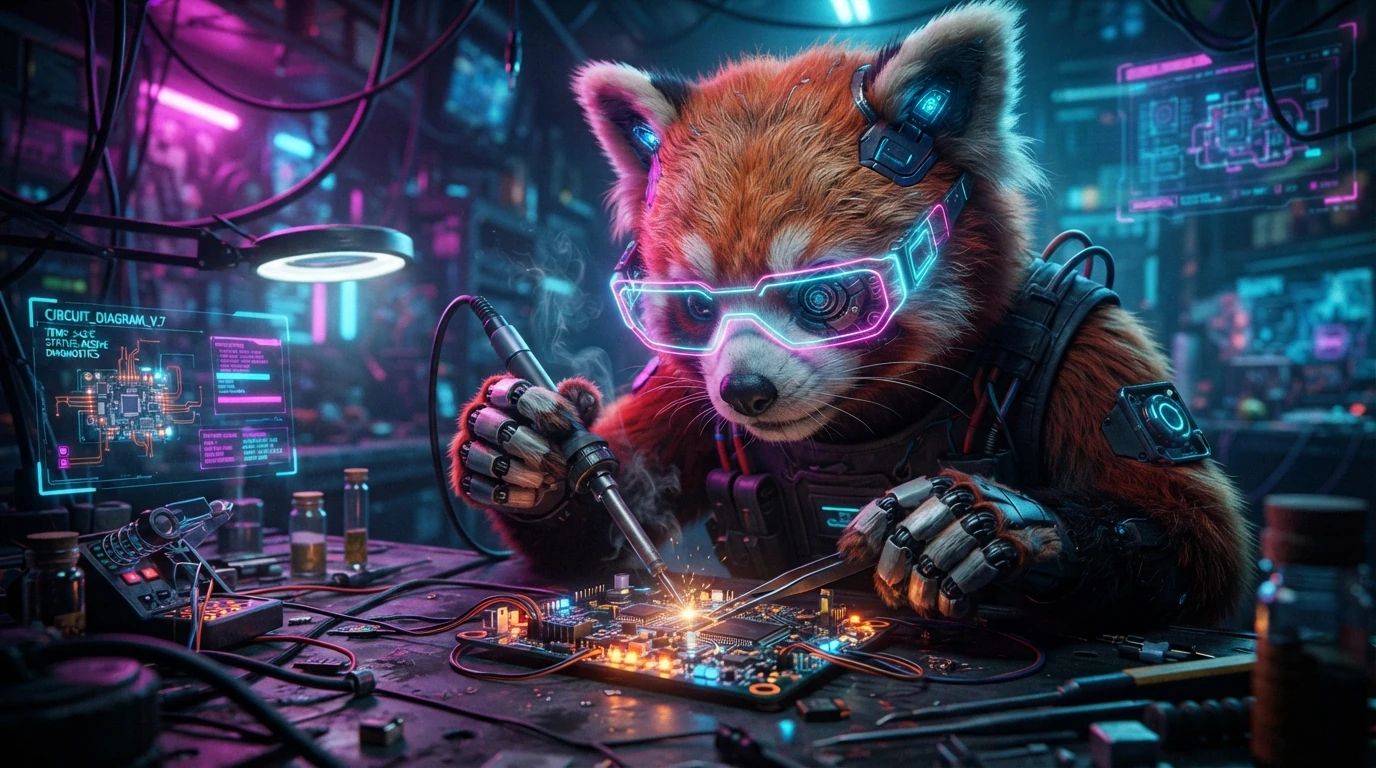
Example output from Nano Banana 2

Parameters

Prompt

Required

Object Images

Optional

Up to 10 images of objects with high-fidelity to include in the final image

Character Images

Optional

Up to 4 images of characters to maintain character consistency

Aspect Ratio

Required
  • 8:1

  • 4:1

  • 21:9

  • 16:9

  • 3:2

  • 4:3

  • 5:4

  • 1:1

  • 4:5

  • 3:4

  • 2:3

  • 9:16

  • 1:4

  • 1:8

Resolution

Required

Resolution of the output image

  • 512

  • 1K

  • 2K

  • 4K

2 LiteAvailable

Nano Banana 2 Lite

Gemini 3.1 Flash Lite Image is the efficient 1K member of the current Nano Banana family. It supports generation and editing with image references and common aspect ratios, but does not include the Search grounding available in the full Flash model. Choose it for interactive or high-volume 1K work with straightforward instructions.

Properties

  • Supports text-to-image and reference-image editing in Omnipix.
  • Outputs 1K images and does not use Search grounding.

Best for

  • High-volume image generation
  • Low-latency interactive image editing

Avoid for

  • 2K or 4K output
  • Workflows requiring search grounding

Tips

  • This model supports only 1K output.
  • Use up to 14 object reference images.

How to use this model

  1. 1

    Use a direct prompt with subject, composition, lighting, and style.

  2. 2

    Add references for editing and explain what must be preserved.

  3. 3

    Choose one of the supported aspect ratios for the 1K result.

  4. 4

    Keep each edit instruction narrow enough to evaluate clearly.

  5. 5

    Move to full Flash or Pro if the task needs Search grounding, larger output, or more complex production reasoning.

Examples

Example output from Nano Banana 2 Lite

Parameters

Prompt

Required

Object Images

Optional

Up to 14 reference images of objects to include in the final image.

Aspect Ratio

Required
  • 21:9

  • 16:9

  • 3:2

  • 4:3

  • 5:4

  • 1:1

  • 4:5

  • 3:4

  • 2:3

  • 9:16

Resolution

Required

Resolution of the output image

  • 1K

proAvailable

Nano Banana Pro

Gemini 3 Pro Image is designed for professional asset production and complex instructions. It uses thinking to refine composition, supports Search grounding, and can render high-resolution imagery up to 4K with strong text capabilities. In this catalog entry, use it for text-to-image work that benefits from careful planning rather than the fastest iteration.

Properties

  • Text-to-image workflow in this Omnipix entry.
  • Supports thinking, Search grounding, and output up to 4K.
  • Optimized for complex professional asset production.

How to use this model

  1. 1

    Provide a production brief with hierarchy, layout, exact wording, visual style, and constraints.

  2. 2

    Choose aspect ratio and 1K, 2K, or 4K output for the final placement.

  3. 3

    Use Search grounding only for facts that must reflect the real world.

  4. 4

    Allow one draft to validate layout before tightening typography and surface detail.

  5. 5

    Proofread every visible character and independently verify grounded information.

Examples

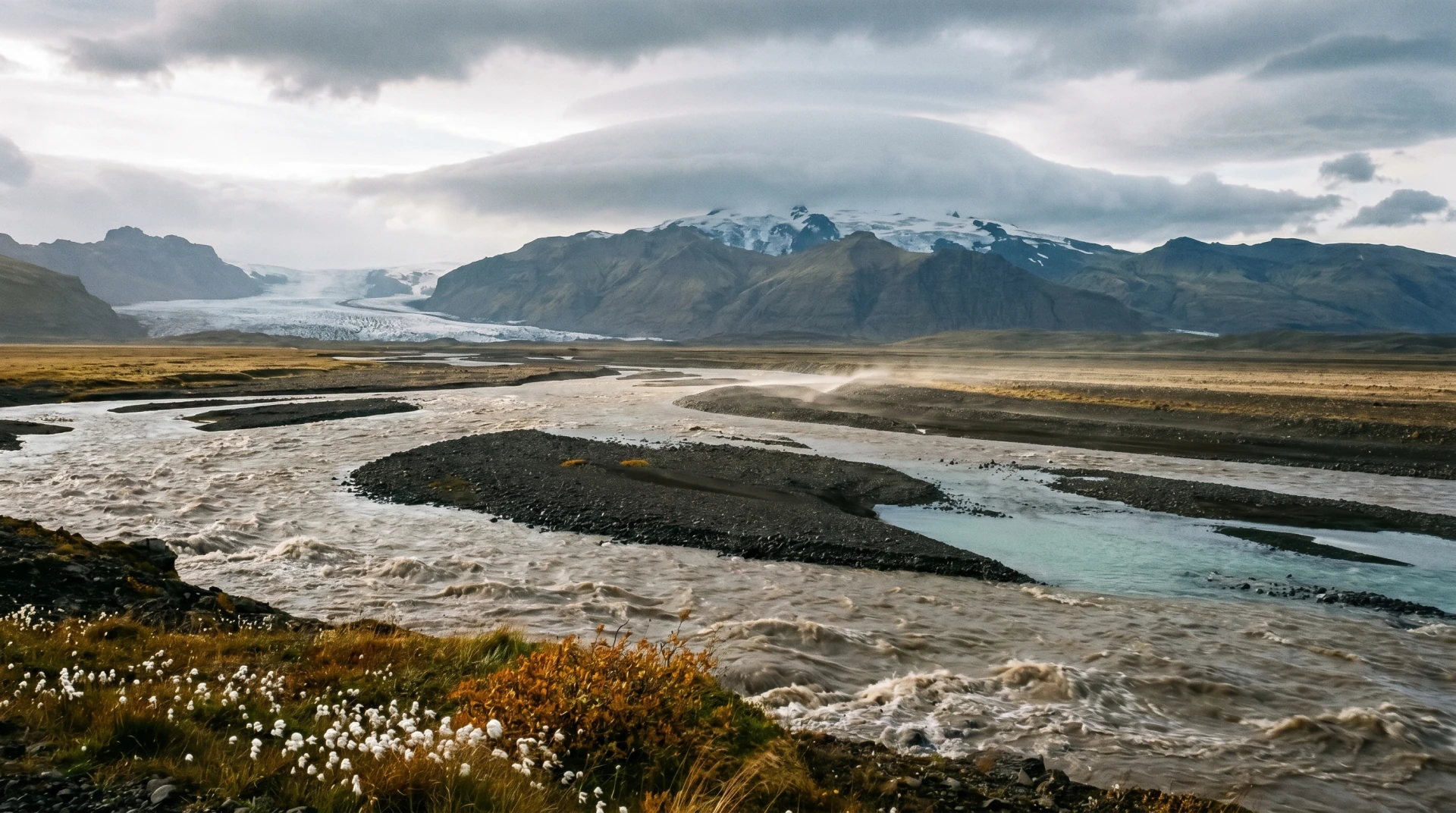
A glacial river winding through an Icelandic mountain valley

Parameters

Prompt

Required

Object Images

Optional

Up to 6 images of objects with high-fidelity to include in the final image

Character Images

Optional

Up to 5 images of characters to maintain character consistency

Aspect Ratio

Required
  • 21:9

  • 16:9

  • 3:2

  • 4:3

  • 5:4

  • 1:1

  • 4:5

  • 3:4

  • 2:3

  • 9:16

Resolution

Required

Resolution of the output image

  • 1K

  • 2K

  • 4K

2 previewRetired

Nano Banana 2

This preview entry is retained so earlier jobs and direct links remain understandable. It represented the pre-stable Gemini 3.1 Flash Image surface and should not be selected for new work. Use the stable gemini-3.1-flash-image entry instead.

Properties

  • Archived preview retained for historical references.
  • New work should use gemini-3.1-flash-image.

How to use this model

  1. 1

    Use this page to identify a historical job or archived link.

  2. 2

    Open the stable Gemini 3.1 Flash Image entry for a new generation.

  3. 3

    Recreate the original prompt and output settings in the stable model when comparison is needed.

  4. 4

    Expect results to differ because a stable model may contain later updates.

Examples

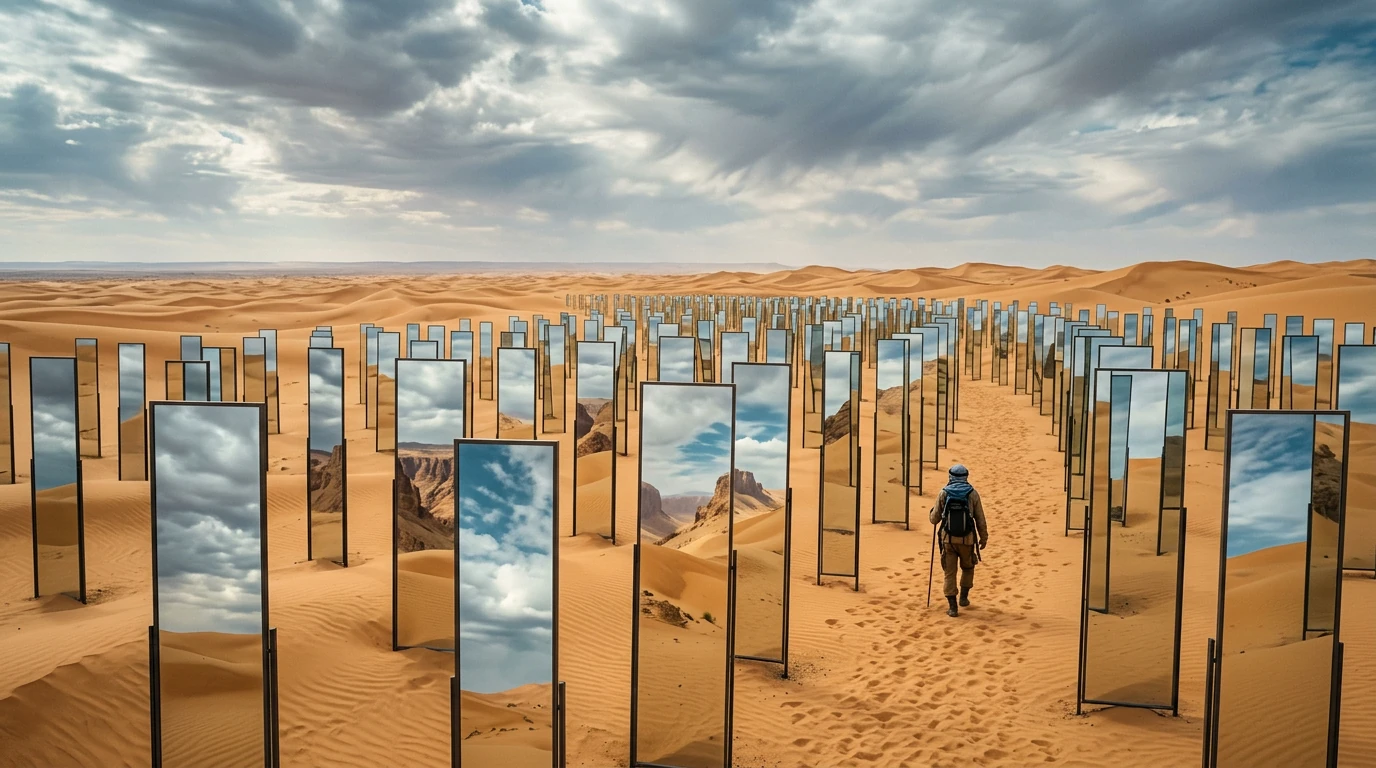
A traveler walking among mirrors in a desert

Parameters

Prompt

Required

Object Images

Optional

Up to 10 images of objects with high-fidelity to include in the final image

Character Images

Optional

Up to 4 images of characters to maintain character consistency

Aspect Ratio

Required
  • 8:1

  • 4:1

  • 21:9

  • 16:9

  • 3:2

  • 4:3

  • 5:4

  • 1:1

  • 4:5

  • 3:4

  • 2:3

  • 9:16

  • 1:4

  • 1:8

Resolution

Required

Resolution of the output image

  • 512

  • 1K

  • 2K

  • 4K

pro previewRetired

Nano Banana Pro

This preview entry remains visible for historical jobs and direct links created before the stable model was adopted. It should not be used for new production work. Use the stable gemini-3-pro-image entry to access the supported Nano Banana Pro workflow.

Properties

  • Archived preview retained for historical references.
  • New work should use gemini-3-pro-image.

How to use this model

  1. 1

    Use this page only to understand a historical job or archived link.

  2. 2

    Select the stable Gemini 3 Pro Image entry for new work.

  3. 3

    Carry the original prompt and dimensions to the stable model when recreating an asset.

  4. 4

    Review the new result rather than expecting preview-identical output.

Examples

Example output from Nano Banana Pro

Parameters

Prompt

Required

Object Images

Optional

Up to 6 images of objects with high-fidelity to include in the final image

Character Images

Optional

Up to 5 images of characters to maintain character consistency

Aspect Ratio

Required
  • 21:9

  • 16:9

  • 3:2

  • 4:3

  • 5:4

  • 1:1

  • 4:5

  • 3:4

  • 2:3

  • 9:16

Resolution

Required

Resolution of the output image

  • 1K

  • 2K

  • 4K