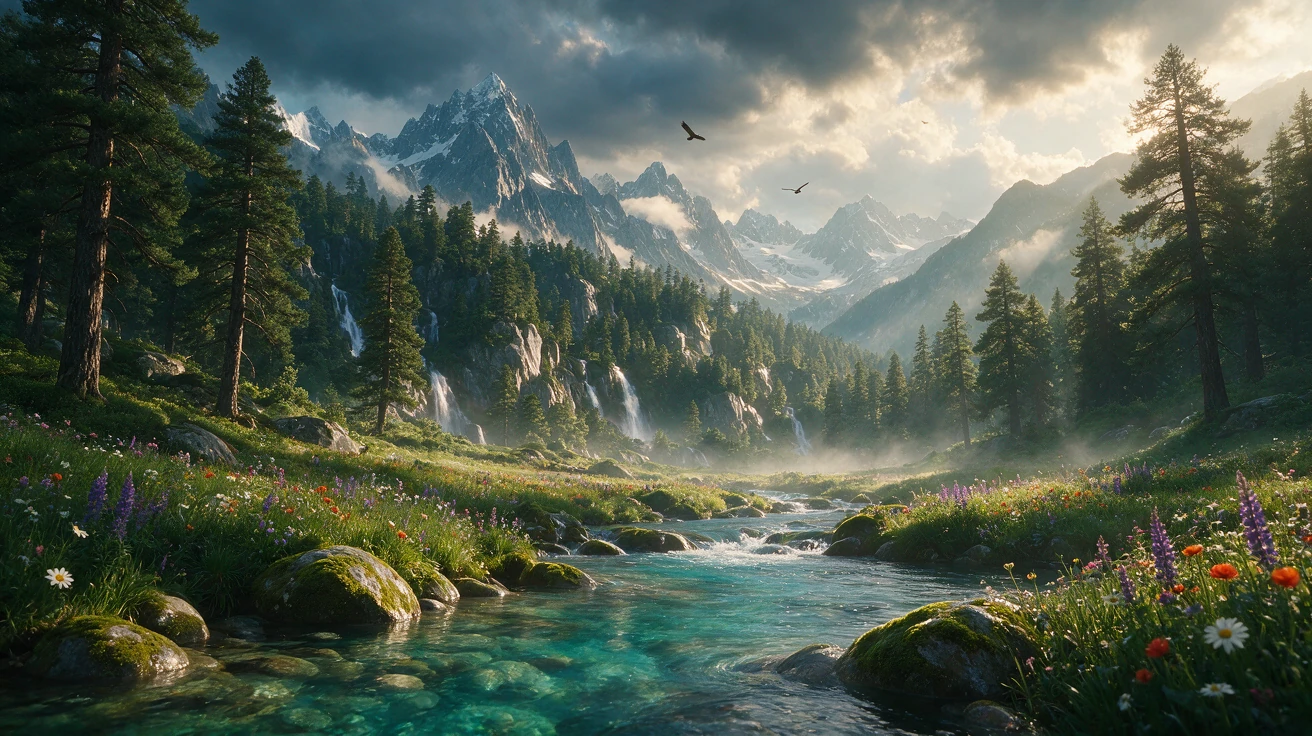
Seedream 5.0 Lite
Use Seedream 5.0 Lite without references to generate an image from text, or attach one or more references to edit, combine, or restyle them. The native BytePlus model supports one output at 2K, 3K, or 4K and up to fourteen references; the application selects the mode from the supplied inputs.
Properties
- One model for text-to-image generation and image editing.
- Native BytePlus supports 2K, 3K, and 4K output with up to fourteen references.
Best for
- Text-to-image generation and reference-guided editing without switching models
Tips
- Leave references empty for text-to-image generation; add them to edit or compose from images.
How to use this model
- 1
For text-to-image generation, leave Reference Images empty and describe the subject, composition, lighting, palette, and style.
- 2
For editing, attach the source and only the references needed, then state both the requested change and what must remain unchanged.
- 3
Choose the output resolution, aspect ratio, and JPEG or PNG format.
- 4
Refer to multiple inputs by their order when assigning different roles to them.
- 5
Review identity, layout, visible text, and edit boundaries at full size.
Examples


Parameters
Prompt
promptDescribe the desired image or edit. When references are supplied, the model applies the instruction to them.
Reference Images
reference_imagesOptional references: omit them for text-to-image generation, or supply them for editing and composition. Up to fourteen images.
Resolution
resolutionOutput resolution: 2K, 3K, or 4K.
2K
3K
4K
Aspect Ratio
aspect_ratioOutput aspect ratio for the selected resolution.
1:1
4:3
3:4
16:9
9:16
3:2
2:3
21:9
Output Format
output_formatGenerated image file format.
JPEG
PNG