xAI

Grok Imagine Image

Grok Imagine generates images from prompts and can edit or combine source images using natural-language directions. The Quality variant adds 1K and 2K output choices and is the better fit when resolution matters, while the standard entry is suitable for ordinary iteration. For edits, keep each reference's role explicit so the model can distinguish subject, style, and composition sources.

How to use this model

  1. 1

    Choose the standard model for routine drafts or Quality when you need the available higher-resolution output control.

  2. 2

    Describe the subject, setting, composition, lens or viewpoint, lighting, palette, and style.

  3. 3

    For editing, upload up to the supported number of references and label their roles in the prompt.

  4. 4

    Set aspect ratio, resolution where available, and the number of results before starting.

  5. 5

    Review subject identity and unintended changes; use a narrower edit instruction for the next iteration.

Imagine ImageAvailable

Imagine Image

Grok Imagine Image creates new images from prompts and edits existing images using references and natural-language directions. It is the standard entry for routine drafts and transformations where the Quality model's 2K control is not required. For edits, keep the requested change narrow and say what must remain untouched.

Properties

  • Supports text-to-image and natural-language image editing.
  • Can combine supported reference images in an edit.

How to use this model

  1. 1

    Describe the scene or edit in direct natural language.

  2. 2

    Add references and state the role of each one.

  3. 3

    Specify what must remain unchanged during an edit.

  4. 4

    Choose aspect ratio and result count before generation.

  5. 5

    Check identity, composition, and unintended edits before refining.

Examples
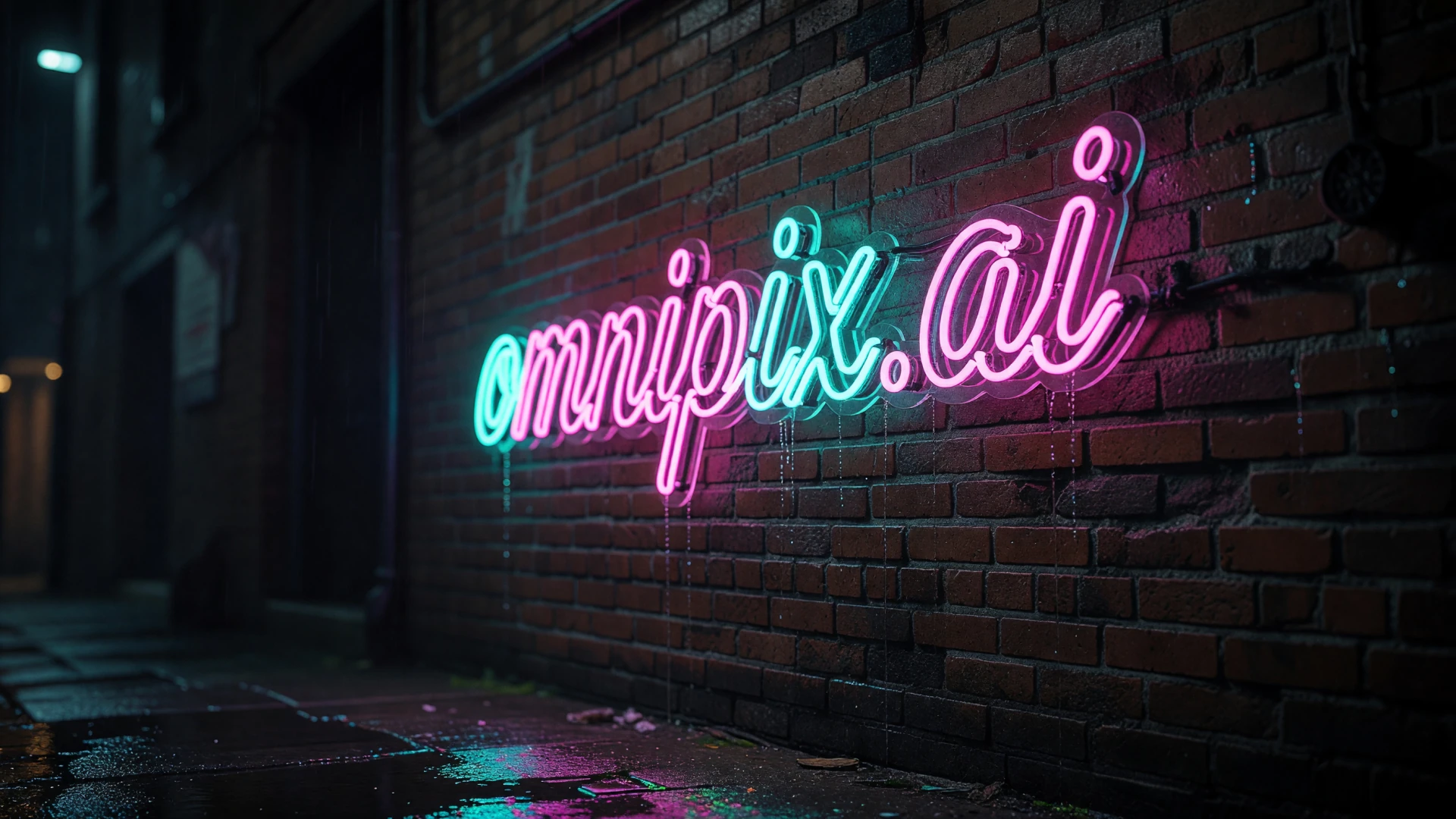
A colorful Omnipix neon sign on brick

Parameters

Prompt

Required

Aspect Ratio

Optional
  • 1:1

  • 16:9

  • 9:16

  • 4:3

  • 3:4

  • 3:2

  • 2:3

  • 2:1

  • 1:2

  • 19.5:9

  • 9:19.5

  • 20:9

  • 9:20

  • auto

Resolution

Optional
  • 1k

  • 2k

N

Optional

Reference Images

Optional
Imagine Image QualityAvailable

Imagine Image Quality

Grok Imagine Image Quality supports prompt-based generation and natural-language edits at selectable 1K or 2K resolution. It can use up to three source images for compositing subjects, transferring style, or building a scene. Choose it when final resolution matters and inspect reference consistency after multi-image edits.

Properties

  • Supports generation and editing at 1K or 2K.
  • Supports multi-image editing with up to three source images.

How to use this model

  1. 1

    Write a complete prompt or a narrowly scoped edit instruction.

  2. 2

    Add up to the supported references and identify subject, style, or composition roles.

  3. 3

    Choose aspect ratio, 1K or 2K resolution, and output count.

  4. 4

    State which parts of source images must not change.

  5. 5

    Review fine detail, identity, and seams between combined references at full size.

Examples

Example output from Imagine Image Quality

Parameters

Prompt

Required

Aspect Ratio

Optional
  • 1:1

  • 16:9

  • 9:16

  • 4:3

  • 3:4

  • 3:2

  • 2:3

  • 2:1

  • 1:2

  • 19.5:9

  • 9:19.5

  • 20:9

  • 9:20

  • auto

Resolution

Optional
  • 1k

  • 2k

N

Optional

Reference Images

Optional