Topaz Adjust Lighting 2
Adjust Lighting 2 improves underexposed or overexposed images by redistributing exposure, highlights, and shadows according to image context. It is a lighting correction model, not a white-balance or colorization tool, so use the dedicated variants for those tasks.
Properties
- Targets exposure, highlight, and shadow correction.
- Improves extreme under- and over-exposure more directly than the earlier Adjust model.
Best for
- Automatically adjusts exposure and contrast for balanced results
- Improves highlight and shadow detail without harsh transitions
- Second-generation lighting correction with improved tonal handling
Tips
- Intelligent exposure correction
How to use this model
- 1
Upload the least-processed source so clipped and recoverable tones are easier to distinguish.
- 2
Start with exposure, then adjust highlights and shadows separately.
- 3
Use restrained values where faces or bright product surfaces are present.
- 4
Check gradients, skin, windows, lamps, and deep shadows for clipping or halos.
Examples
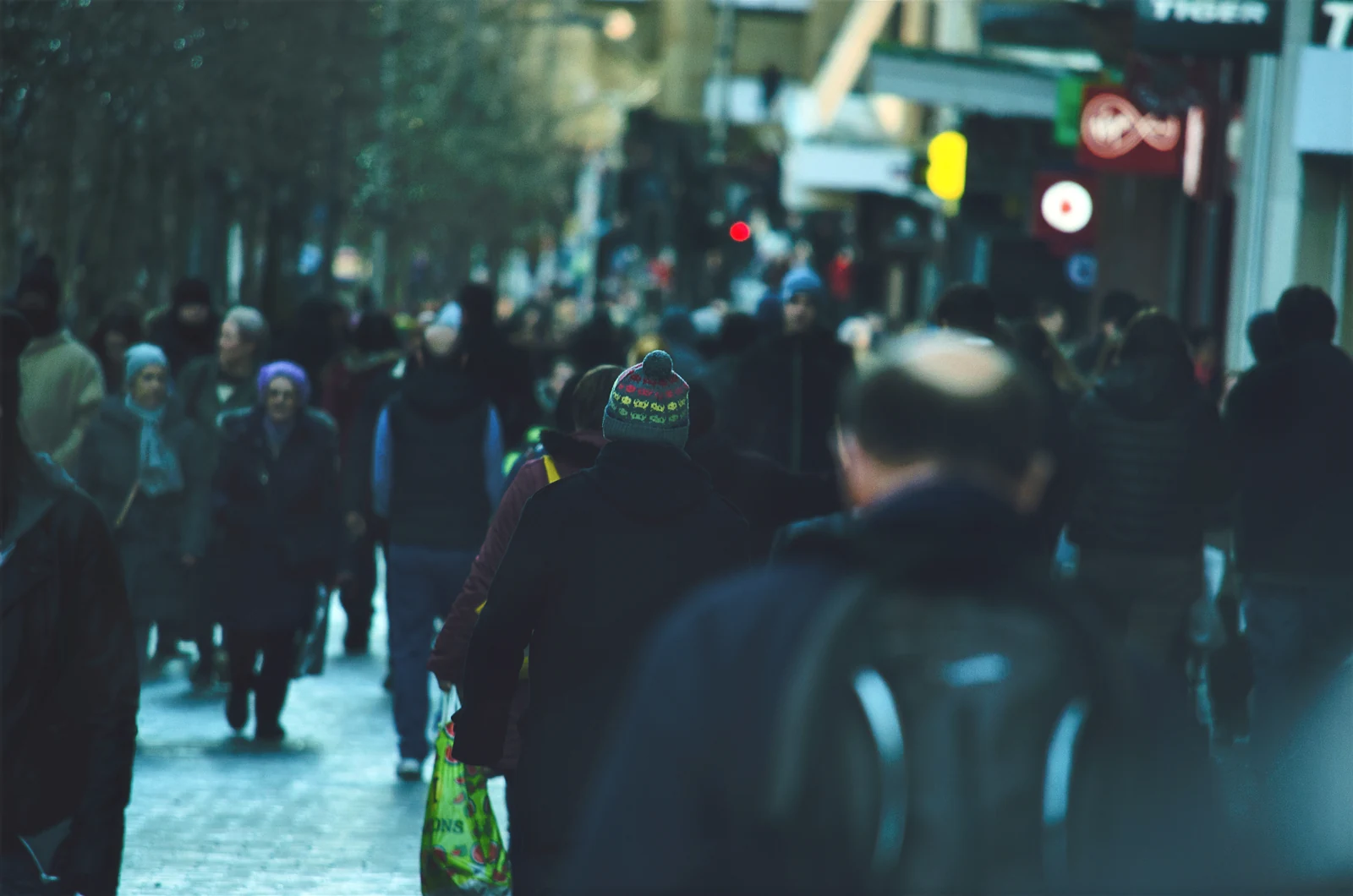
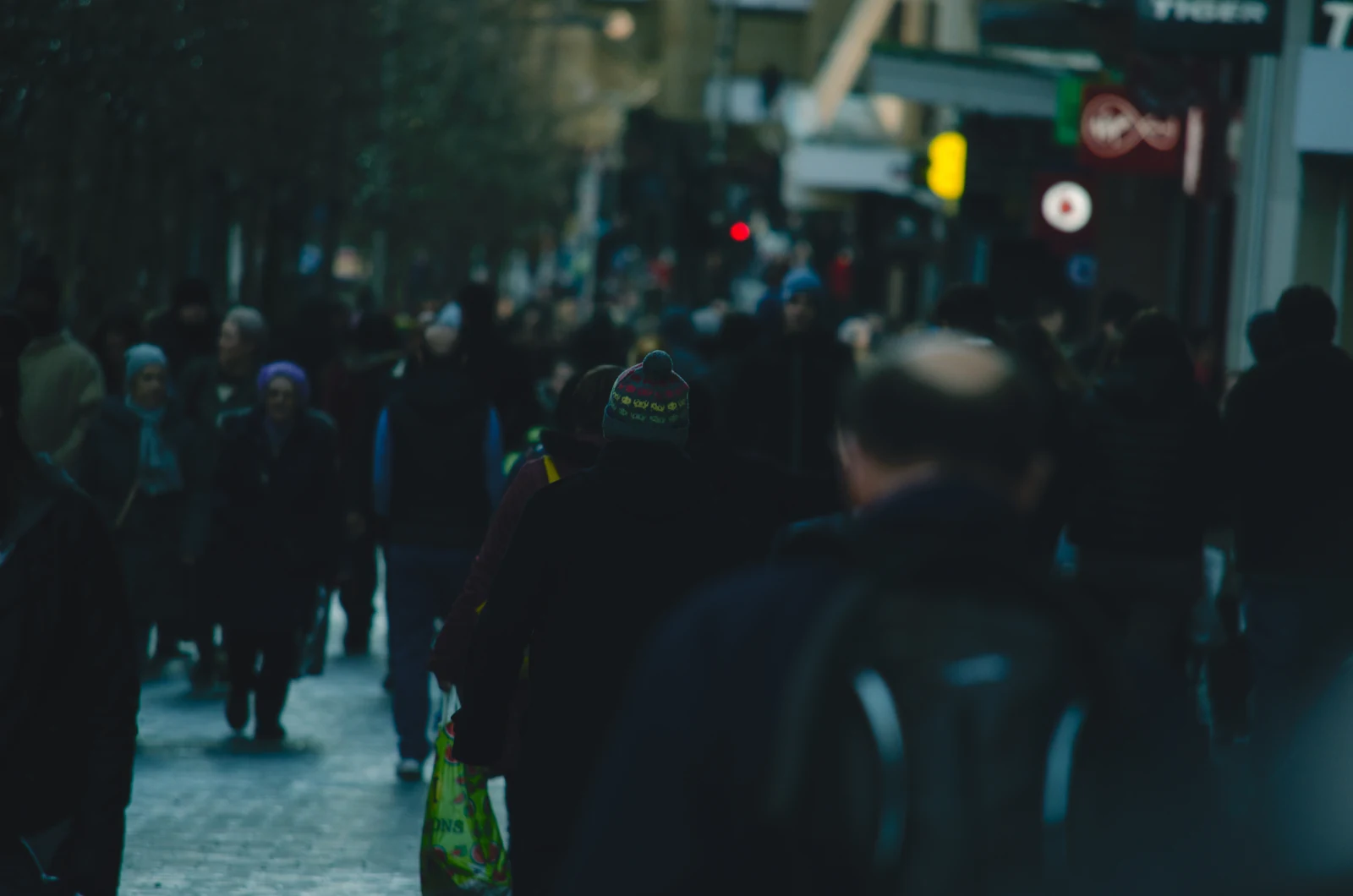
Parameters
LAB Blend Alpha
lab_blend_alphaControls LAB blend alpha. Defaults to 0.6 if omitted.
Lighting
lightingControls lighting adjustment. Defaults to 1.0 if omitted.
Color Correction
color_correctionAdjusts the vibrance.
Exposure
exposureAdjusts the exposure.
Highlight
highlightAdjusts prominence of highlights.
Shadow
shadowAdjusts prominence of shadows.
Temperature
temperatureAdjusts overall warmth.
Opacity
opacityAdjusts opacity strength.
Saturation
saturationAdjusts saturation. Defaults to 0.2 if omitted.
Output Format
output_formatThe desired format of the output image.
jpg
png
tif
Image
imageSource image