HeyGen

HeyGen Avatar Creation

Photo Avatar creates a reusable HeyGen identity from one image and a name. Creation is asynchronous, so keep the submitted name, wait for the resulting look to complete, and check its supported Avatar III and Avatar IV engines before generating video.

How to use this model

  1. 1

    Use a recent, sharp image with one clearly visible face, even lighting, and minimal obstruction.

  2. 2

    Use only an image you are authorized to submit and turn into an avatar.

  3. 3

    Provide a clear name and upload the image.

  4. 4

    Submit the creation request and wait for processing to finish rather than starting duplicate requests.

  5. 5

    Confirm Avatar III or Avatar IV eligibility, then review appearance and motion in a short test video.

3Available

HeyGen Avatar Photo

Photo Avatar creates an avatar resource from a supplied image and name. A recent, high-resolution image with clear facial features, consistent lighting, and minimal background distraction gives the workflow a cleaner source. Review the completed avatar in a short video because a still preview cannot show motion quality.

Properties

  • Requires one image file and an avatar name.
  • Creates a reusable photo-avatar resource after processing.
  • Best evaluated with both the finished still appearance and a short motion test.

How to use this model

  1. 1

    Confirm authorization to submit the photo and create an avatar from it.

  2. 2

    Choose a recent, sharp image with clear facial features, even lighting, and little visual obstruction.

  3. 3

    Assign a clear name and upload the image.

  4. 4

    Wait for processing to complete and review the resulting avatar appearance.

  5. 5

    Generate a short test video to evaluate motion and consistency before broader use.
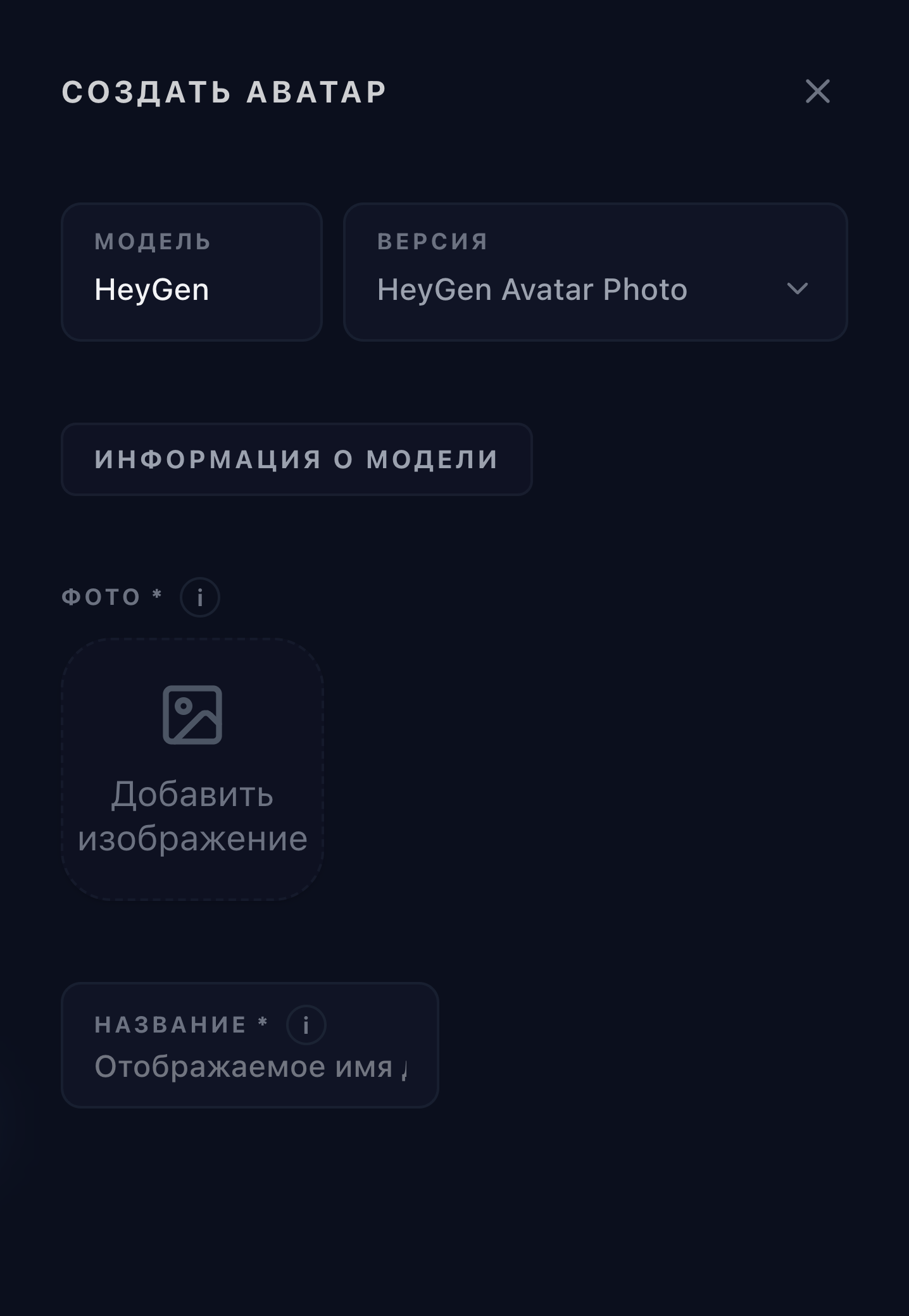
HeyGen Avatar Photo selected in the Omnipix avatar workspace

Examples

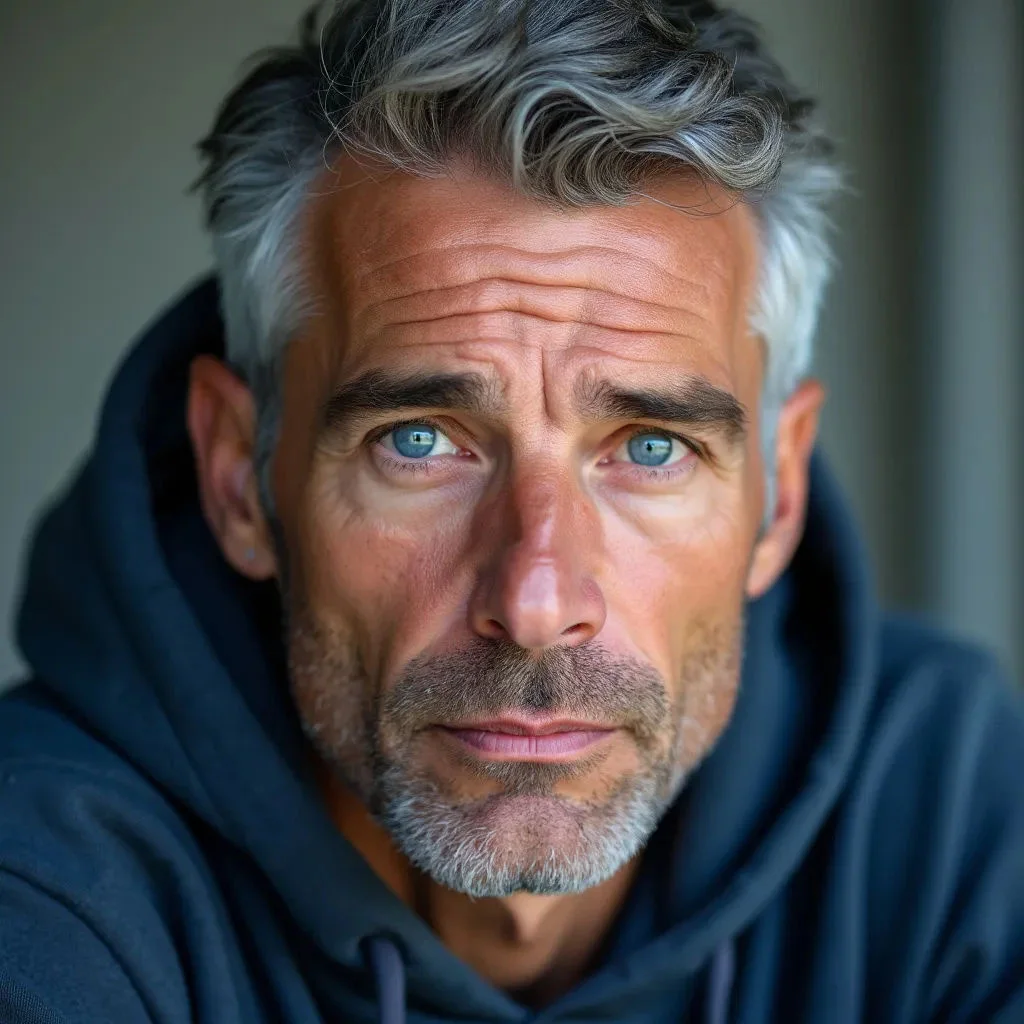
A close portrait prepared as a reusable photo avatar

Parameters

Name

Required

Display name for the avatar.

Photo

Required

Photo used to create the avatar.

3Retired

HeyGen Avatar Digital Twin

Digital Twin uses a named training-video file to create an avatar based on recorded footage rather than a single image or synthetic prompt. This catalog version is archived, so it should remain documented for existing direct links but not presented as a currently available creation path. HeyGen's current documentation describes separate training-footage and consent requirements; confirm the applicable workflow before preparing material.

Properties

  • Archived in the current Omnipix catalog.
  • Training-video-based avatar creation rather than prompt or still-image creation.
  • Current HeyGen guidance includes explicit training-footage and consent preparation.

How to use this model

  1. 1

    Treat this catalog entry as archived and use it only to understand an existing workflow or direct link.

  2. 2

    Consult the current HeyGen Digital Twin documentation before preparing footage.

  3. 3

    Use only authorized, clear training footage and satisfy the applicable consent requirements.

  4. 4

    If the workflow becomes available again, submit the named video and wait for asynchronous processing.

  5. 5

    Review the completed avatar and test it in a short video before production use.

Parameters

Name

Required

Display name for the avatar.

Training Video

Required

Training video footage for the digital twin.

3Retired

HeyGen Avatar Prompt

Prompt Avatar creates a new synthetic avatar identity from a name and visual description. Optional reference images can guide the appearance without changing the basic prompt-led workflow. Describe framing, wardrobe, setting, and visual style clearly, then review the completed avatar for consistency before generating video.

Properties

  • Prompt-led synthetic avatar creation.
  • Requires a name and prompt; accepts optional reference images.
  • Produces a reusable avatar resource after asynchronous processing.

How to use this model

  1. 1

    Choose a clear avatar name.

  2. 2

    Describe the subject, framing, wardrobe, setting, lighting, and visual style.

  3. 3

    Add optional reference images only when they materially clarify the intended appearance.

  4. 4

    Submit the request and wait for avatar processing to complete.

  5. 5

    Review the finished identity and test it in a short avatar video.

Examples

A bohemian studio portrait generated from a character description

Parameters

Name

Required

Display name for the avatar.

Prompt

Required

Text description of the avatar's appearance and setting.

Reference Images

Optional

Optional reference images to guide generation.