Topaz Background RemovalAvailable
Topaz Background Removal
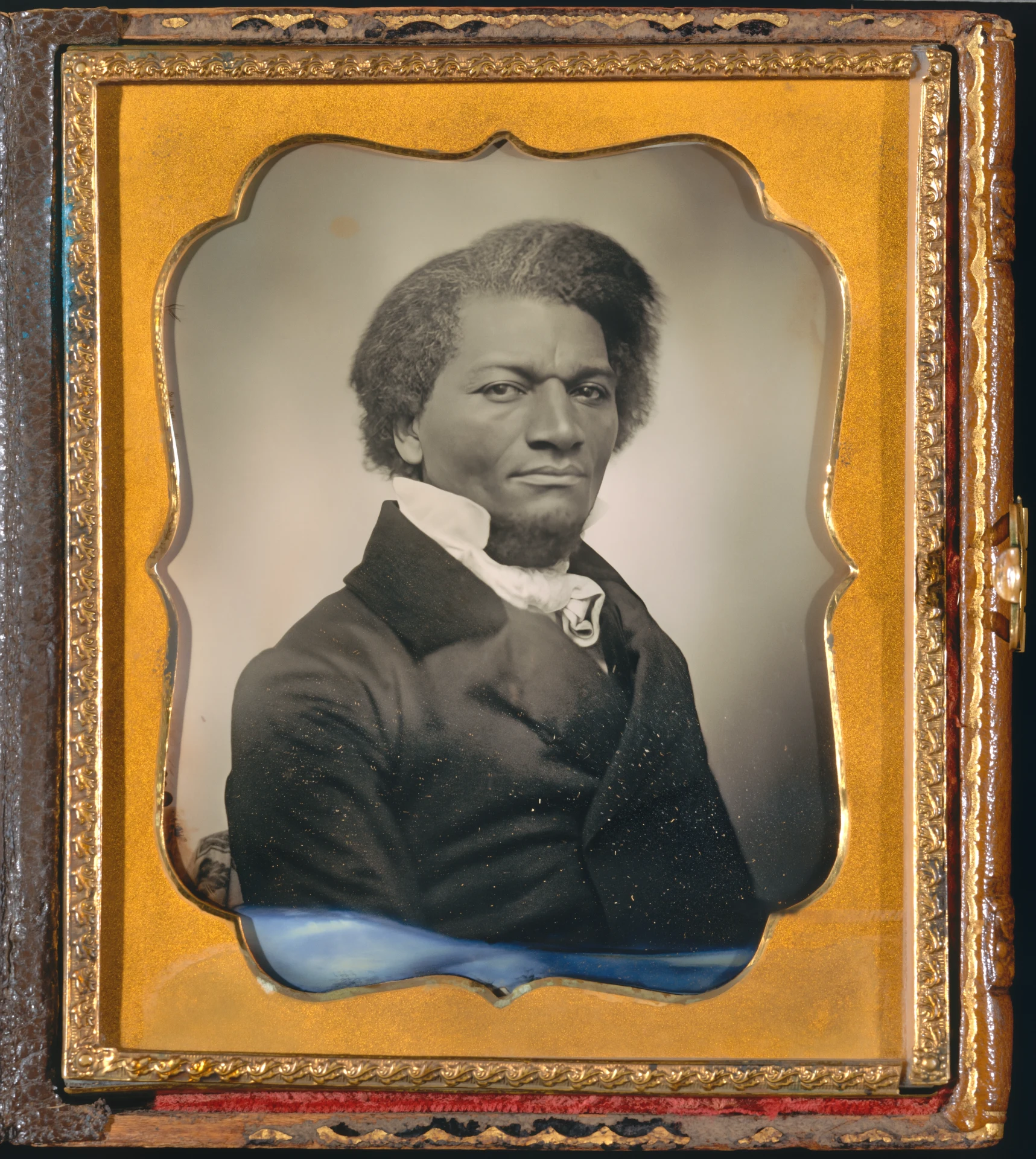
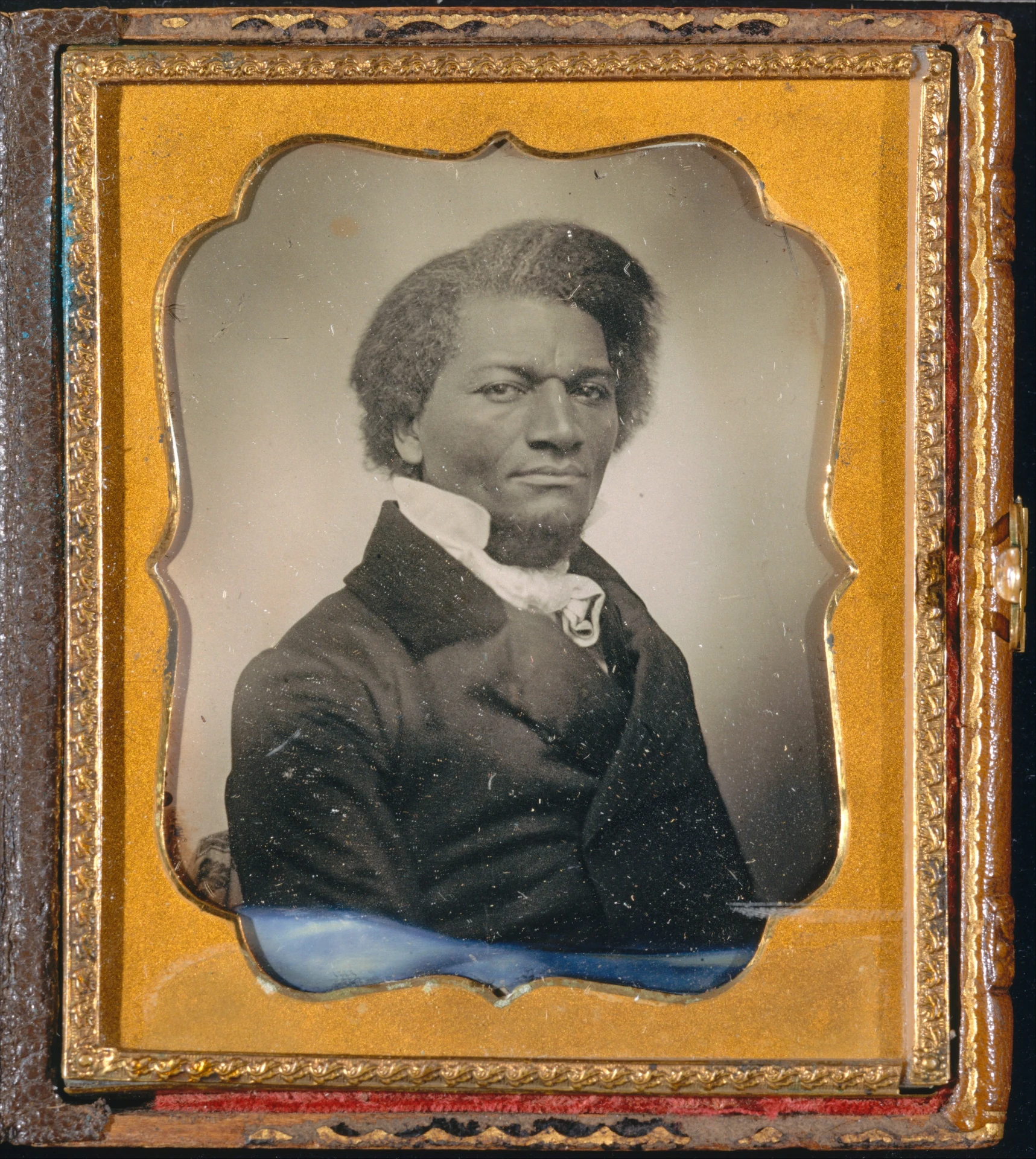
Background Removal segments the main subject and preserves its edge for compositing on another background. Hair, fur, translucent materials, motion blur, internal gaps, and contact shadows are the areas most likely to need inspection.
Properties
- Produces foreground isolation for transparency or masking.
- Best results depend on clear subject boundaries.
Best for
- Accurately separates subjects from backgrounds with clean edge detail
- Outputs transparent background images and reusable masks
- Useful for product photography, e-commerce, and compositing workflows
Tips
- Remove backgrounds from images
How to use this model
- 1
Upload an image with enough contrast between subject and background.
- 2
Choose the transparent result or mask required by the next workflow.
- 3
Inspect hair, fur, glass, fabric gaps, and contact shadows on contrasting backgrounds.
- 4
Refine or composite-test the edge before using it in final artwork.
Parameters
Mode
modeOutput mode. Alpha provides the binary mask of the object; segmentation provides the cropped object as an RGBA output. Defaults to segmentation if omitted.
alpha
segmentation
Output Format
output_formatThe desired format of the output image.
png
Image
imageSource image