Gemini Omni Flash
Omni Flash accepts text, images, and short video context and returns a 3–10 second 720p clip with native audio. Follow-up edit instructions should identify both the requested change and the elements to preserve.
Properties
- Inputs: text, image, and video context; output: 720p video at 24 FPS.
- Supported output duration: 3–10 seconds.
How to use this model
- 1
Provide the prompt and any image or video context required for the shot.
- 2
Describe camera, action, lighting, mood, and audio explicitly.
- 3
Select portrait or landscape output and a 3–10 second duration.
- 4
For edits, name what changes and what remains unchanged.
Examples
Parameters
Prompt
promptText prompt describing the generated video.
Task
taskGeneration mode for Gemini Omni Flash.
Text to Video
Image to Video
Reference to Video
Video Editing
Duration
durationRequested output duration in seconds.
Resolution
resolutionResolution of the output video.
720p
Aspect Ratio
aspect_ratioAspect ratio of the output video.
16:9
9:16
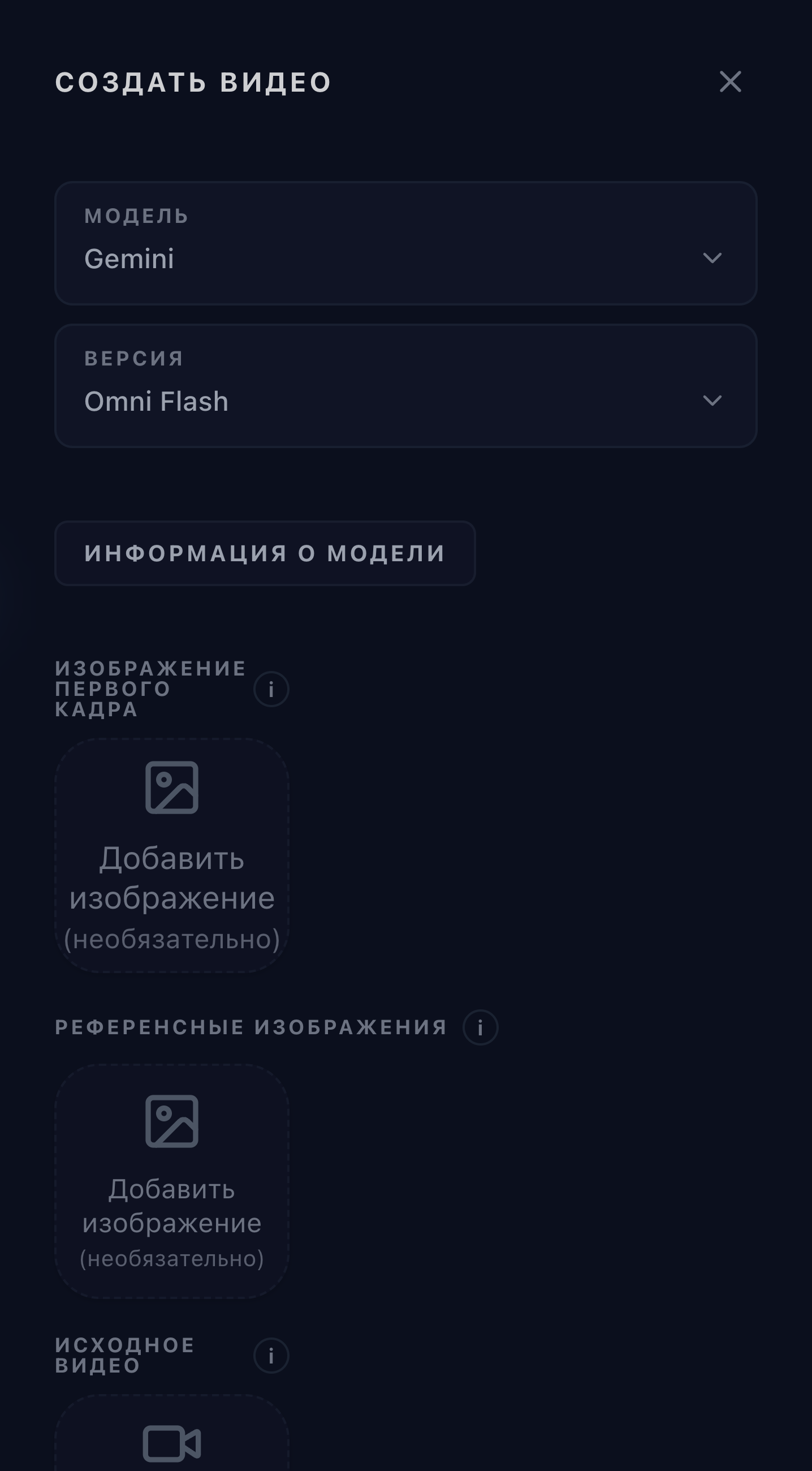
First Frame Image
first_frame_imageInput image to use as the starting frame when task is image_to_video.
Reference Images
reference_imagesOptional reference images for generation or editing. Refer to them in the prompt as <IMAGE_REF_0>, <IMAGE_REF_1>, etc. Maximum 6 images.
Source Video
source_videoVideo to edit with the prompt.